
Convert Census Records to Excel
Upload a handwritten census page, household schedule, enumeration sheet, or genealogy record and turn it into an editable Excel table with names, ages, relationships, birthplaces, occupations, and notes.
The Challenges of Handwritten Census Records
Census Pages Are Hard to Analyze When They Stay on Paper
Census records often contain dense household rows, cramped handwriting, repeated columns, abbreviations, and faded entries. Our AI helps turn those pages into clean spreadsheet data you can review, search, sort, and compare.
Names and Relationships Are Easy to Misread
Household members may be written in cramped rows with abbreviations, initials, corrections, and old spelling variations that make manual entry slow.
Every Field Needs the Right Column
A birthplace, age, occupation, or relationship only makes sense when it stays connected to the correct person and household row.
Old Scans Can Be Difficult
Census images may include faded ink, bleed through, page curves, low contrast, skewed scans, cropped columns, and handwritten marks from different clerks.
What you can extract
Key Details Hidden in Handwritten Census Records
Turn Census Schedules into Spreadsheet
Convert handwritten household schedules into editable rows for names, ages, relationships, sex, marital status, birthplaces, occupations, and remarks.
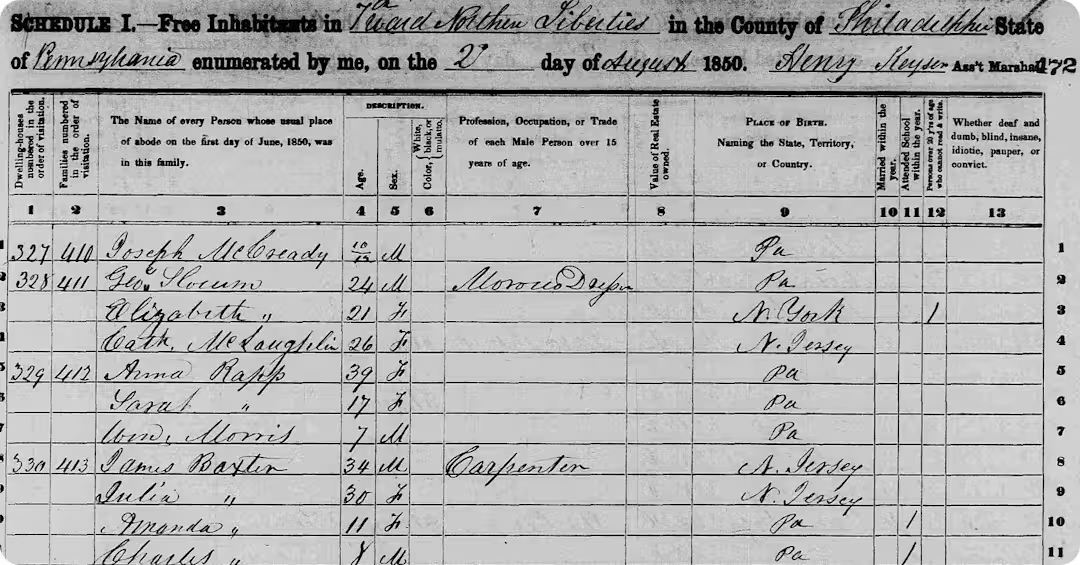
Organize Names, Ages, and Family Links
Extract family members, household roles, dates, locations, occupations, and notes so you can search records and compare clues across your family tree.
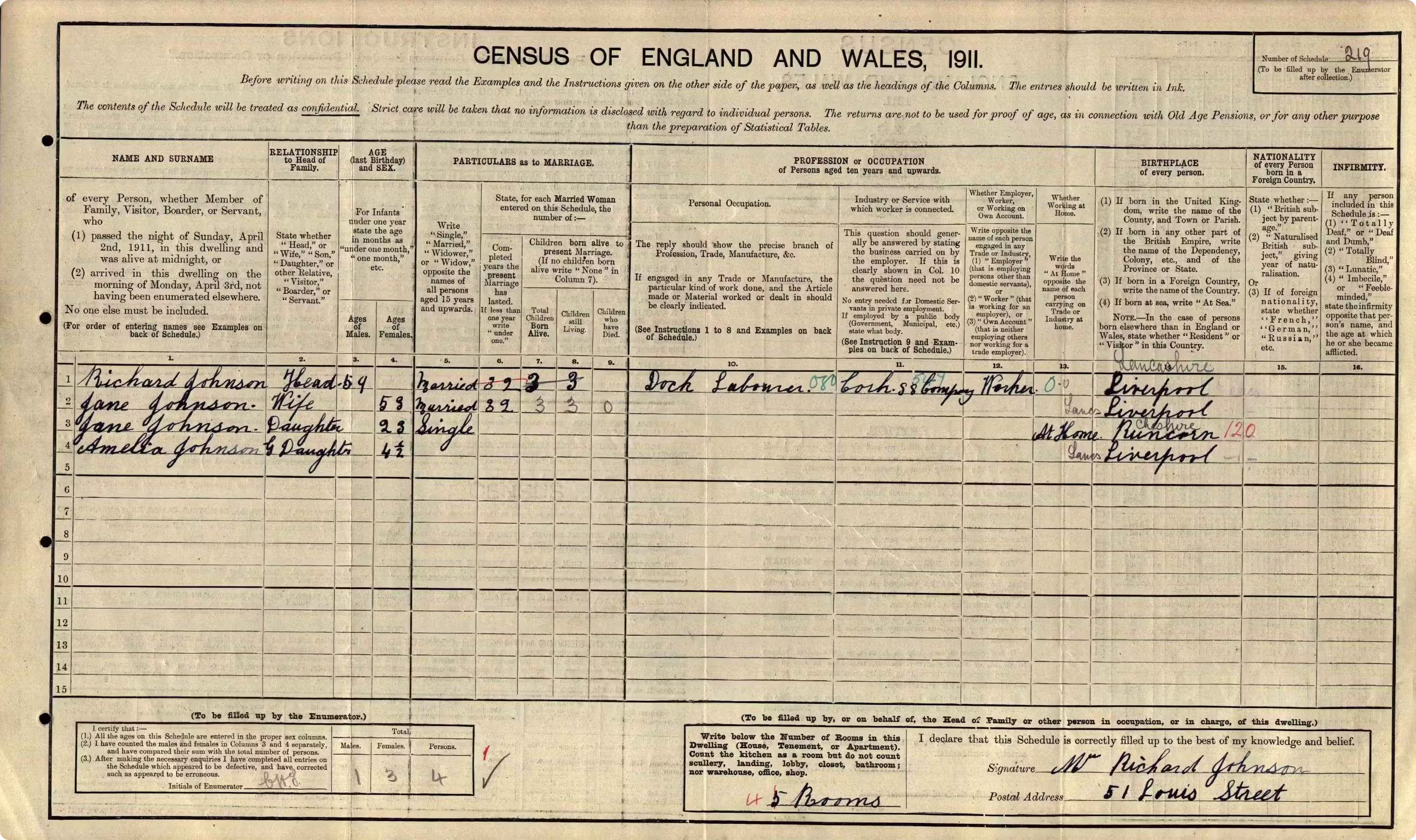
Digitize Old Census Pages for Research
Convert old census scans, enumeration sheets, register pages, and name lists into clean table data for Excel, Google Sheets, or CSV workflows.
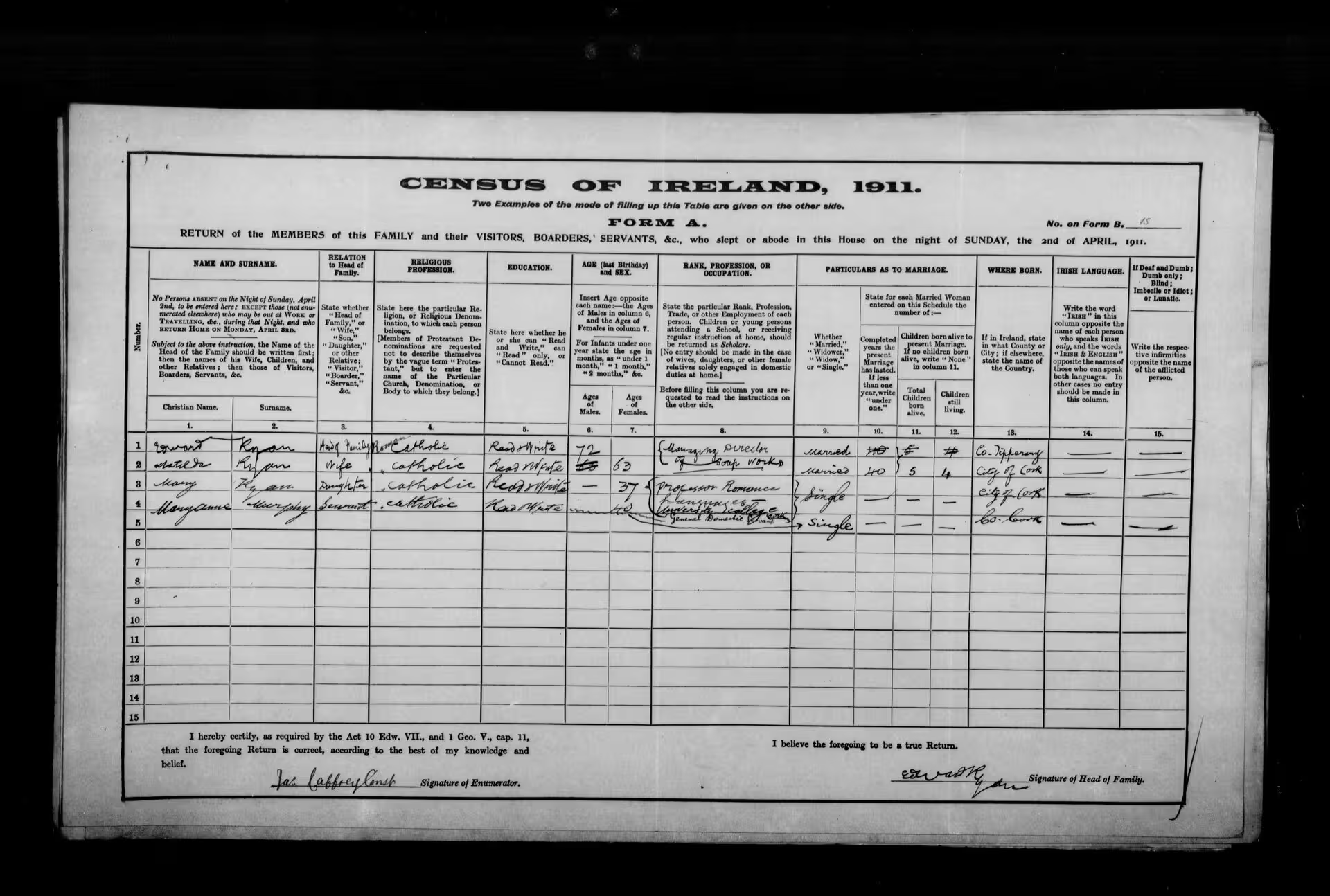
How it works
Convert Census Records in 3 Simple Steps
Upload your census page, let AI extract the table, then export the result to Excel or CSV.
Try it now01
Upload Your Record
Add a phone photo, scan, screenshot, or image file of a handwritten census page or household schedule.
02
Extract the Table
Our AI reads the handwriting and detects household rows, person fields, column labels, names, ages, and notes.
03
Review and Export
Check the extracted census table, make edits if needed, then download it as Excel or CSV.
Use Cases
Census Records You Can Turn into Excel
Convert scanned, photographed, or handwritten census pages into structured spreadsheet data for research, indexing, and archive work.
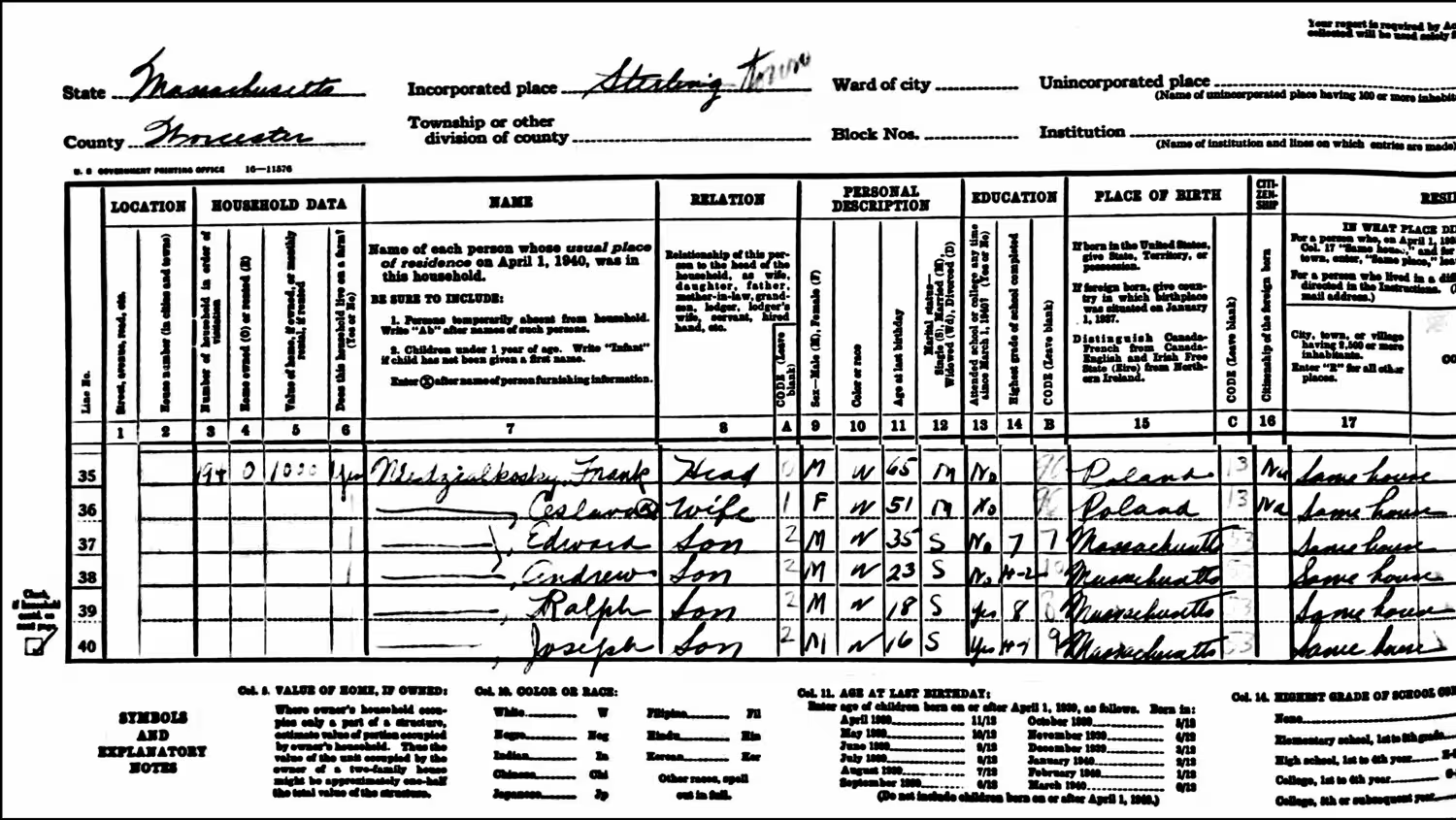
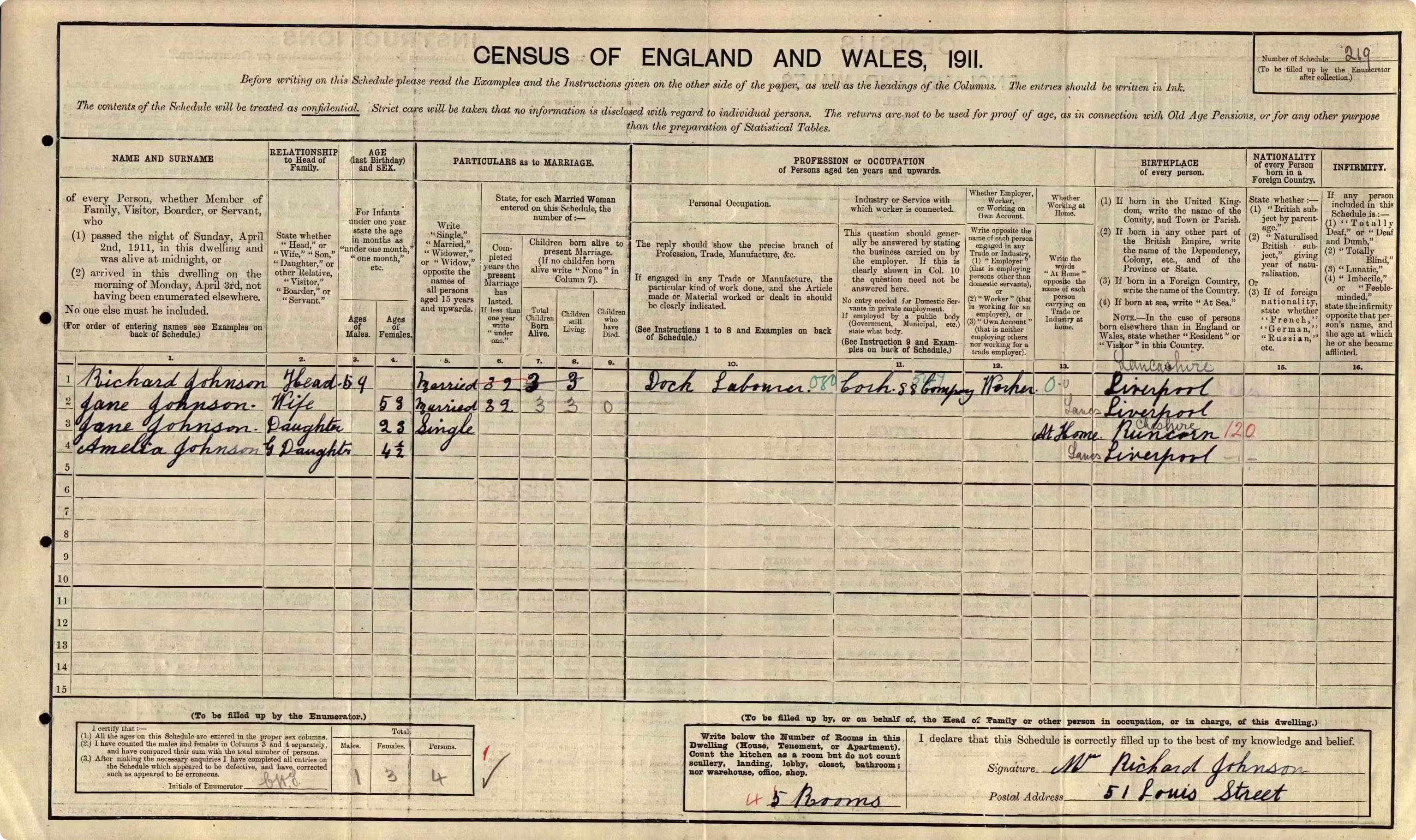
Household Census Pages
Extract each person in a household into separate Excel rows, including names, ages, relationships, birthplaces, occupations, and other census fields.
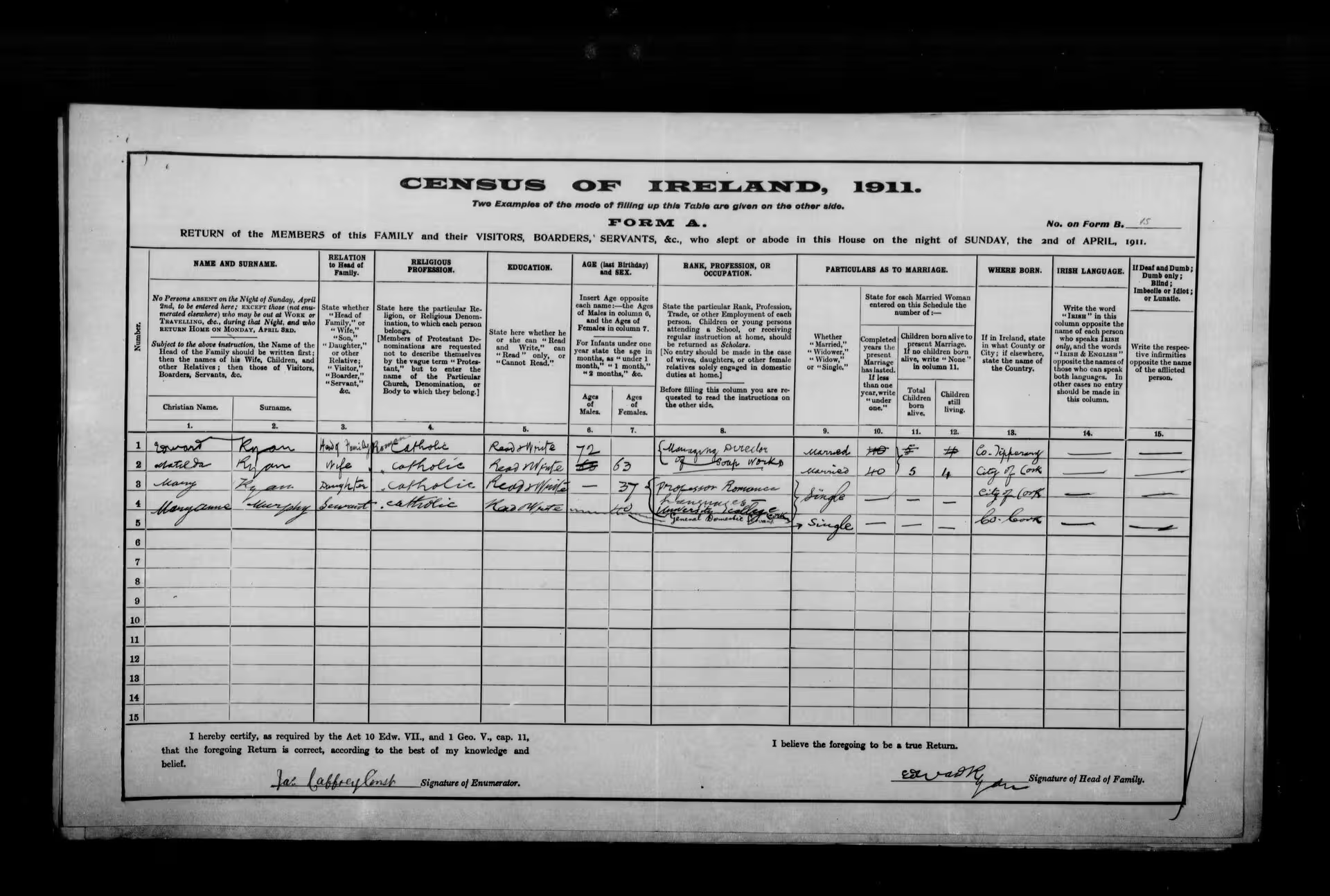
Enumeration District Records
Turn district-level census sheets, ward records, village lists, and local population schedules into organized spreadsheet columns.
Historical Population Lists
Convert old population lists, resident registers, and community census records into editable data for searching, sorting, and review.
Explore More
Related Table Extraction Tools
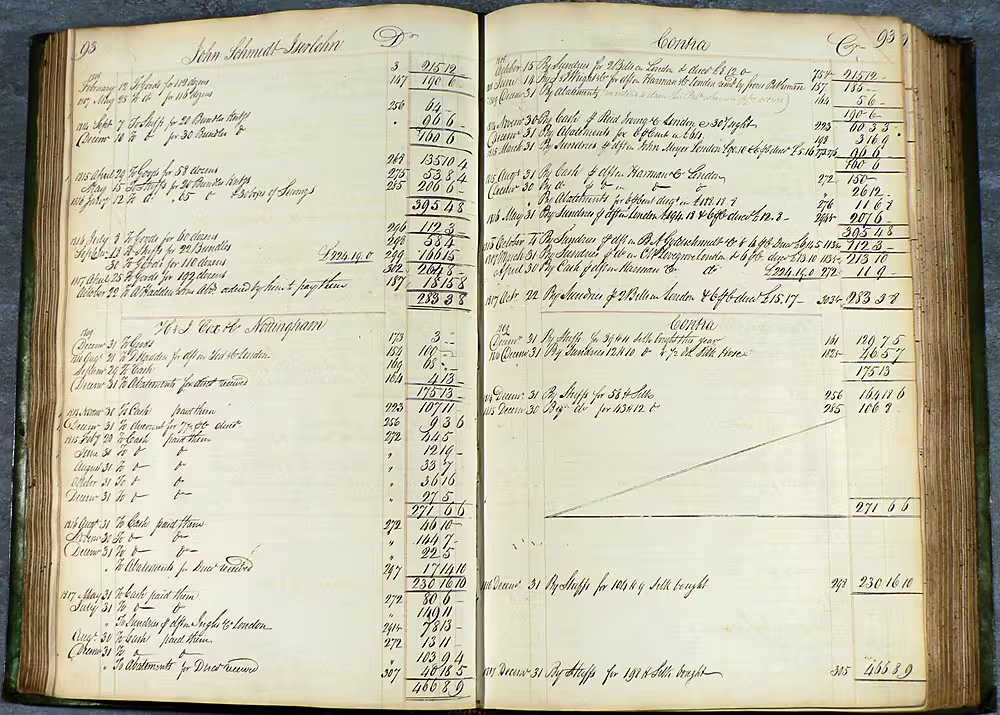
Choose a focused converter when your handwritten page follows a specific record type.

Blog
From the Blog

How to Read Census Records
Learn how to read handwritten census records, understand household schedules, and extract names, ages, relationships, birthplaces, and occupations.
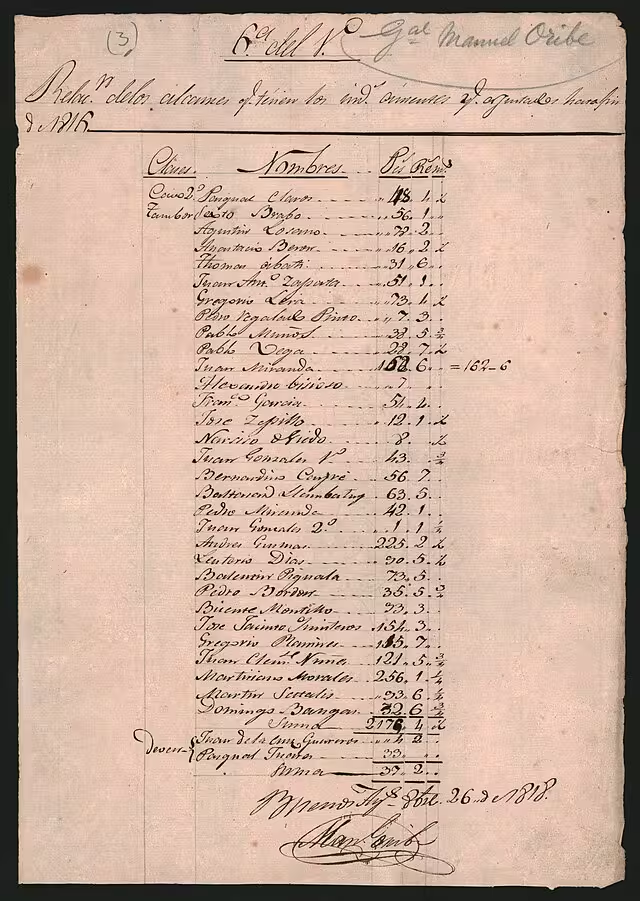
How to Convert Handwritten Tables to Excel
Learn how to convert handwritten tables, notes, forms, and records into editable Excel or CSV spreadsheets with AI table extraction.
How to Extract Handwritten Text from an Image
Upload a photo or scan and extract handwritten text in seconds. Step-by-step guide plus tips to improve OCR accuracy for messy notes and cursive.
How to Read Bad Handwriting
Bad handwriting can be a frustrating barrier to information. Learn how to convert bad handwriting to editable text with AI.
Frequently asked questions
You can upload household schedules, enumeration sheets, handwritten name lists, population registers, census scans, and other genealogy records saved as images or PDFs.
Yes. You can upload a phone photo, scan, screenshot, or image file. Keep the full table visible and avoid strong shadows for better extraction.
Yes. The tool can extract names, ages, relationships, birthplaces, occupations, household details, notes, and other repeated census fields when they are visible on the page.
The tool is designed to preserve table structure so each person stays connected to the correct household row, column labels, and related details. You should still review the output before using it.
It can handle many handwritten census records, including old scans, uneven handwriting, abbreviations, and faded ink. Very unclear handwriting, cropped columns, or damaged pages may need manual correction.
You can export the extracted census table as an Excel .xlsx file or CSV file, depending on how you want to use the data.
Use a clear image or scan, keep the page flat, include all column headers, crop out unrelated background, and make sure names, ages, and household fields are readable.
Census Records to Excel
Turn census records into editable spreadsheets
Upload a handwritten census page, household schedule, or genealogy record and extract clean table data for Excel or CSV.