
PDF to LaTeX Converter
Upload PDF files, scanned documents, lecture handouts, or research papers and turn equations, text, and math content into editable LaTeX code you can copy into Overleaf or any TeX editor.
About This Tool
What Is PDF to LaTeX?
PDF to LaTeX is the process of converting math content from PDF files, scanned documents, lecture notes, and academic papers into structured LaTeX code. Instead of manually retyping equations from a PDF, you can upload the document and turn its math into editable LaTeX.
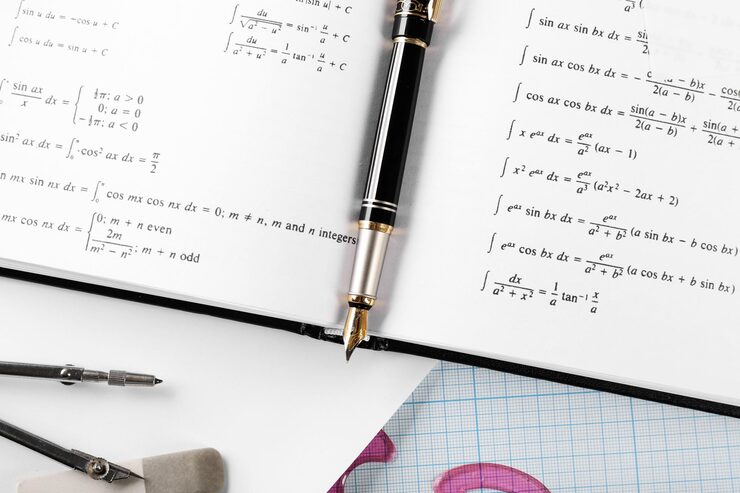
PDF Document Recognition
Upload scanned PDFs, lecture handouts, worksheets, textbook pages, academic papers, or technical documents that contain math.
Structured Math Output
Preserves mathematical structure such as fractions, exponents, subscripts, roots, integrals, matrices, and aligned equations.
Editable LaTeX Code
Generate LaTeX that you can copy, review, edit, and reuse in Overleaf, TeX editors, Markdown documents, and academic writing workflows.
Features
Why Use Our PDF to LaTeX Converter
Convert PDF Pages to LaTeX
Upload PDF pages that contain equations, formulas, technical notes, or academic material and convert them into editable LaTeX code.

Works with Scanned Documents
Convert scanned worksheets, printed pages, textbook scans, and image-based PDF files into structured LaTeX.
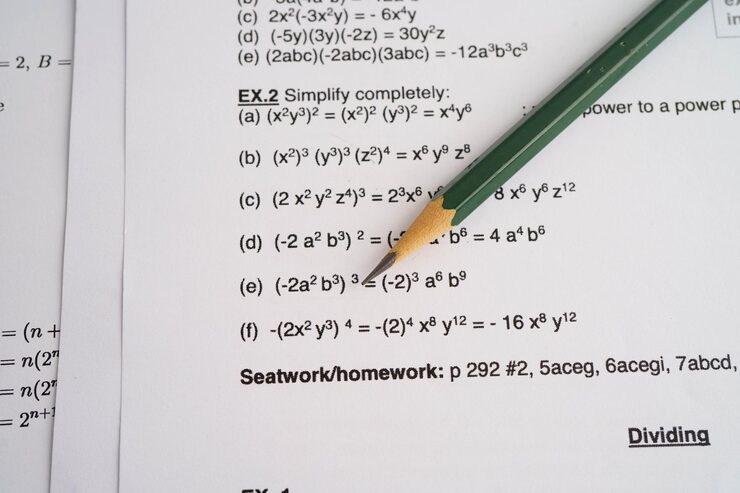
Extract Equations from Research PDFs
Recognize equations and technical notation from research papers, preprints, reports, and scientific documents.

Preserves Equation Layout
Mathematical meaning depends on layout. The converter interprets superscripts, subscripts, stacked fractions, matrices, roots, and aligned equations as structured LaTeX.
How it works
How to Convert a PDF to LaTeX
Upload your file, choose Math Converter, and export editable LaTeX code in three simple steps.
Try it for free01
Upload your file
Add an image, PDF, scan, screenshot, or photo that contains math equations, formulas, or technical notation.
02
Detect text, math, and layout
The converter analyzes PDF pages, recognizes mathematical notation, and preserves equation structure such as fractions, exponents, matrices, and aligned expressions.
03
Copy or export LaTeX
Review the generated LaTeX code, copy it into Overleaf or your TeX editor, or download it as a .tex or .txt file for later editing.
Use Cases
Use Cases for PDF to LaTeX
Convert math-heavy PDFs into editable LaTeX for study, teaching, research, and technical documentation.

Lecture Handouts
Convert PDF lecture notes, class handouts, and course materials into editable LaTeX for study, teaching, or reuse.

Research Papers
Extract equations and technical content from academic PDFs, papers, preprints, and research documents.
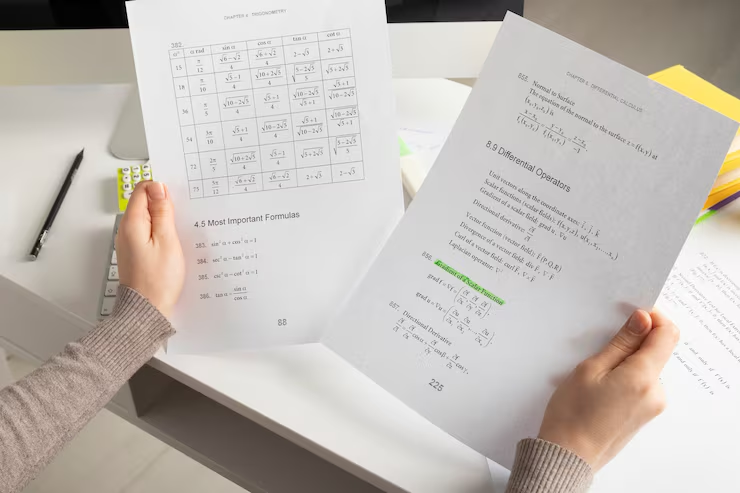
Scanned Documents
Turn scanned worksheets, printed notes, textbook pages, and image-based PDF files into structured LaTeX code.
Explore More
Related OCR Tools
Use related tools to convert images, handwritten math, PDFs, and scanned documents into editable formats.
Blog
From the Blog
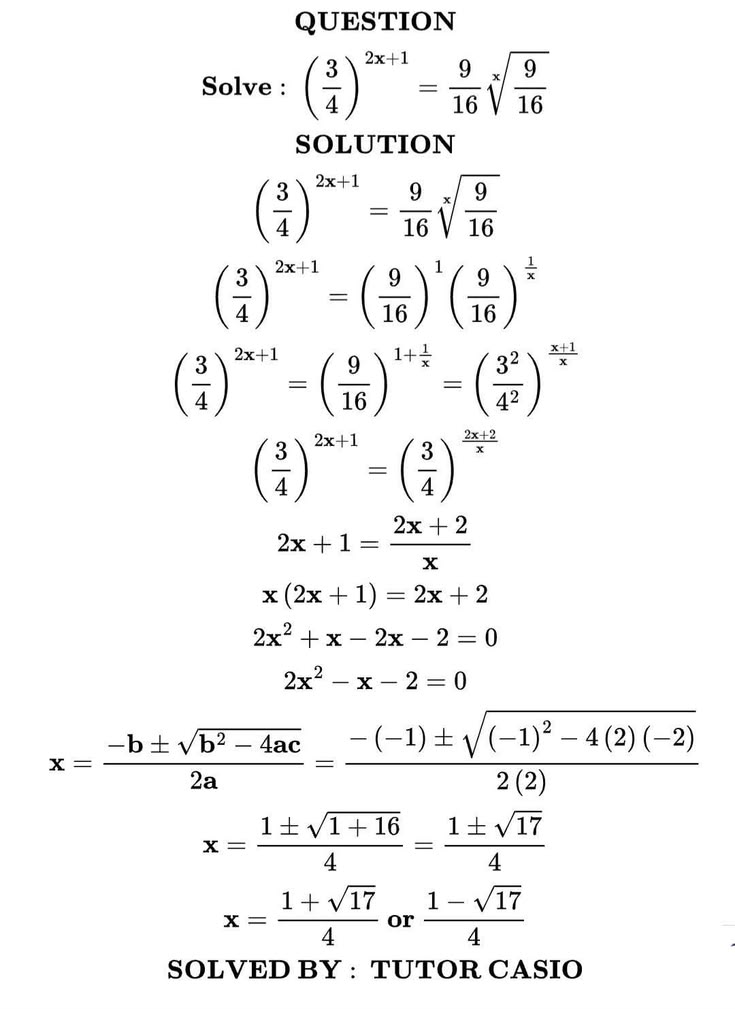
How to Convert Equations from a PDF to LaTeX
Learn how to convert equations and formulas from a PDF into editable LaTeX code for Overleaf, Markdown, or a TeX editor.
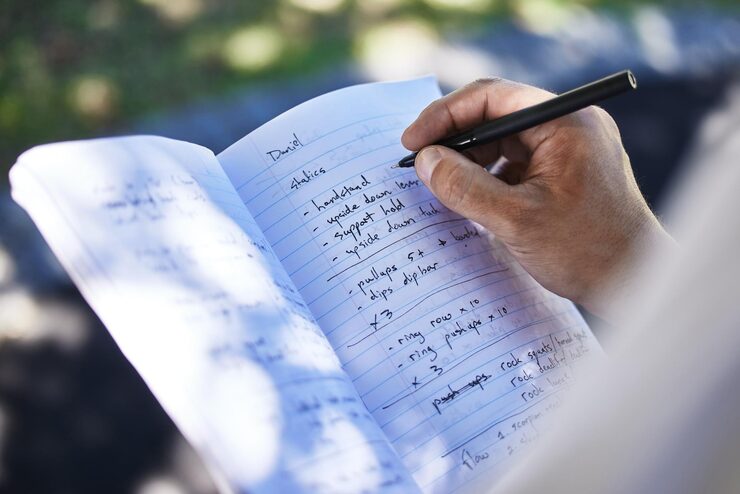
How to Convert Notes to LaTeX
Learn how to convert handwritten notes, class notes, lecture notes, and study notes into editable LaTeX, Markdown, or plain text.
How to Convert Image to LaTeX
Learn how to convert images, screenshots, photos, and scanned equations into editable LaTeX code and export results as .tex, .md, or .txt.
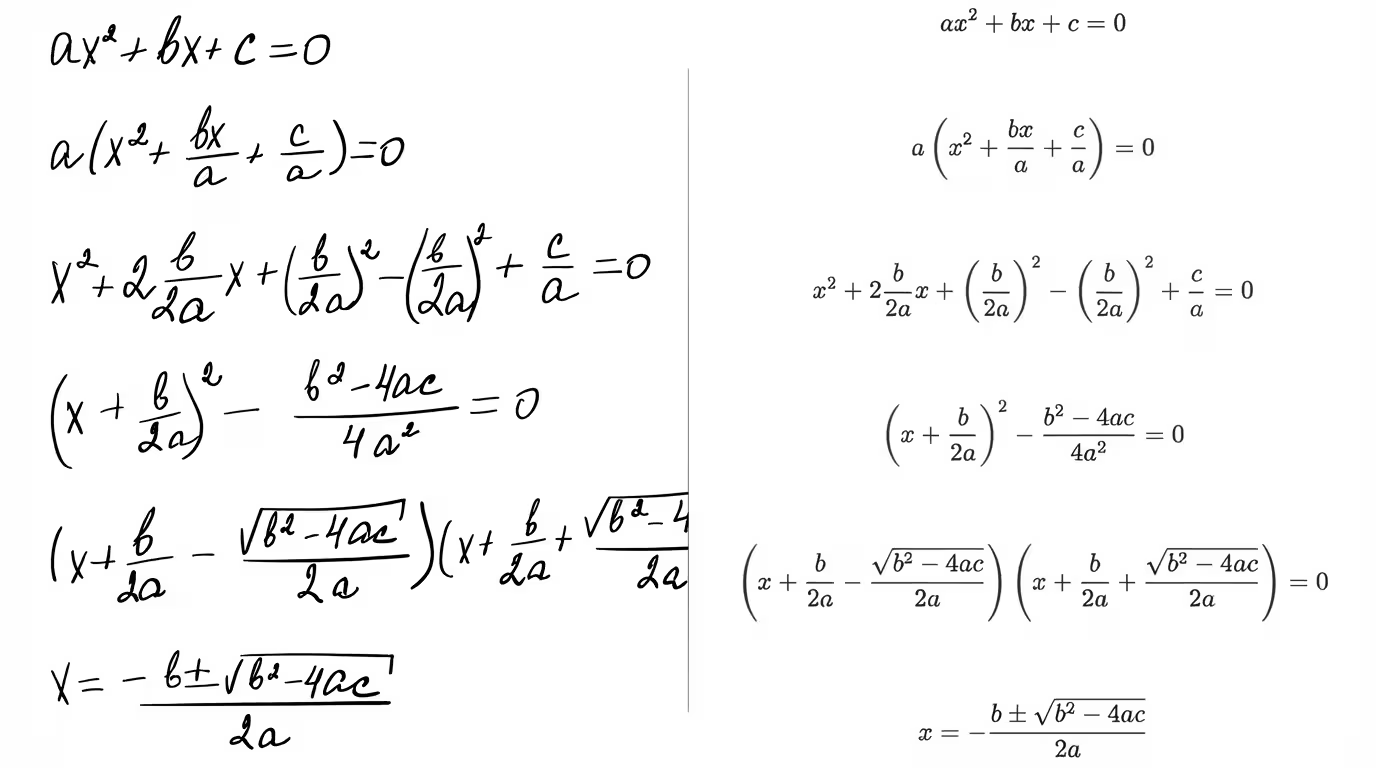
How to Convert Handwritten Math Notes to Editable Text
Convert handwritten math notes into editable text. Step-by-step guide plus tips to improve OCR accuracy for equations.
Frequently Asked Questions
Upload a PDF that contains math equations, formulas, or technical content. The converter analyzes the pages, detects text and mathematical structure, then generates editable LaTeX code you can copy or export.
Yes. You can upload scanned PDFs or image-based documents. Clear scans with high contrast and readable equations usually produce better LaTeX output.
Yes. The PDF to LaTeX converter can help extract equations and technical content from research papers, preprints, academic PDFs, and scientific documents. You should review the output before using it in final work.
Yes. You can convert PDF lecture notes, course handouts, worksheets, and study materials into editable LaTeX for Overleaf, TeX editors, or personal notes.
The converter is designed to preserve common mathematical structures such as fractions, roots, exponents, subscripts, integrals, summations, limits, matrices, and aligned equations.
Yes. PDF to LaTeX is designed for document-style inputs, including multi-page PDFs. For a single screenshot or photo, use the Image to LaTeX converter instead.
Yes. The generated LaTeX can be copied into Overleaf, TeXstudio, VS Code, Markdown editors with math support, or any LaTeX workflow.
PDF to LaTeX
Turn PDF documents into editable LaTeX
Upload a PDF, scanned document, lecture handout, or research paper and get clean LaTeX code you can copy into Overleaf.