
Convert Handwritten Notes to LaTeX
Upload handwritten equations, math homework, lecture notes, or notebook pages and turn them into clean, editable LaTeX code you can copy into Overleaf or any TeX editor.
About This Tool
What Is Handwriting to LaTeX?
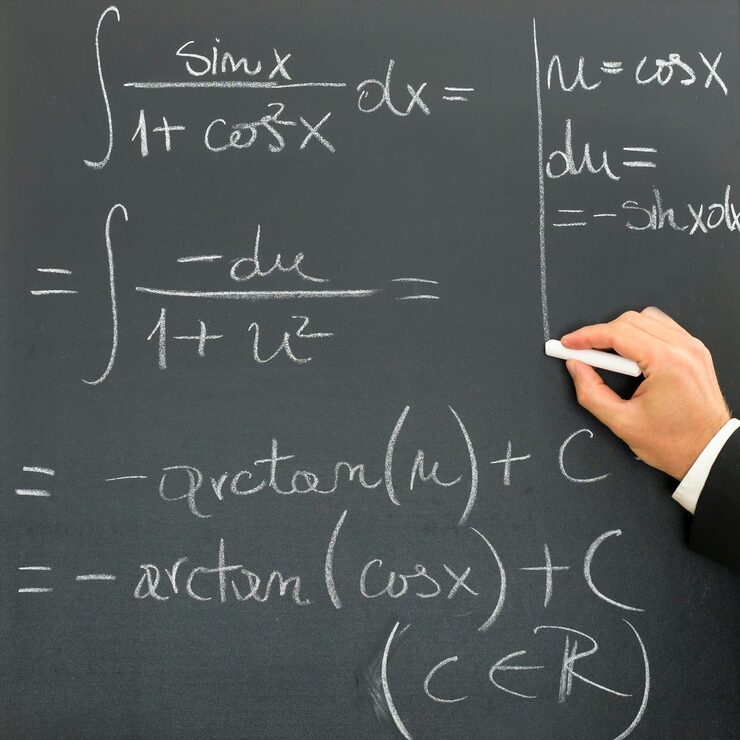
Handwriting to LaTeX is the process of converting handwritten math equations, symbols, formulas, and notes into structured LaTeX code. Instead of manually typing complex notation, you can upload a photo or scan and turn your handwritten work into editable LaTeX.
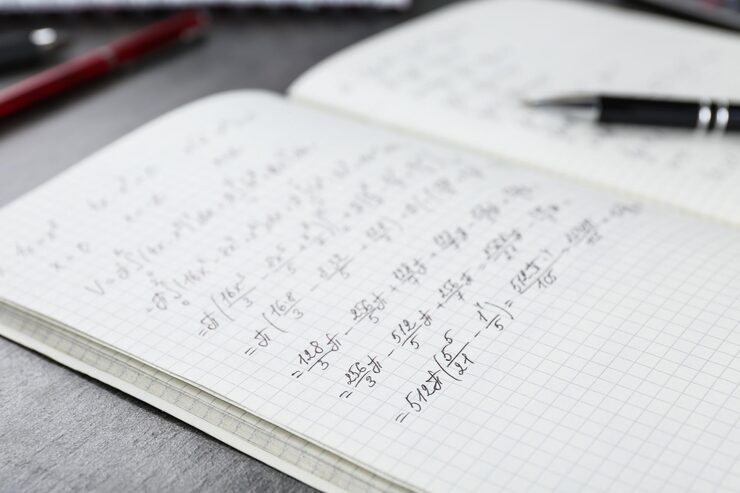
Handwritten Notes Recognition
Upload handwritten equations, notebook pages, lecture notes, homework, whiteboard photos, or scanned math notes.
Structured Math Output
Preserves mathematical structure such as fractions, exponents, subscripts, roots, integrals, matrices, and aligned equations.
Editable LaTeX Code
Generate LaTeX that you can copy, review, edit, and reuse in Overleaf, TeX editors, Markdown documents, and study materials.
Features
Why Use Our Handwriting to LaTeX Converter
Recognizes Handwritten Math Symbols
Detects handwritten operators, variables, Greek letters, fractions, roots, integrals, summations, limits, and other common mathematical notation.
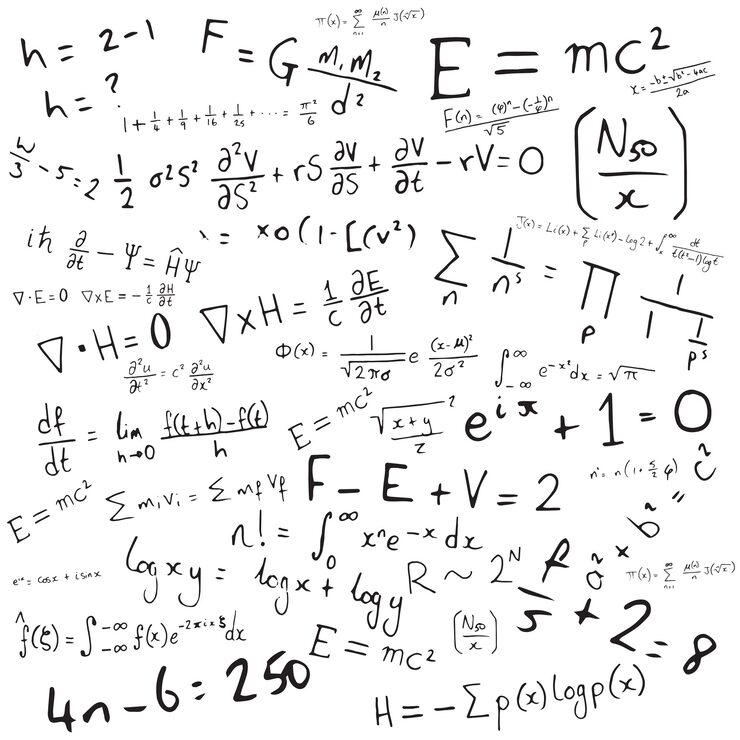
Understands Equation Layout
Mathematical meaning depends on position. The converter interprets superscripts, subscripts, stacked fractions, matrices, roots, and aligned equations as structured LaTeX.
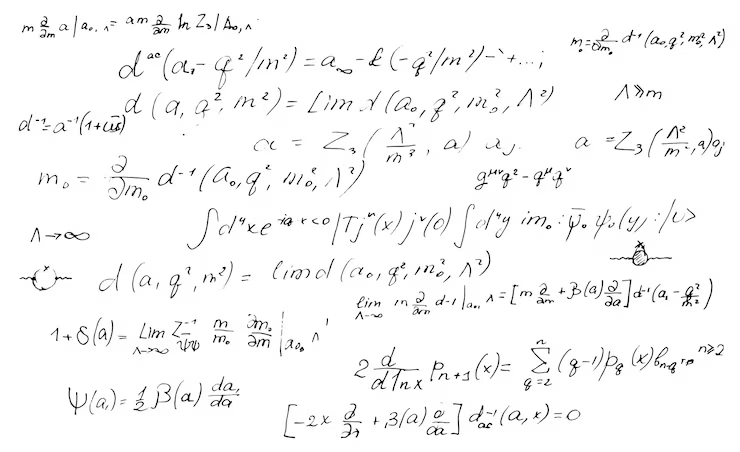
Works with Notebook Pages and Lecture Notes
Convert handwritten math notes that include equations, explanations, derivations, annotations, and multiple lines of work.
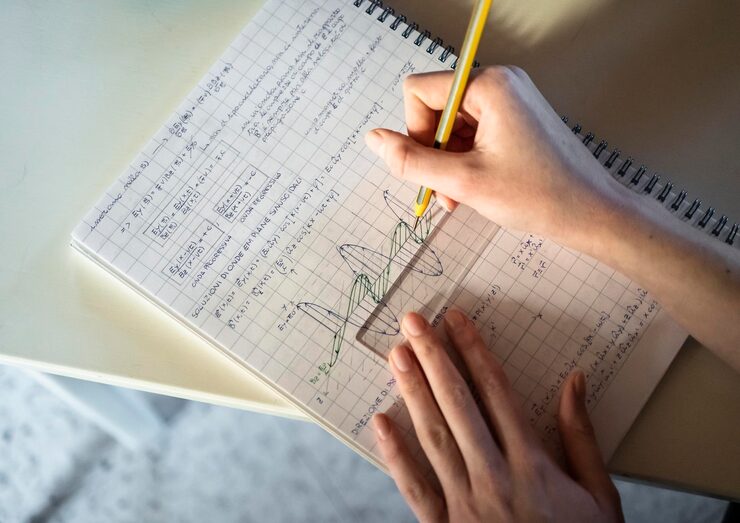
Supports Step-by-Step Derivations
Turn handwritten solutions, proofs, transformations, and multi-line calculations into LaTeX that is easier to edit and reuse.
How it works
How to Convert Math to LaTeX
Upload your file, choose Math Converter, and export editable LaTeX code in three simple steps.
Try it for free01
Upload your file
Add an image, PDF, scan, screenshot, or photo that contains math equations, formulas, or technical notation.
02
Recognize handwriting and structure
The converter detects handwritten symbols, math notation, fractions, exponents, matrices, and multi-line equation layouts.
03
Copy or export LaTeX
Review the generated LaTeX code, copy it into Overleaf or your TeX editor, or download it as a .tex or .txt file for later editing.
Use Cases
Use Cases for Handwriting to LaTeX
Convert handwritten math into editable LaTeX for homework, lecture notes, and technical writing.

Homework
Convert handwritten math assignments, solutions, and practice problems into clean LaTeX for digital submission, editing, or study.
Lecture Notes
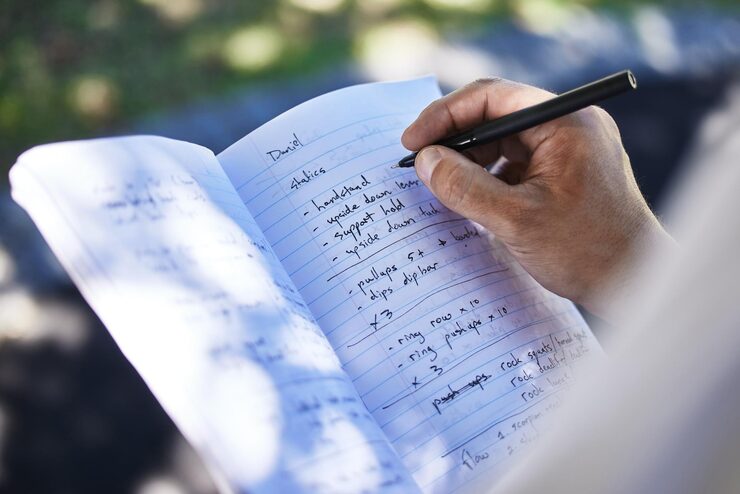
Turn class notes, board work, and notebook pages into reusable LaTeX study materials without retyping every equation by hand.
Research
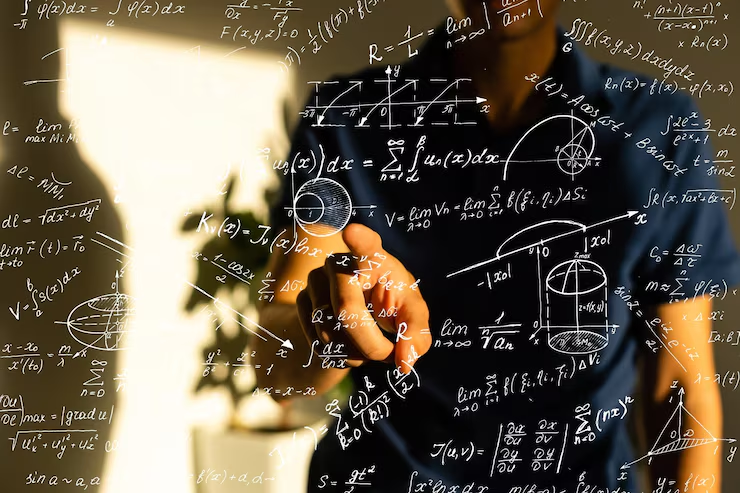
Convert handwritten derivations, formulas, lab calculations, and technical notes into editable LaTeX for reports, papers, or documentation.
Explore More
Related OCR Tools
Use related tools to convert images, PDFs, math equations, and handwritten content into editable formats.

Blog
From the Blog
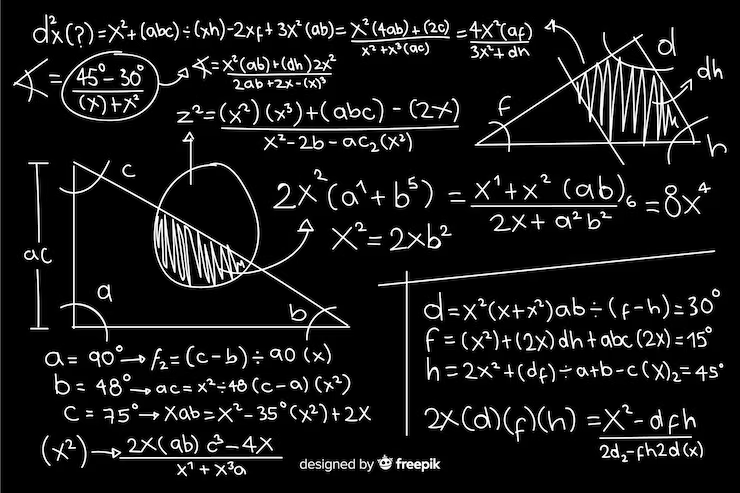
How to Convert Notes to LaTeX
Learn how to convert handwritten notes, class notes, lecture notes, and study notes into editable LaTeX, Markdown, or plain text.
How to Convert Image to LaTeX
Learn how to convert images, screenshots, photos, and scanned equations into editable LaTeX code and export results as .tex, .md, or .txt.
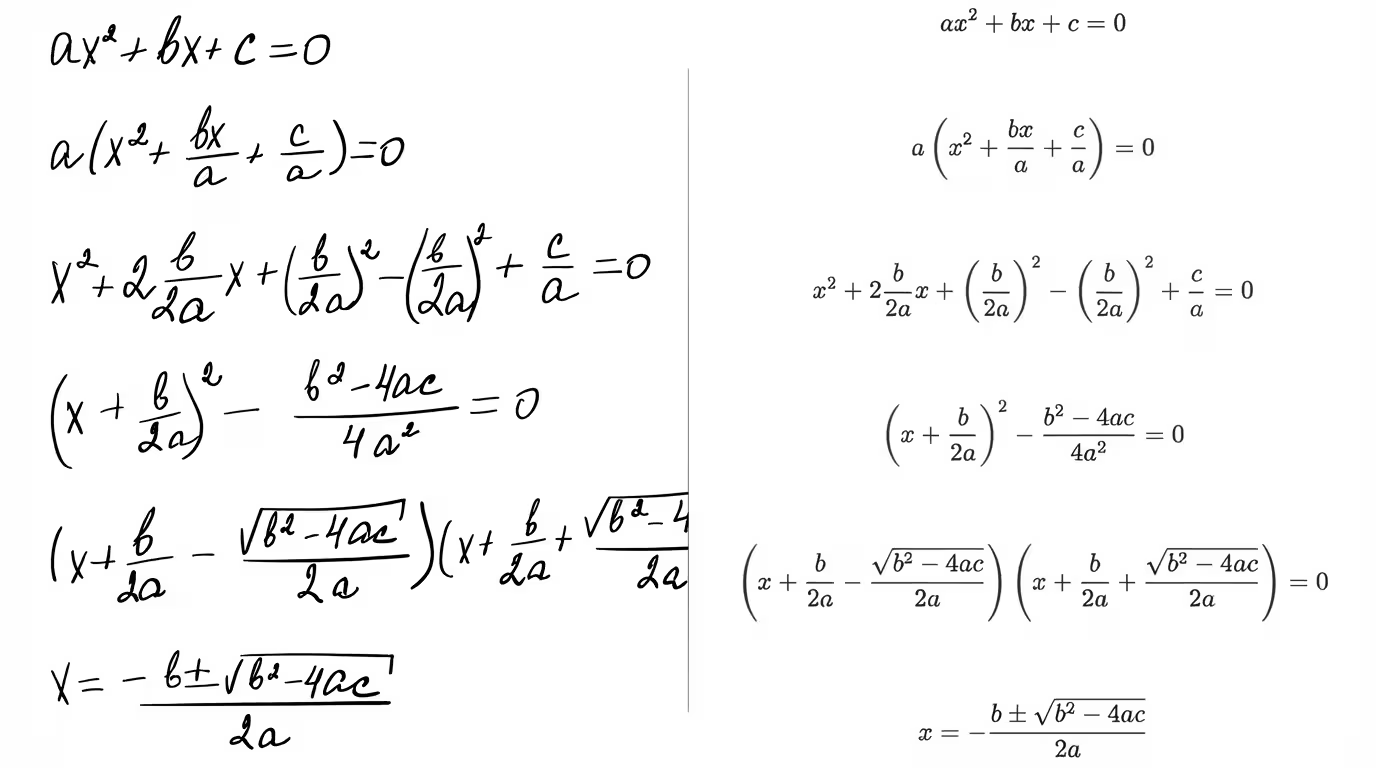
How to Convert Handwritten Math Notes to Editable Text
Convert handwritten math notes into editable text. Step-by-step guide plus tips to improve OCR accuracy for equations.
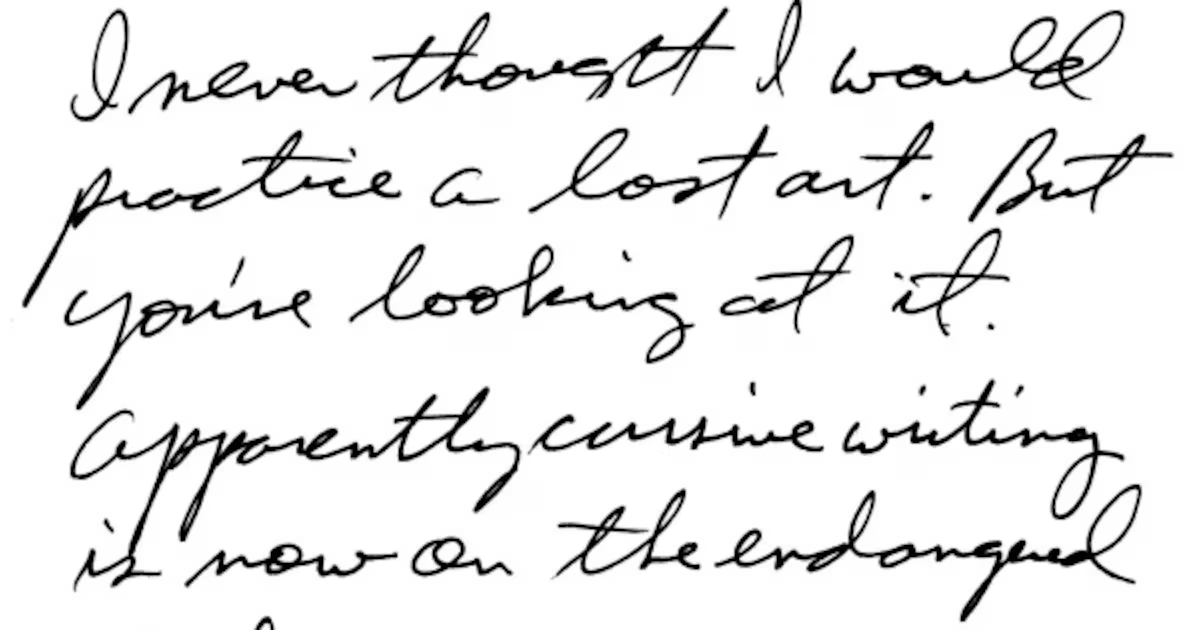
How to Extract Handwritten Text from an Image
Upload a photo or scan and extract handwritten text in seconds. Step-by-step guide plus tips to improve OCR accuracy for messy notes and cursive.
Frequently Asked Questions
Upload a clear photo or scan of your handwritten math. The converter analyzes the handwriting, recognizes mathematical symbols and equation structure, then generates editable LaTeX code you can copy or export.
Yes. You can convert handwritten equations, formulas, derivations, and math expressions into LaTeX. Clear handwriting, good lighting, and high contrast improve the result.
Yes. You can upload handwritten class notes, homework pages, notebook photos, and formula sheets. For complex pages, cropping one equation or section at a time can produce cleaner LaTeX.
It can handle many handwriting styles, but accuracy depends on legibility, image quality, lighting, contrast, and the complexity of the math. Very messy or overlapping handwriting may require manual review.
Yes. The generated LaTeX can be copied into Overleaf, TeXstudio, VS Code, Markdown editors with math support, or any LaTeX workflow.
The converter supports common math notation such as fractions, square roots, exponents, subscripts, integrals, summations, limits, matrices, Greek letters, equations, and multi-line derivations.
Yes. Handwriting to LaTeX focuses on handwritten math notes, equations, homework, and notebook pages. Image to LaTeX is broader and works with screenshots, textbook images, printed formulas, and other equation images.
If your handwritten notes are saved as a multi-page PDF, use the PDF to LaTeX converter. For a single photo, scan, or image of handwritten math, use this handwriting to LaTeX converter.
No. The tool generates LaTeX code for you. You can copy the output directly, or make small edits if you want more control over formatting.
Handwriting to LaTeX
Turn handwritten math into editable LaTeX
Upload handwritten equations, homework, or lecture notes and get clean LaTeX code you can copy into Overleaf.