Turn handwriting to text in seconds
Translate handwritten notes, letters and documents into clean and readable text. Upload images or PDFs and download editable text or tables in seconds.
Trusted by users from leading universities, schools, and public institutions worldwide










Features
Everything you need to digitize handwriting
From a quick photo to a formatted document, the workflow stays fast, clear, and easy to use.
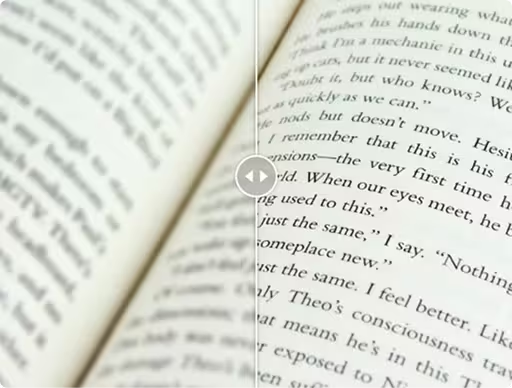
Built in text enhancement
Restore faded strokes, reduce blur, and improve contrast before OCR begins.
Multiple tools for every task
Move between handwriting, formulas, and tables from one workspace.
Handwriting OCR
Turn handwritten notes into clean text.
Math Converter
Convert formulas into digital math.
Table Extractor
Pull tables into editable rows and columns.
Any image or PDF
Upload from your phone, camera, scanner, or desktop in a few clicks.

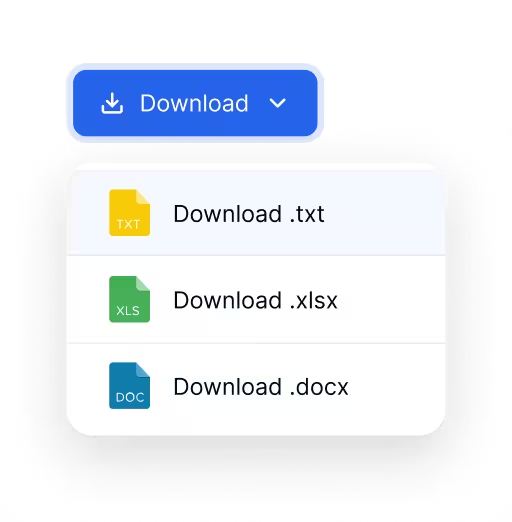
Flexible export
Copy your results, download files, or move the text into the next step of your workflow.
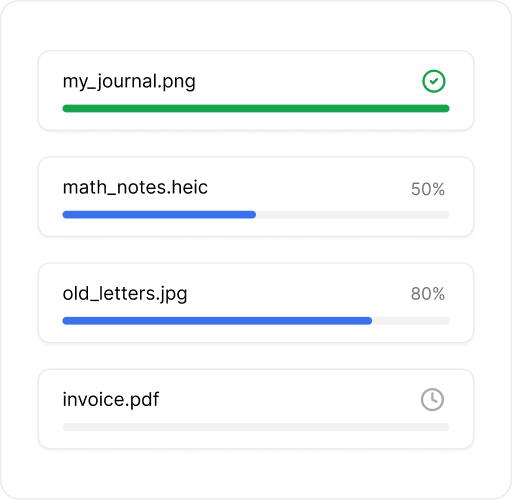
Process files in bulk
Upload several pages at once and move through large document sets much faster.
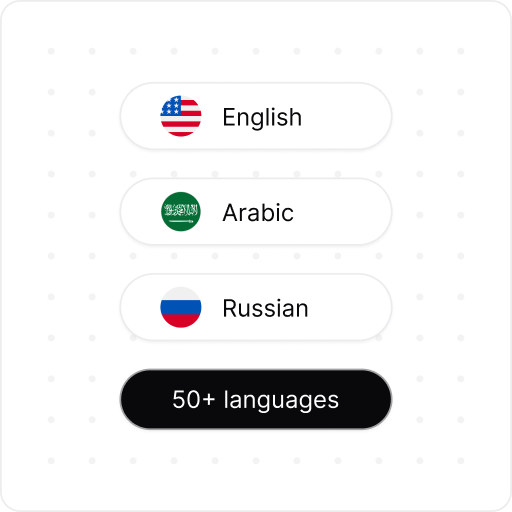
50 plus languages supported
Recognize Latin, CJK, Arabic, Cyrillic, Devanagari, and more with strong accuracy.
How it works
From handwriting to text in three steps
Upload your pages, process them in the browser, and export clean text in minutes.
Try it for free01
Upload
Drop handwriting images or PDFs and preview every page before you run OCR.
02
Process
Choose the right tool and convert notes, tables, or formulas in one flow.
03
Export
Copy the text or download TXT, CSV, Excel, Markdown, and more.
Use Cases
Where handwriting to text adds value
Different fields rely on handwriting documentation. Converting these records to text makes them easier to search, share, and preserve.
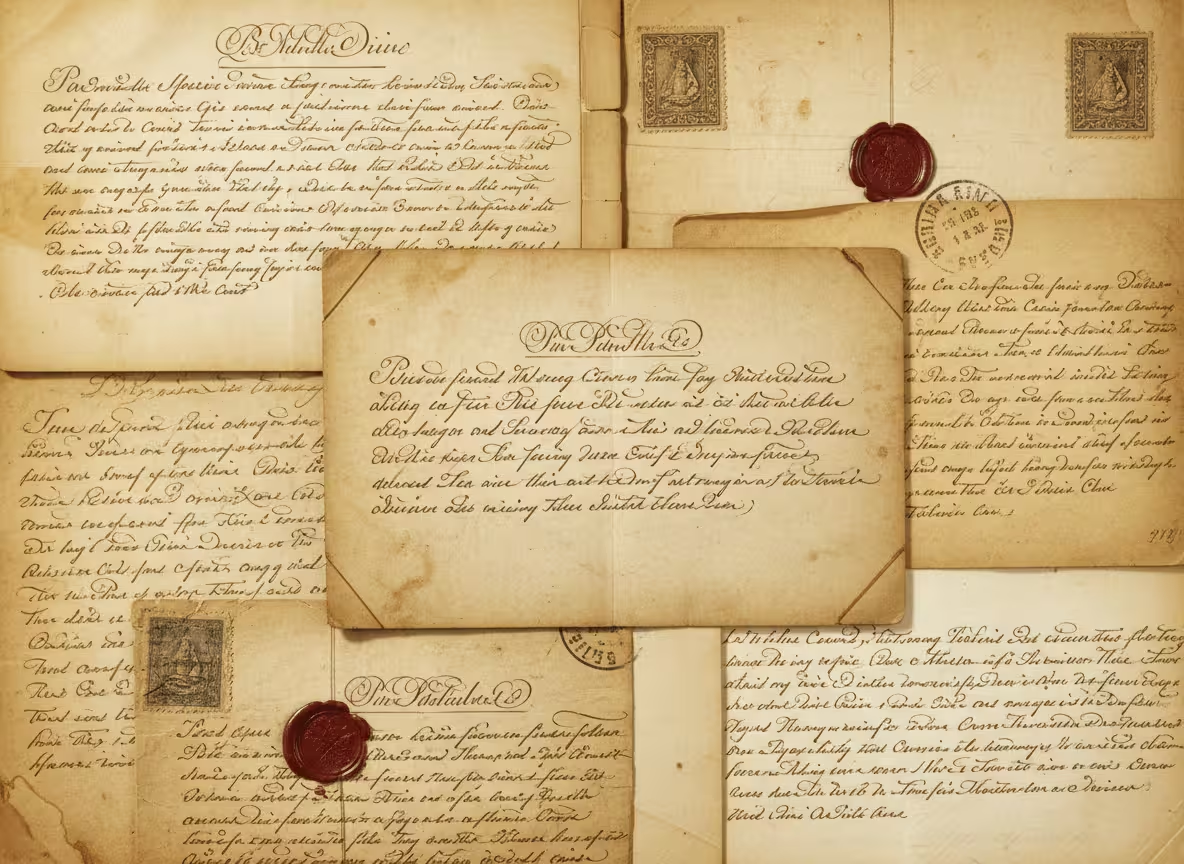
Historical archives and manuscripts
Museums and libraries convert cursive handwriting to text, helping researchers search collections without repeatedly handling fragile originals.
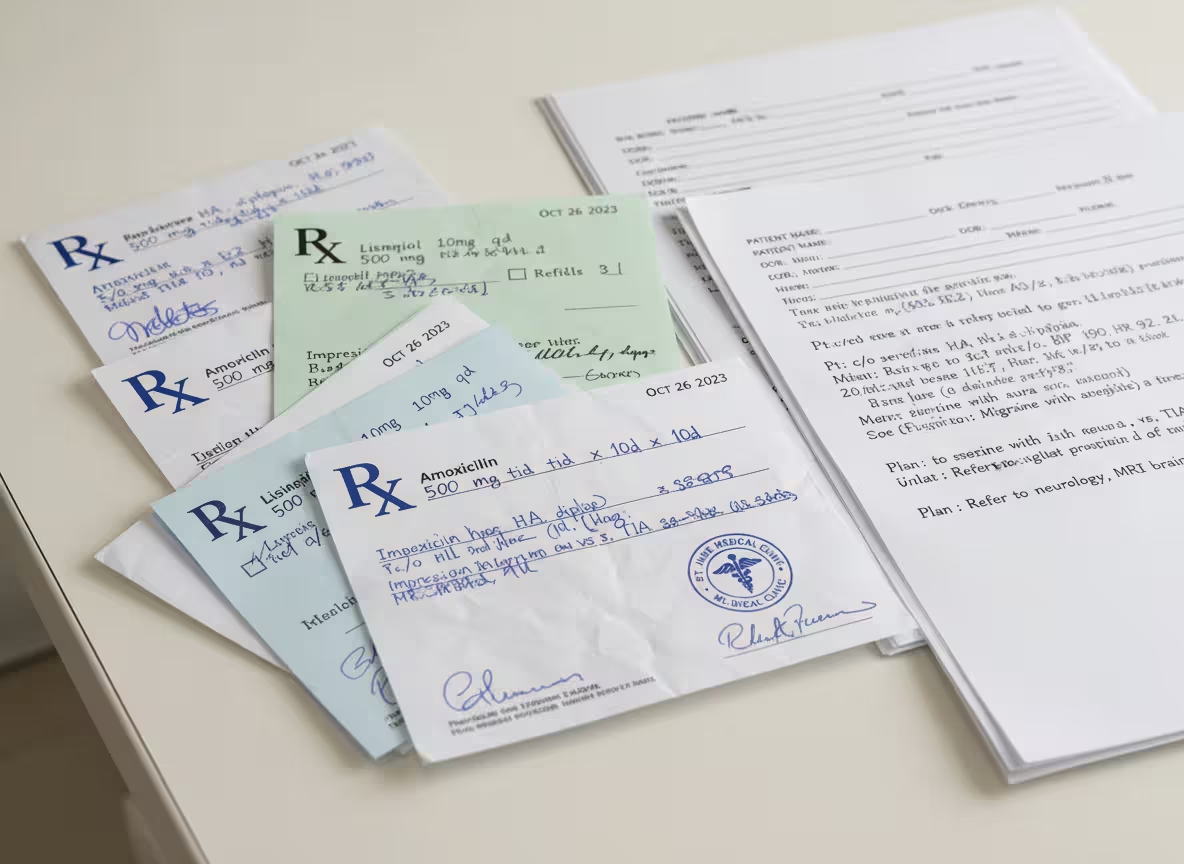
Medical notes and prescriptions
Converting handwritten prescriptions and patient notes to text helps patients and pharmacies read medication instructions more clearly.
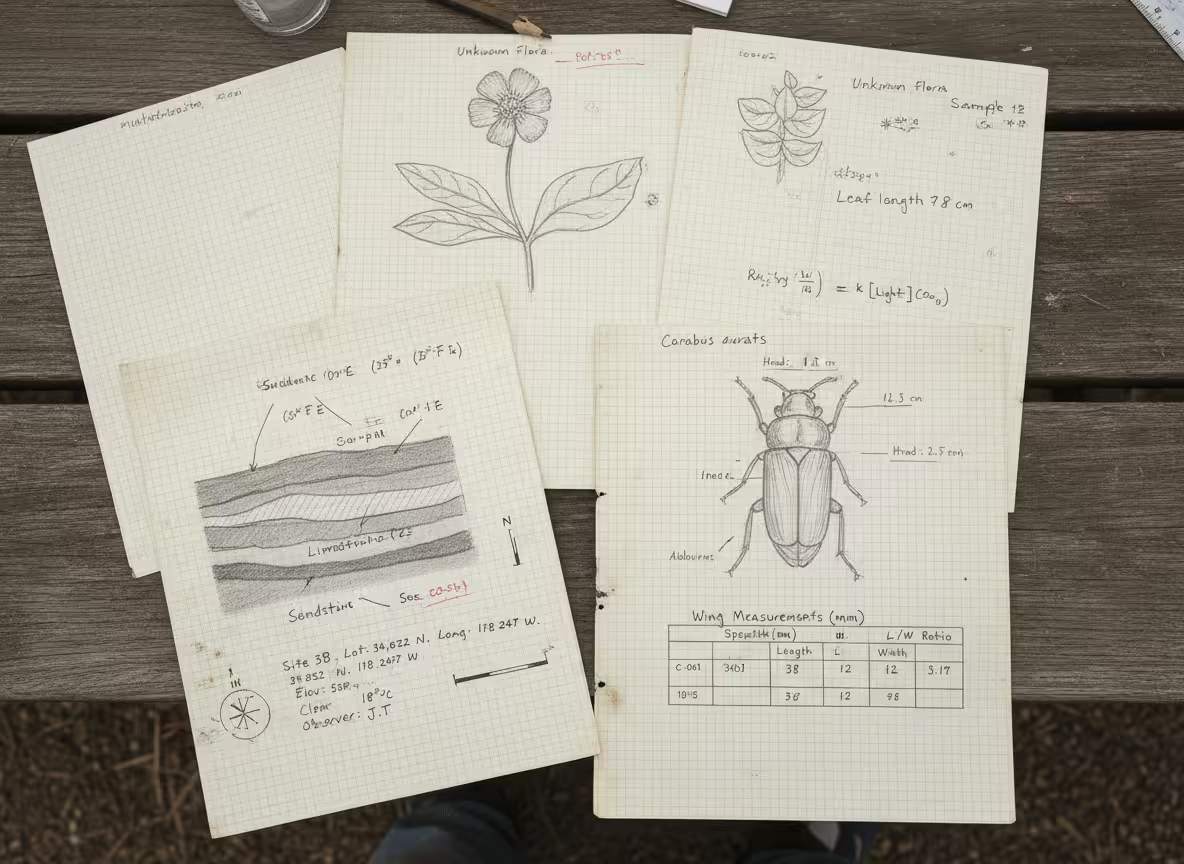
Research and lab documentation
Scientists transform handwriting to text from lab notebooks, making it easier to search past results and compile research reports.
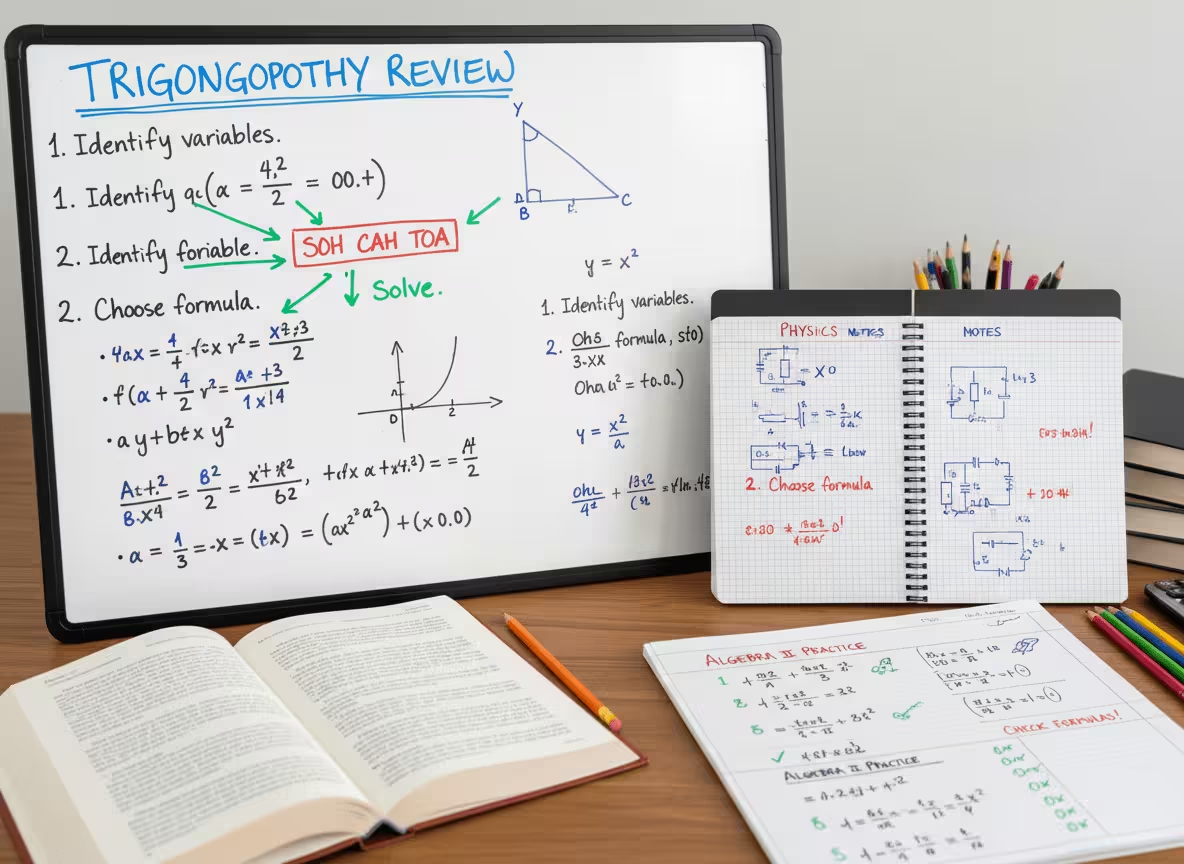
Educational materials
Transforming handwritten worksheets, whiteboard problems, and annotations to text helps create digital study resources and share examples with students.
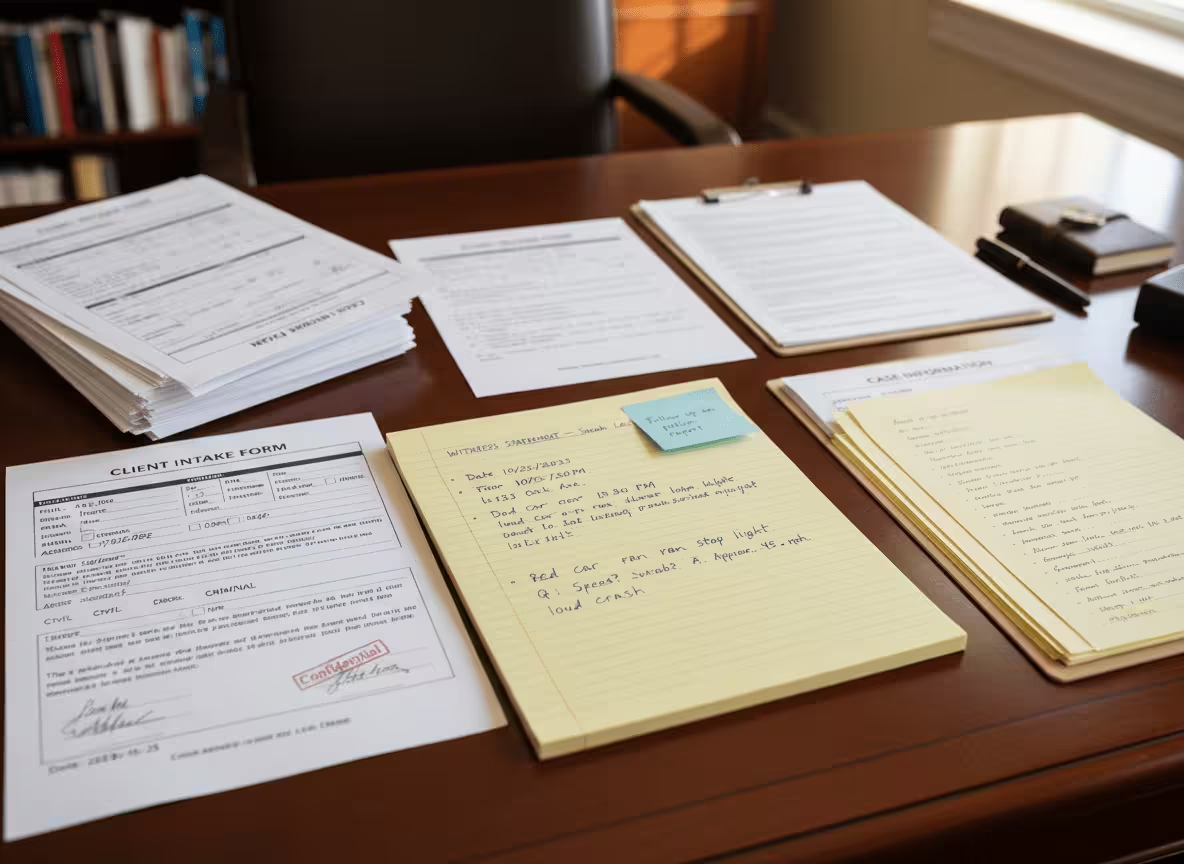
Legal case documentation
Turning handwriting into text from witness statements and intake forms helps organize case files and integrate documentation into digital systems.
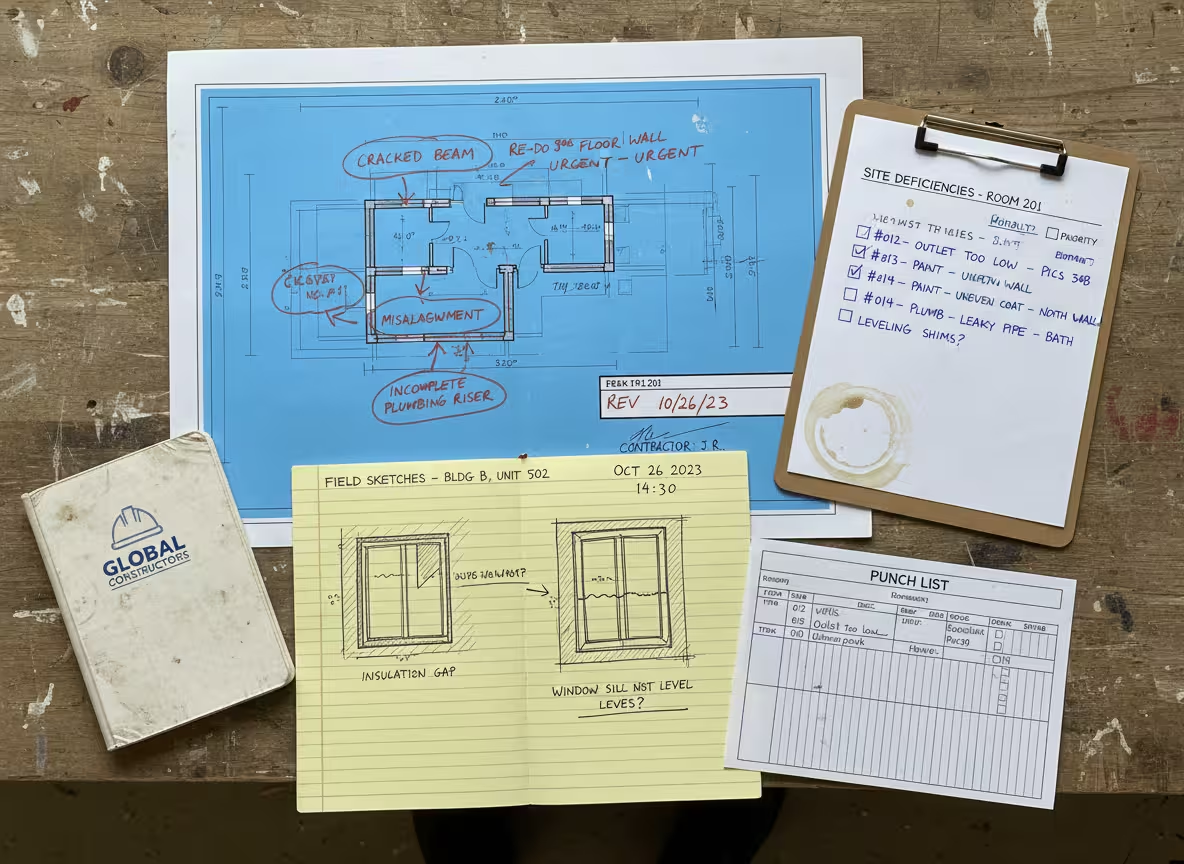
Field inspections and site work
Converting handwriting from inspection reports to text makes it easier to create official records and track follow-up items from site visits.
Testimonials
What our users say

I usually take notes by hand in class, but rewriting everything on my laptop takes a lot of time. I tried uploading photos of my notes, and it actually worked better than I expected. It's really helpful when I need everything in text before exams.

Emily Carter
University Student

I deal with a lot of handwritten work from students. Converting it into text makes things easier to organize and review. I like that I can just upload a photo and get something readable without extra steps.

A lot of my research notes are handwritten or scanned. This tool helps me turn them into text so I can search and reuse them later. It saves time, especially when working with older documents.

I like drafting ideas on paper, but editing on a screen. Being able to turn my handwritten notes into text makes that transition much easier. It feels like a natural part of my writing process now.
I often take handwritten notes during meetings. Having them converted into text helps me keep everything organized and easy to reference later. It's simple and useful.
Blog
From the Blog
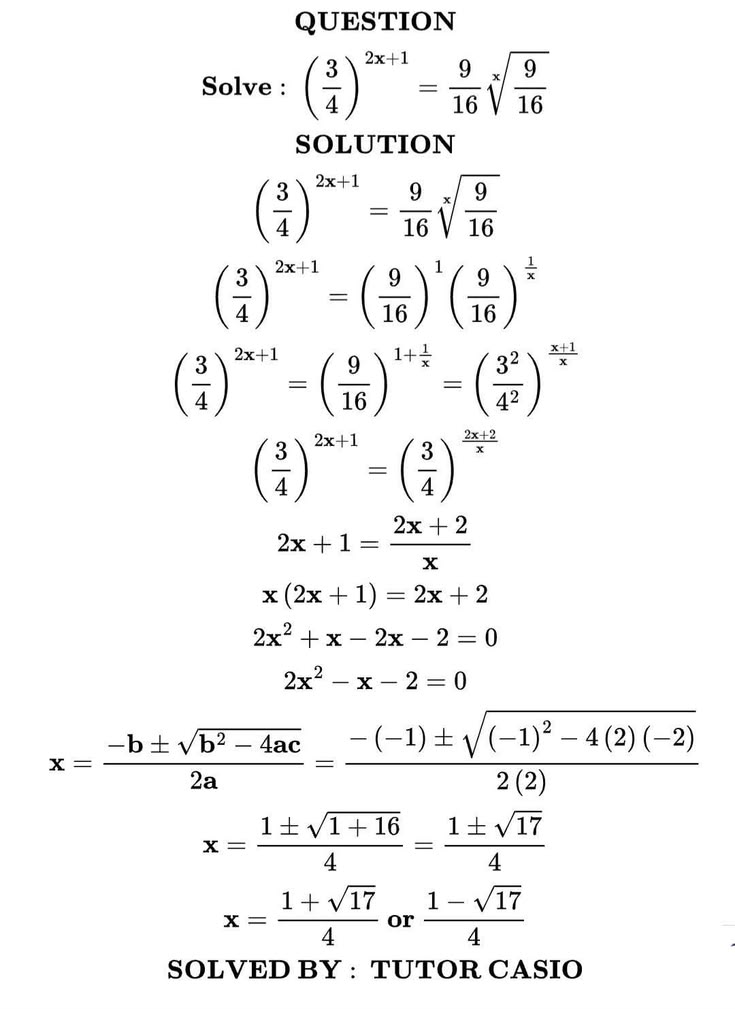
How to Convert Equations from a PDF to LaTeX
Learn how to convert equations and formulas from a PDF into editable LaTeX code for Overleaf, Markdown, or a TeX editor.
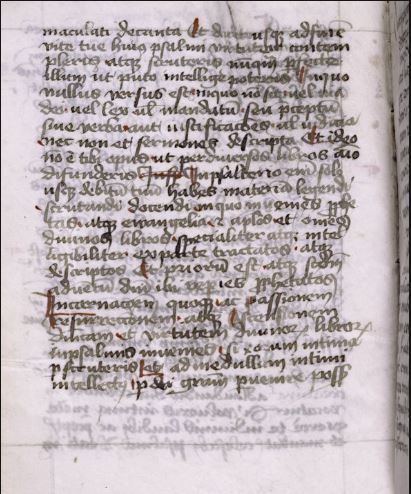
How to Read Faded Cursive Handwriting
Learn how to read faded cursive handwriting, prepare low-contrast document images, recognize difficult letterforms, and create an accurate transcription.
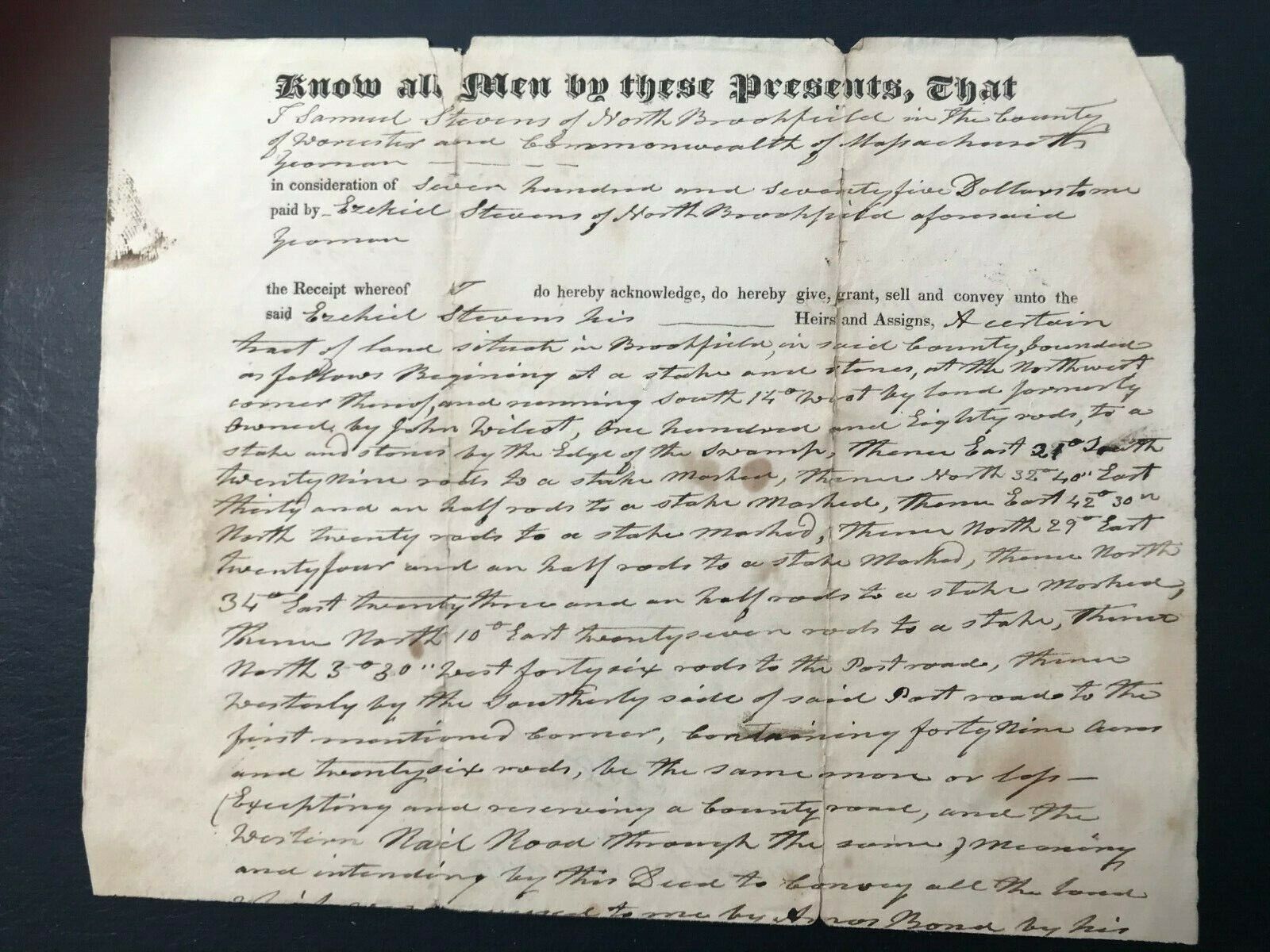
How to Read Old Handwritten Land Deeds
Learn how to read and transcribe old handwritten land deeds, understand legal phrases and boundary descriptions, and uncover useful property and family history clues.
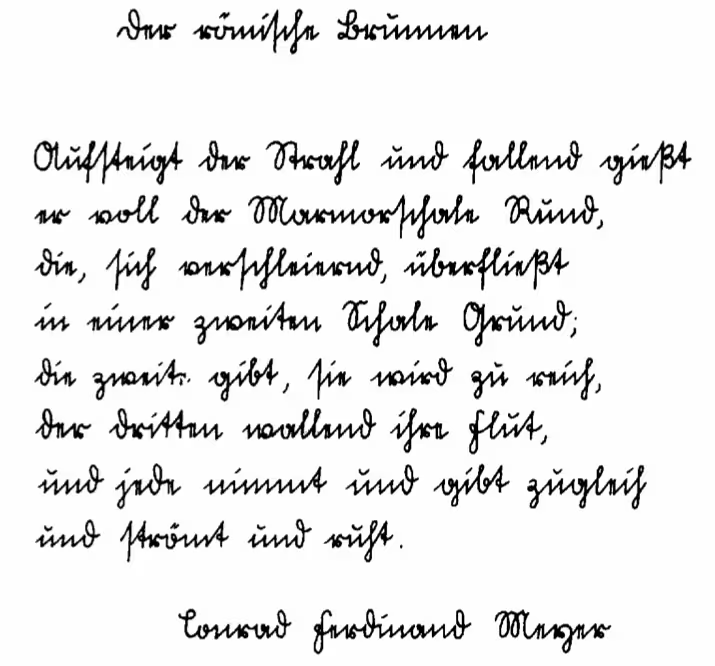
How to Read Sütterlin Handwriting with AI
Master reading Sütterlin cursive from antique German letters, ancestral records and historical manuscripts. AI converts this outdated German script into clear, readable digital text.
Frequently asked questions
Handwriting to Text is an online OCR tool that converts handwritten notes, letters, and documents into digital format. Upload a photo or scan, and our AI-powered OCR recognizes your handwriting and transforms it into editable text.
Upload a clear photo or scan of your handwriting (JPG, PNG, WebP, or HEIC), then click Process. Our handwriting OCR extracts the text in reading order so you can copy it or download it as TXT, Markdown, CSV, or XLSX.
Upload your handwritten notes (single pages or multiple images) and run the OCR to get an editable transcript you can reuse in Notion, Google Docs, or any note app.
Free users can upload 1 image at a time. Paid users can upload more images in a single batch, making it faster to convert large sets of handwritten pages to text using our OCR.
Yes. Free users can upload PDFs with up to 1 page. Paid users can upload PDFs with more pages, making it easier to process longer handwritten documents.
You can download your handwriting transcripts as Excels(.xlsx), Markdown (.md), CSV (.csv), or plain text (.txt). Copy content directly to your clipboard or export to the format that works best for your workflow.
Absolutely. Files are encrypted and auto-deleted after export. Your handwriting OCR sessions stay private — we never use your pages for training.
Yes. Snap a photo of handwritten notes on your phone and upload instantly. Our OCR interface adapts to small screens for seamless mobile processing.
Handwriting to Text
Curious how accurate we are?
Upload a photo of your handwriting and get clean, editable text in seconds with no sign-up required.