
PDF to Table Converter
Upload a PDF, scanned document, report, form, or multi page file. Turn visible table data into clean rows and columns you can review, copy, or export.
Convert PDF tables into editable spreadsheet data
Use this PDF to table converter to extract tables from PDFs, scanned documents, reports, forms, and multi page files. It helps turn visible rows and columns into structured data you can review, copy, or export.
Highlights
- Works with native PDFs, scanned PDFs, reports, forms, statements, records, and multi page documents that contain visible table data.
- Designed to preserve table structure, including headers, rows, columns, and cell values, instead of returning loose OCR text.
- Simple workflow: upload a PDF, review the extracted table, then copy the result or export it to Excel or CSV.
Extract tables from PDFs and scans
Upload a native PDF, scanned PDF, report, form, or document page that contains a table and convert it into editable rows, columns, headers, and values.
Export extracted PDF tables to Excel or CSV
Review the extracted table, then export the result as an Excel file or CSV for use in Excel, Google Sheets, Numbers, Airtable, or your own data tools.
Handle multi page PDF table documents
Use it with scanned records, reports, statements, forms, ledgers, research files, and other PDFs that contain table data across one or more pages.
Features
Built for PDFs, Scans, and Multi Page Tables
Extract Rows and Columns from PDFs
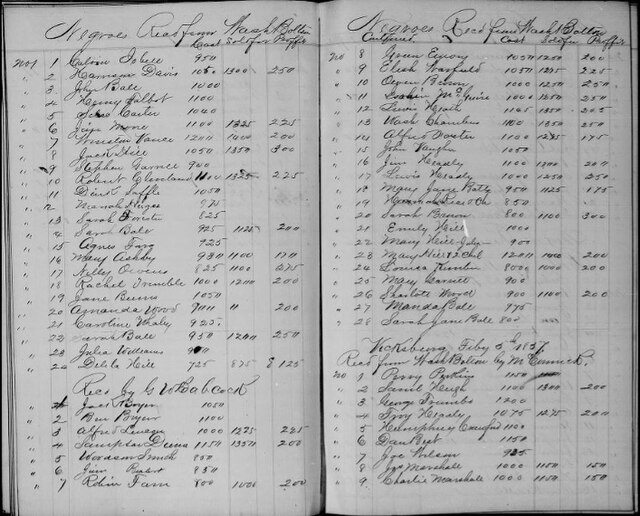
Our AI reads table structure inside PDFs and organizes the result into editable rows, columns, headers, and values. Use it for scanned PDFs, reports, forms, statements, and records.
Handle Scanned PDFs and Reports
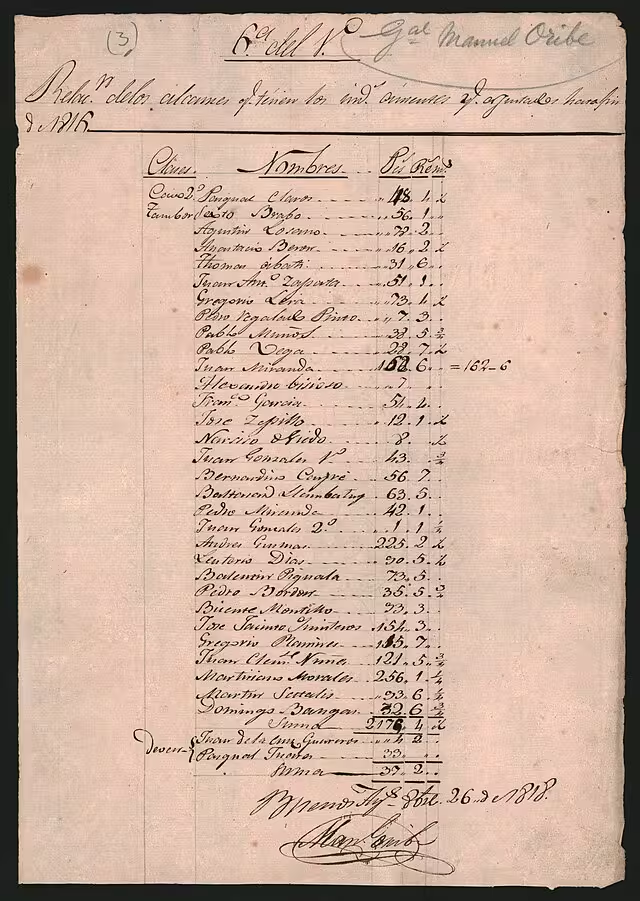
Convert scanned documents with faint borders, tilted pages, low contrast, or uneven spacing into clean table data. The tool helps preserve structure even when the PDF is image based.
Export PDF Tables to Excel or CSV
Review the extracted table, then download it as an Excel file or CSV. You can open the result in Excel, Google Sheets, Numbers, Airtable, or other spreadsheet tools.
How it works
Convert a PDF into a Table in 3 Steps
Go from a PDF table to editable spreadsheet data without retyping every cell.
Try it for free01
Upload
Upload a PDF, scanned document, report, form, statement, or record that contains visible table data.
02
Extract
Select the table extraction tool and let the AI detect headers, rows, columns, and cell values from the PDF.
03
Review and export
Check the extracted table, make edits if needed, then export it as Excel or CSV for your next workflow.
Use Cases
Turn PDF Tables into Editable Data
Extract table data from PDFs, scanned documents, forms, and reports for spreadsheet workflows

Scanned Documents
Convert scanned table pages, image based PDFs, and archived records into structured rows and columns for review and export.

Reports and Statements
Extract tables from PDF reports, financial statements, research summaries, and business documents without copying each cell by hand.
Forms and Records
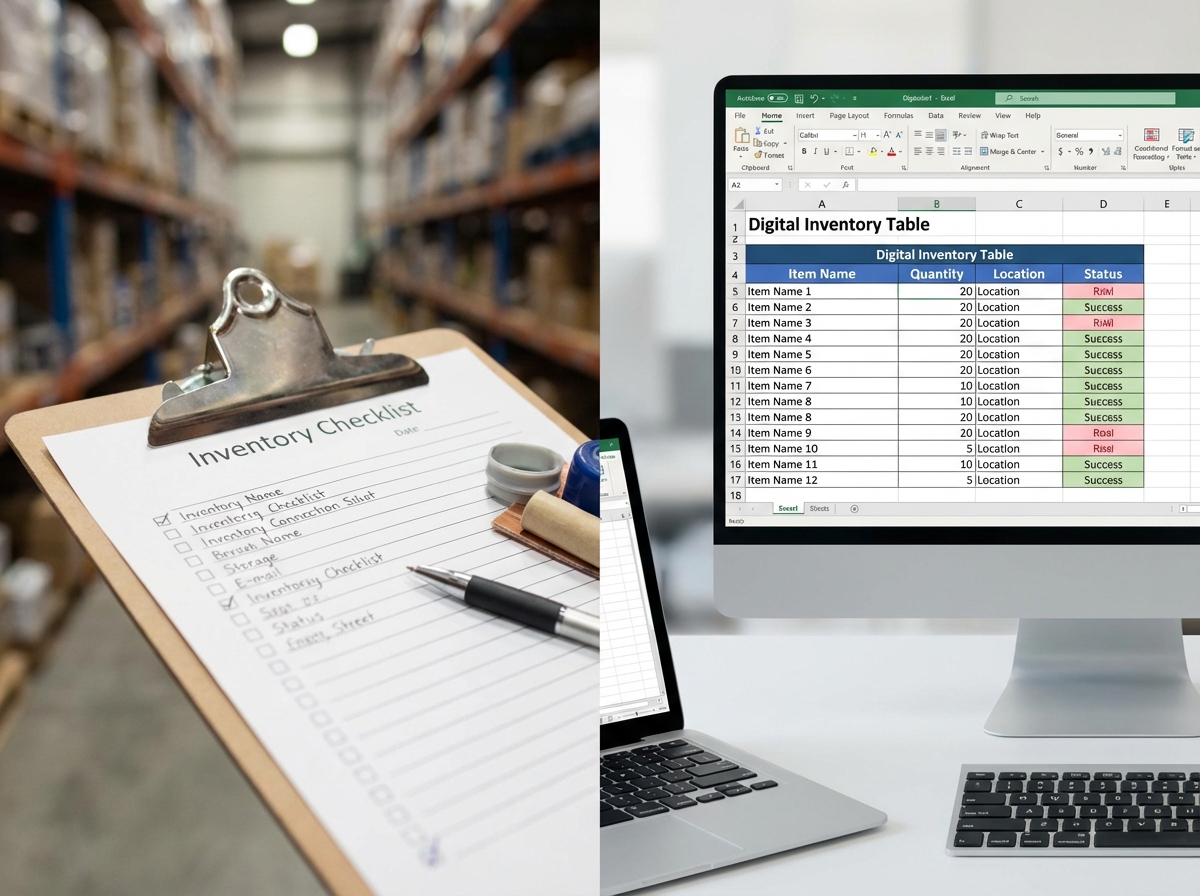
Turn PDF forms, ledgers, census pages, registers, and other records into searchable table data with connected headers and values.
Blog
From the Blog
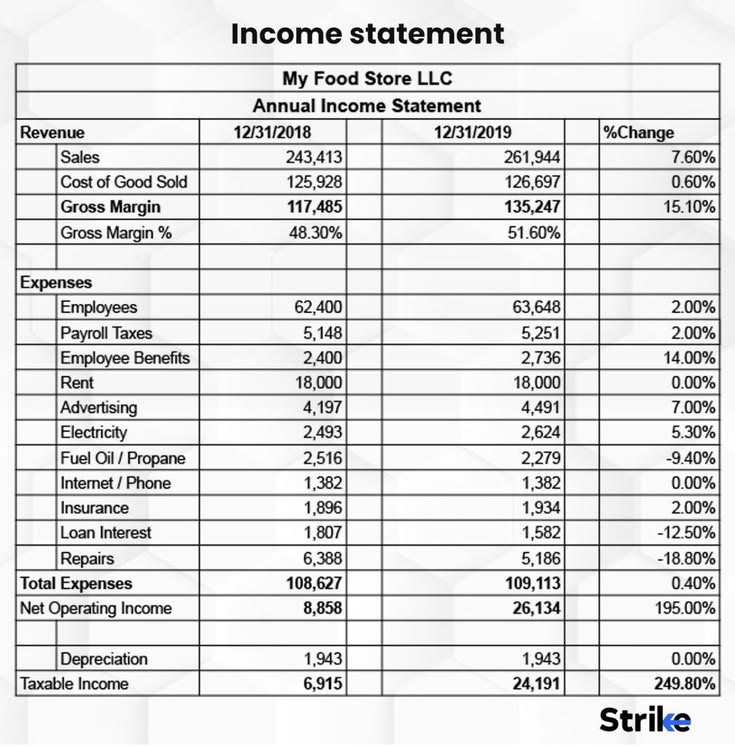
How to Extract Tables from a Scanned PDF
Learn how to extract tables from a scanned or image-based PDF and export the rows and columns to an editable Excel or CSV file.
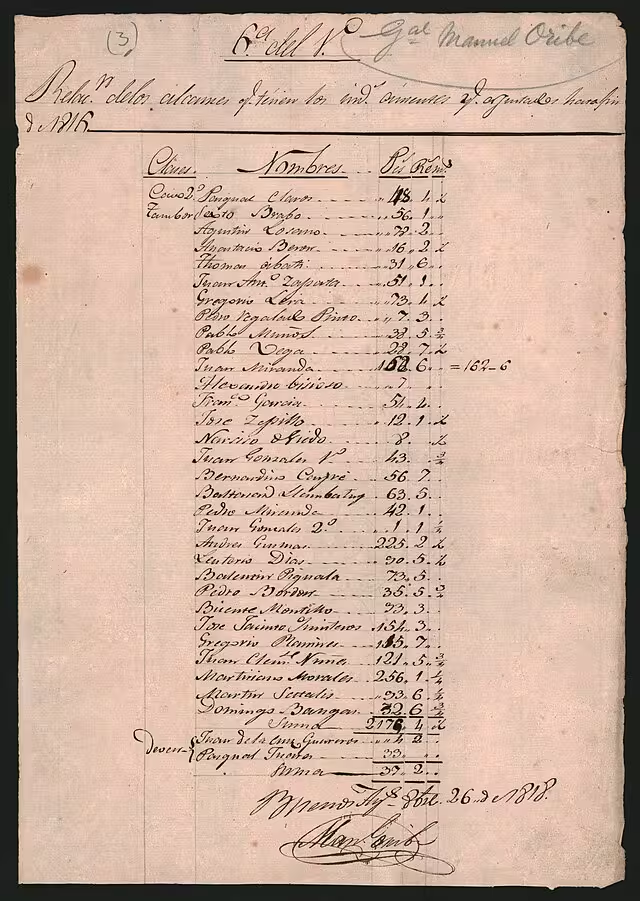
How to Convert Handwritten Tables to Excel
Learn how to convert handwritten tables, notes, forms, and records into editable Excel or CSV spreadsheets with AI table extraction.

How to Convert a Table Image to Excel
Learn how to convert a table image, screenshot, scan, JPG, or PNG into an editable Excel or CSV spreadsheet while preserving rows and columns.
How to Digitize Handwritten Inventory Sheets
Learn how to digitize handwritten inventory sheets, stock counts, item lists, and warehouse notes into editable Excel or CSV spreadsheets.
Frequently asked questions
You can upload native PDFs, scanned PDFs, reports, forms, statements, records, and other documents that contain visible table data.
Yes. The tool can process scanned PDFs and image based documents. Clear scans with readable headers, values, and table areas usually give better results.
Yes. You can use it with multi page PDFs that contain table data. Review the extracted result to make sure tables across pages are separated or combined the way you need.
Yes. It can process handwritten table data in scanned PDFs, forms, ledgers, and records, as long as the handwriting and table structure are visible enough to read.
Yes. It can often infer rows and columns from spacing, labels, repeated patterns, and context. Very irregular layouts may need manual review after extraction.
You can export the extracted table as an Excel .xlsx file or CSV file, depending on how you want to use the data.
Use a clear PDF or scan, keep table pages upright, avoid blurry images, and make sure headers and values are readable. For large documents, crop or select the pages that contain the tables when possible.
PDF to Table
Extract Editable Tables from PDFs
Upload a PDF, scanned document, report, or form and turn visible table data into rows and columns you can review and export.