Cursive Translator Online - No Sign Up Required
Upload a picture, photo, scan, screenshot, or PDF of cursive handwriting. Convert old letters, journals, notes, and connected handwriting into editable text you can copy or download.
Convert cursive handwriting from images and PDFs to text
Use this cursive OCR tool to read connected handwriting in photos, scans, screenshots, PDFs, and old documents. It works best with clear images or scanned pages of cursive letters, journals, notes, and handwritten records.
Highlights
- Works with vintage letters, modern notes, journals, postcards, PDFs, and other forms of connected handwriting.
- Designed to read cursive handwriting and convert it into editable text, not translate between languages.
- Simple workflow: upload a cursive image or PDF, review the transcription, then copy or download the text.
Cursive image and PDF to text
Upload a picture, scan, screenshot, or PDF of cursive handwriting and turn it into typed text you can copy, edit, search, or download.
Read old cursive letters
Use the cursive reader for family letters, diaries, postcards, journals, and historical documents written in connected handwriting.
Recognize connected handwriting
The OCR is designed for loops, flourishes, joined letters, and varied cursive styles, from neat script to casual handwritten notes.
How it works
How to convert a cursive image or PDF to text
Upload a photo, picture, scan, screenshot, or PDF of cursive handwriting, let the reader transcribe it, then copy or download the text.
Try it for free01
Upload a cursive image or PDF
Add a photo, scan, screenshot, picture, or PDF of a cursive letter, note, journal page, postcard, or handwritten document.
02
Read the handwriting
The cursive reader analyzes connected letters, loops, flourishes, line breaks, and scanned pages to create a typed transcription.
03
Copy or download text
Review the result, copy the text, or download it for editing, searching, archiving, and sharing.
Use Cases
What you can read with a cursive translator
Use the cursive reader to convert connected handwriting from personal, historical, educational, and professional documents into searchable digital text.
Genealogy and family archives
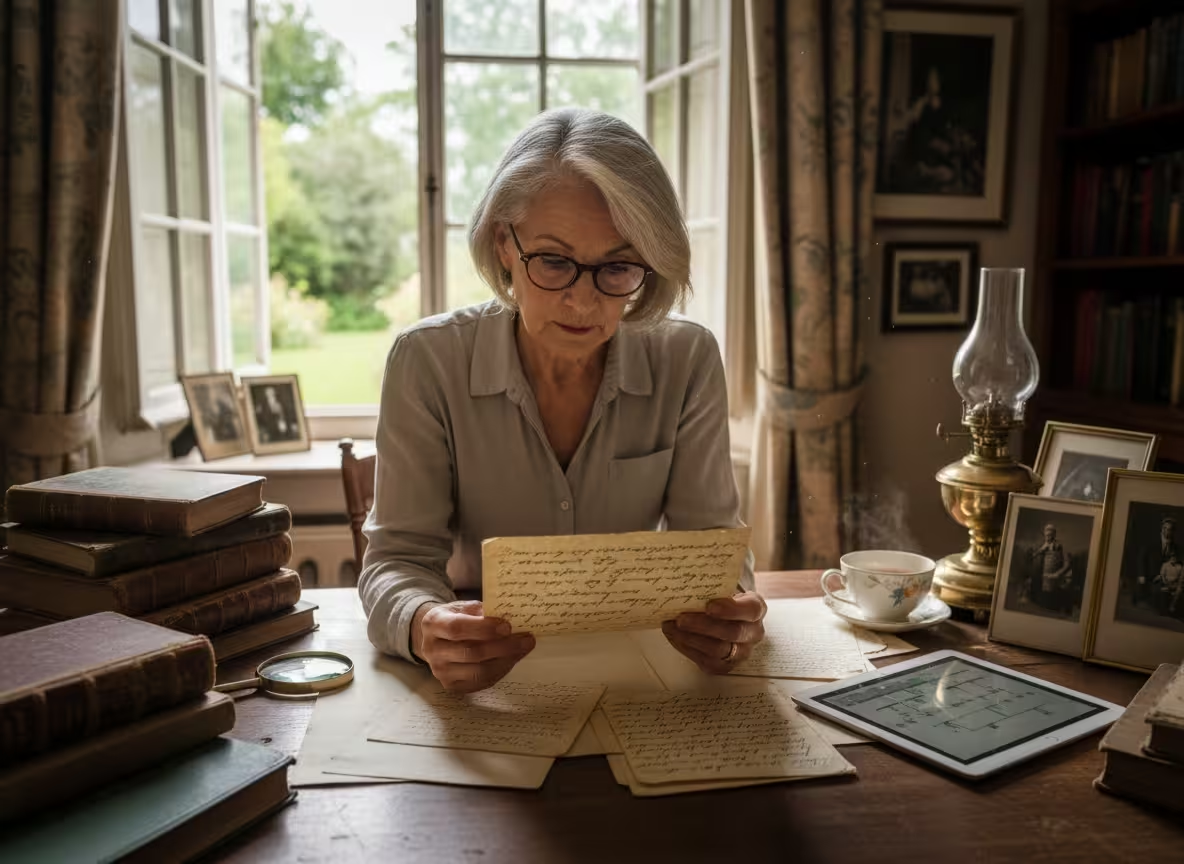
Genealogists can read old family letters, birth records, immigration documents, postcards, and handwritten notes preserved in cursive.
Museum visits and exhibitions
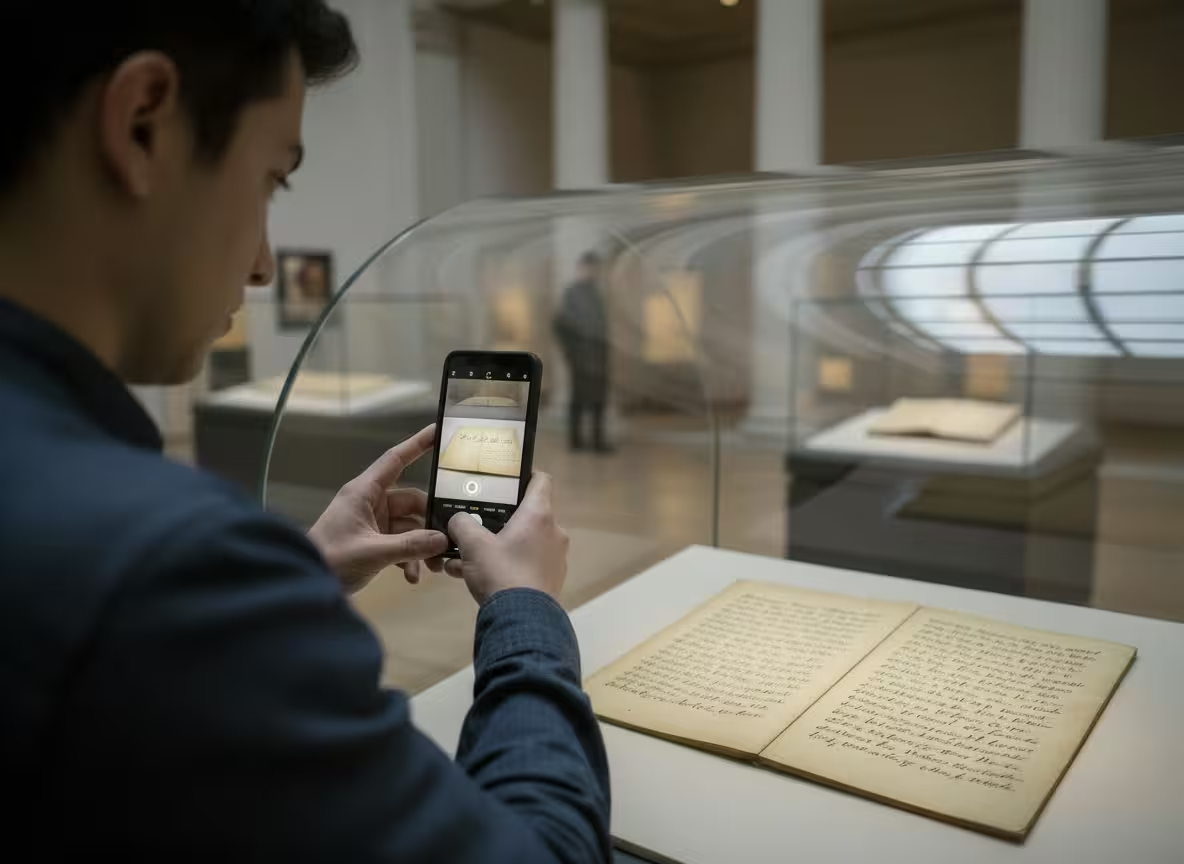
When you see a handwritten letter or manuscript on display, take a clear photo and use the cursive reader to understand the text more easily.
Legal and estate documents
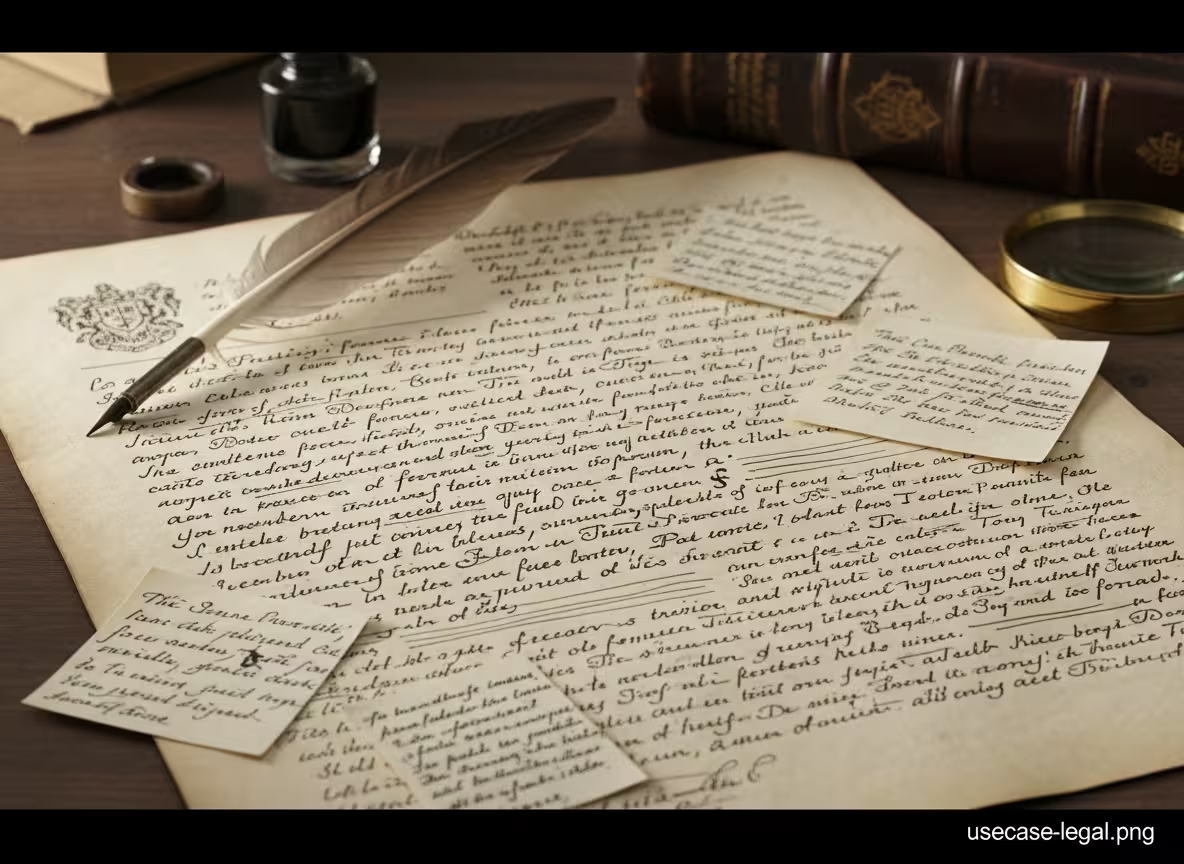
Old wills, contracts, agreements, and estate papers may include cursive handwriting. Convert them into searchable text for easier review.
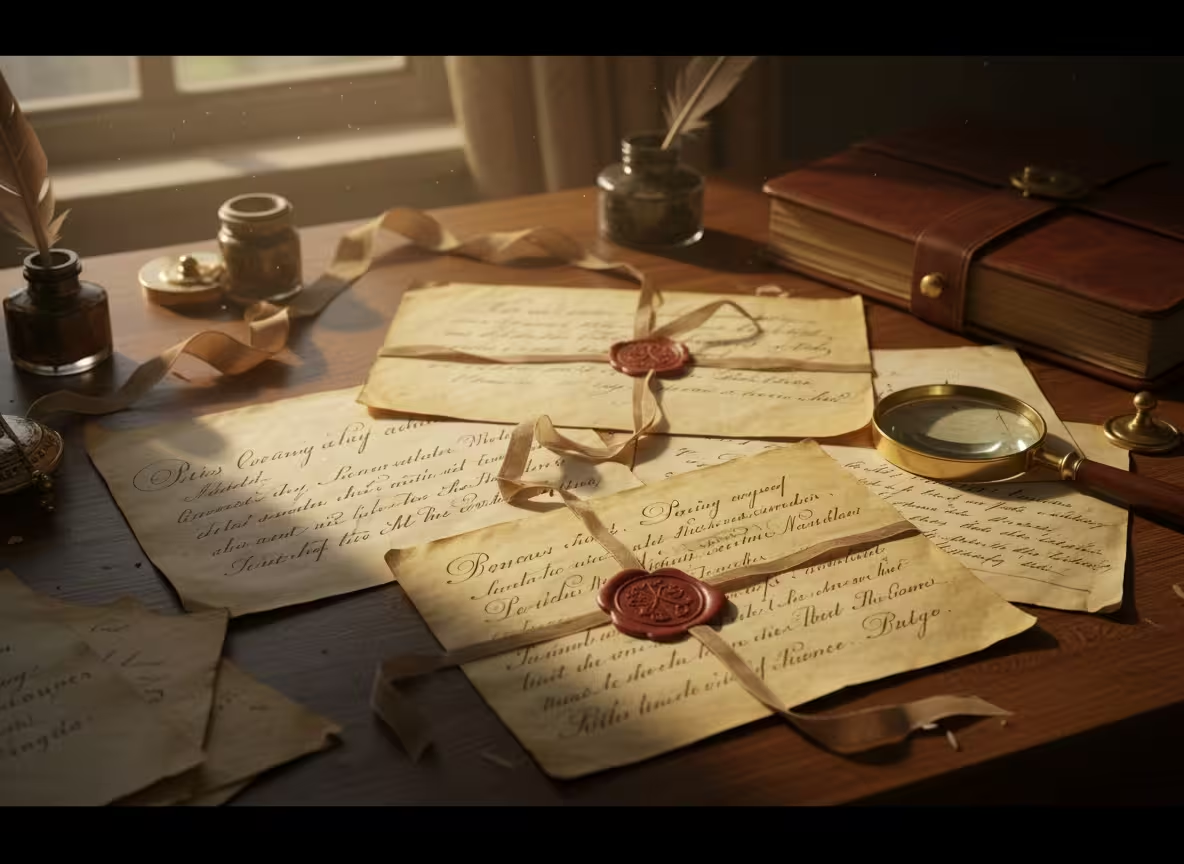
Personal correspondence
Preserve treasured letters from grandparents, pen pals, friends, or loved ones by turning cursive handwriting into editable digital text.

School and classroom materials
Teachers and students can convert cursive primary sources, handwritten worksheets, and historical examples into readable text.
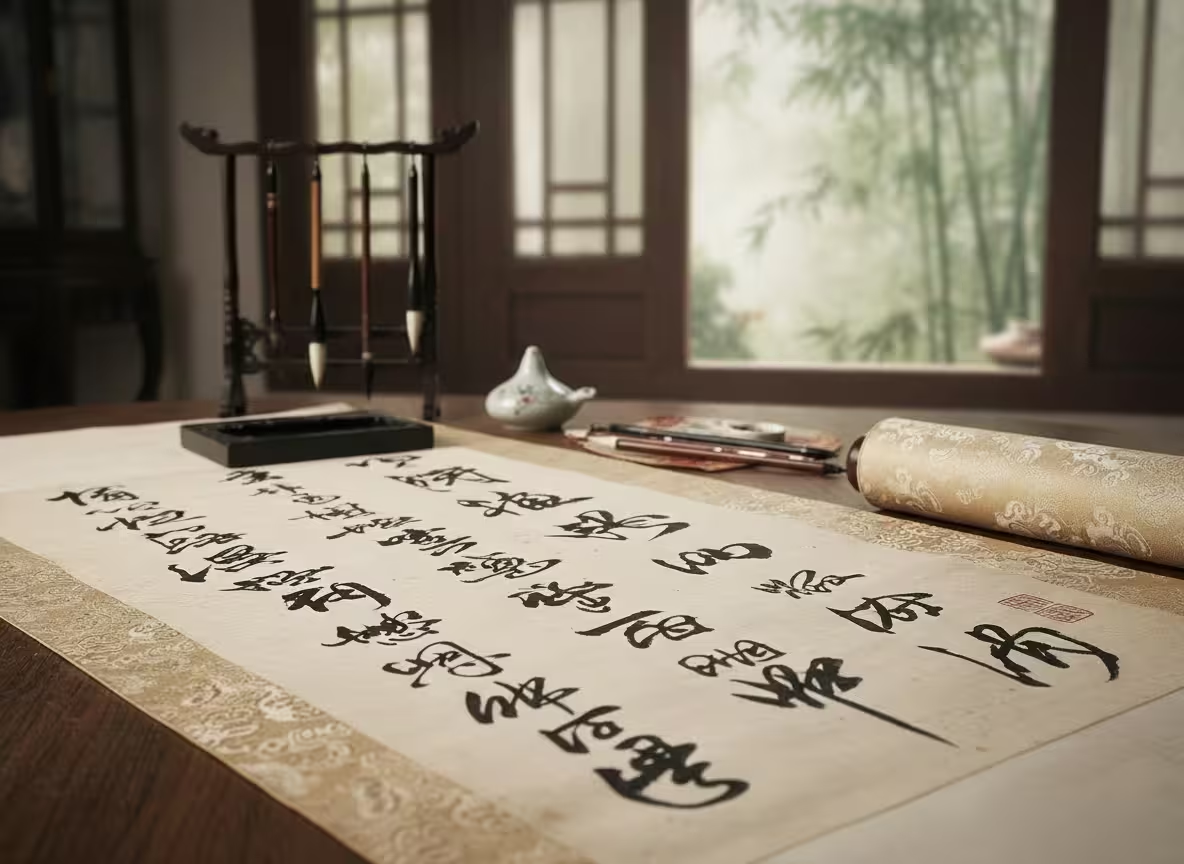
Calligraphy and art documentation
Artists, calligraphers, and collectors can document stylized lettering by converting readable cursive and decorative handwriting into text.
Testimonials
What our users say

I usually take notes by hand in class, but rewriting everything on my laptop takes a lot of time. I tried uploading photos of my notes, and it actually worked better than I expected. It's really helpful when I need everything in text before exams.

Emily Carter
University Student

I deal with a lot of handwritten work from students. Converting it into text makes things easier to organize and review. I like that I can just upload a photo and get something readable without extra steps.

A lot of my research notes are handwritten or scanned. This tool helps me turn them into text so I can search and reuse them later. It saves time, especially when working with older documents.

I like drafting ideas on paper, but editing on a screen. Being able to turn my handwritten notes into text makes that transition much easier. It feels like a natural part of my writing process now.

I often take handwritten notes during meetings. Having them converted into text helps me keep everything organized and easy to reference later. It's simple and useful.
Blog
From the Blog
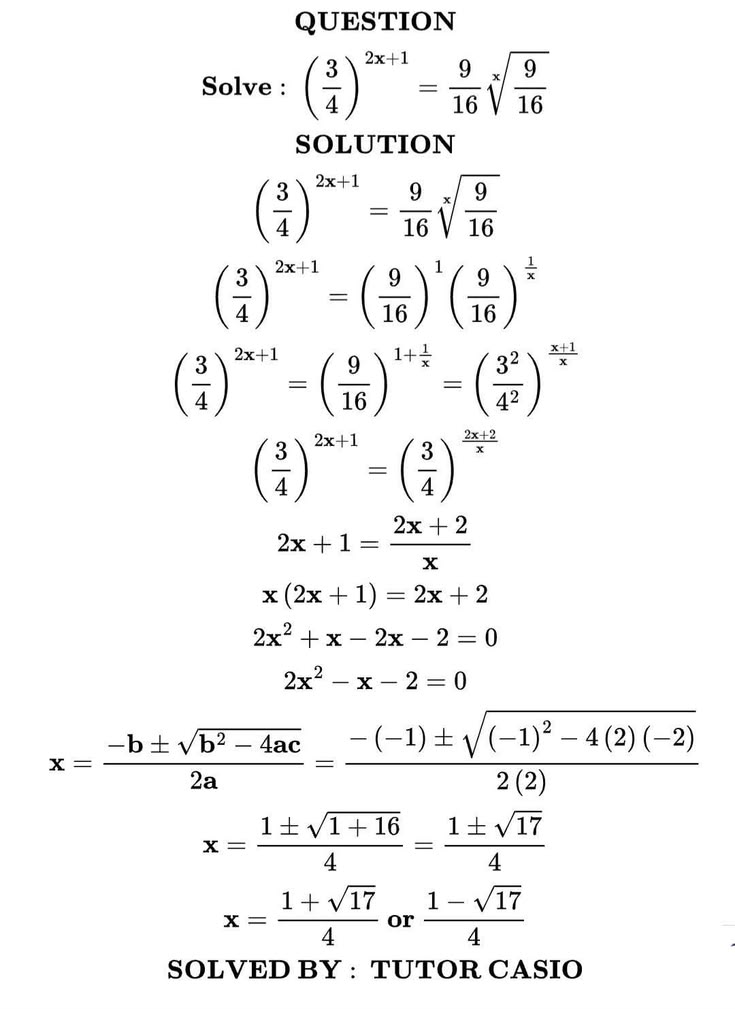
How to Convert Equations from a PDF to LaTeX
Learn how to convert equations and formulas from a PDF into editable LaTeX code for Overleaf, Markdown, or a TeX editor.
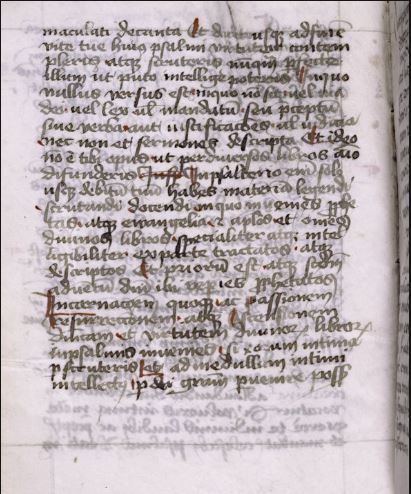
How to Read Faded Cursive Handwriting
Learn how to read faded cursive handwriting, prepare low-contrast document images, recognize difficult letterforms, and create an accurate transcription.
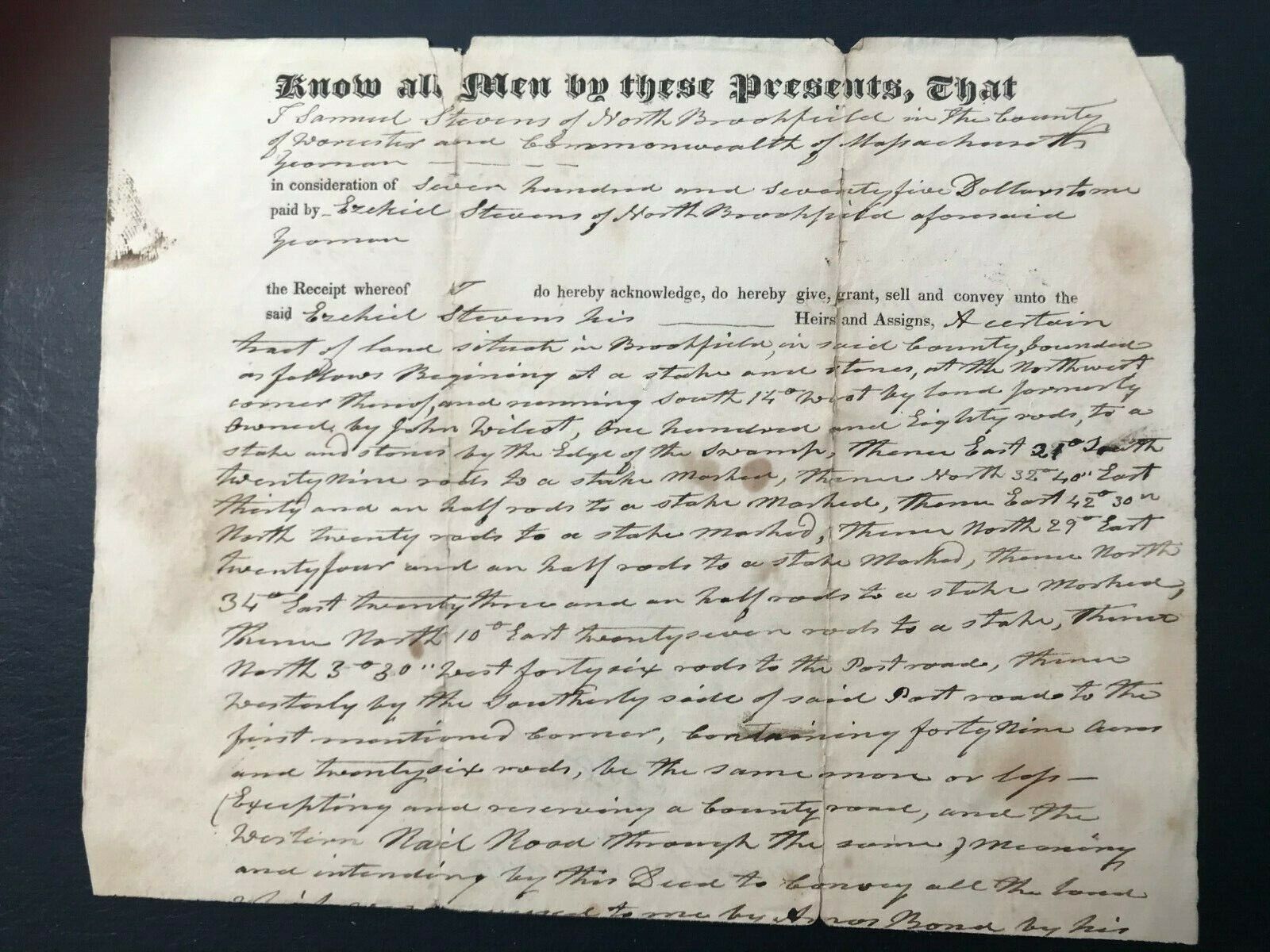
How to Read Old Handwritten Land Deeds
Learn how to read and transcribe old handwritten land deeds, understand legal phrases and boundary descriptions, and uncover useful property and family history clues.
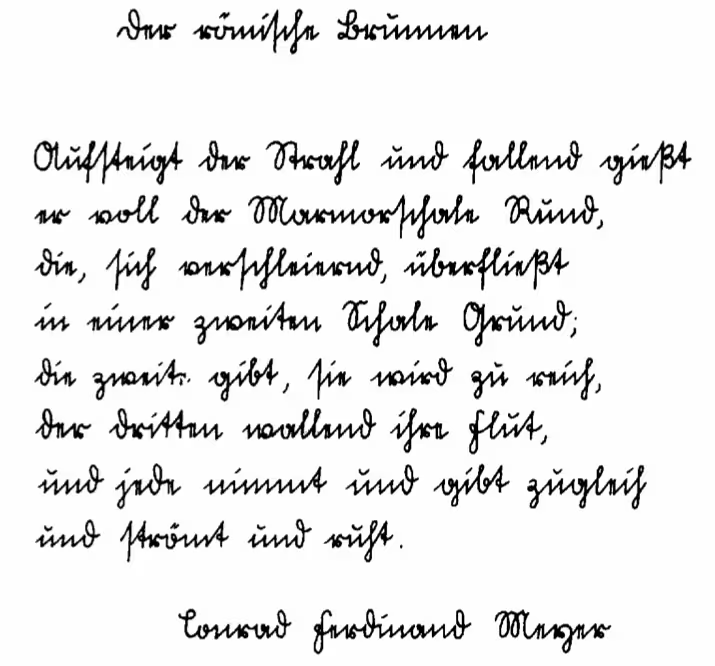
How to Read Sütterlin Handwriting with AI
Master reading Sütterlin cursive from antique German letters, ancestral records and historical manuscripts. AI converts this outdated German script into clear, readable digital text.
Cursive translator FAQ
A cursive translator is an OCR tool that reads cursive handwriting and converts it into typed text. It is useful for old letters, journals, notes, postcards, PDFs, and documents written in connected handwriting.
Yes. You can upload a picture, photo, scan, screenshot, or PDF of cursive handwriting. Clear, well-lit images and high-resolution scans usually produce the most accurate text results.
Yes. You can upload a PDF that contains scanned cursive handwriting. Clear, high-resolution scans usually produce better results than blurry photos embedded inside a PDF.
This tool is primarily a cursive reader. It converts cursive handwriting into editable text. It does not replace a professional language translator for translating between languages.
Yes. It can help read old cursive letters, diaries, postcards, family records, and historical documents. Very faded ink, damaged paper, or unusual letterforms may still need human review.
Yes. Upload an image or PDF of cursive handwriting and the tool will transcribe it into digital text you can copy, edit, search, or download.
Accuracy depends on handwriting clarity, image resolution, scan quality, lighting, contrast, and how connected or faded the letters are. Review important names, dates, legal details, and historical references before relying on the result.
Try using a sharper image with better lighting and higher contrast. Keep the page flat, avoid shadows, and crop the image so the handwriting fills most of the frame. For PDFs, use clear scanned pages whenever possible.
Paid users can upload multiple images or pages at once. This is useful for letters, journals, notebooks, archive folders, PDFs, and document collections.
Free users can try the cursive reader with limited uploads. Paid plans support higher-volume workflows, batch uploads, and longer documents.
Uploaded images and PDFs are processed securely and deleted according to the product retention policy. Avoid uploading sensitive documents unless you are comfortable with the stated privacy terms.
Cursive Translator
Convert cursive handwriting into clear text
Upload a cursive image or PDF and turn connected handwriting into readable digital text in seconds.