Fraktur OCR Converter
Convert Fraktur-printed German books, newspapers, certificates, forms, and archive documents into text. Upload a scan or photo and let AI help you extract text from historical blackletter print.
About Fraktur
What Is Fraktur?
Fraktur is a historical blackletter typeface widely used in German printed materials. It appears in old books, newspapers, certificates, forms, church publications, and official documents.
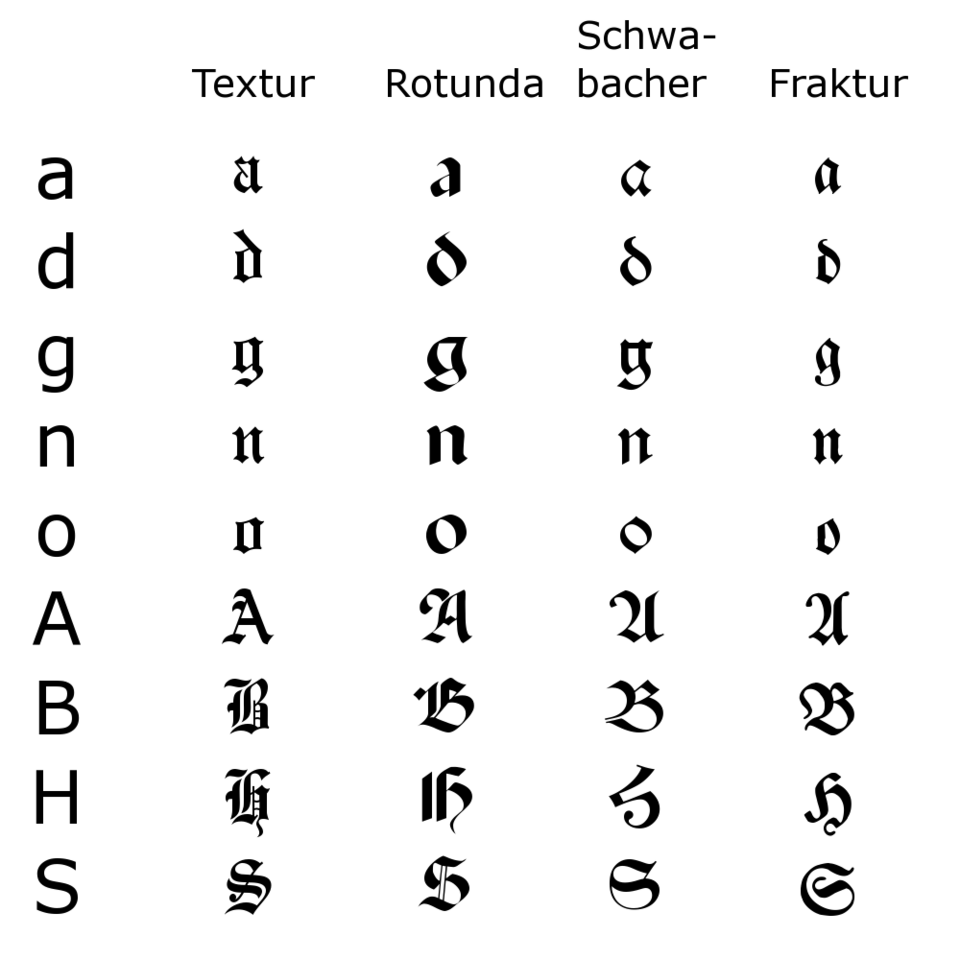
A Printed Typeface
Fraktur is not a handwriting style. It is a printed blackletter typeface used in many German-language books, newspapers, certificates, and official documents.
Common in Historical German Print
Fraktur appears often in 18th, 19th, and early 20th-century German printed materials, including family books, church publications, newspapers, and archive records.
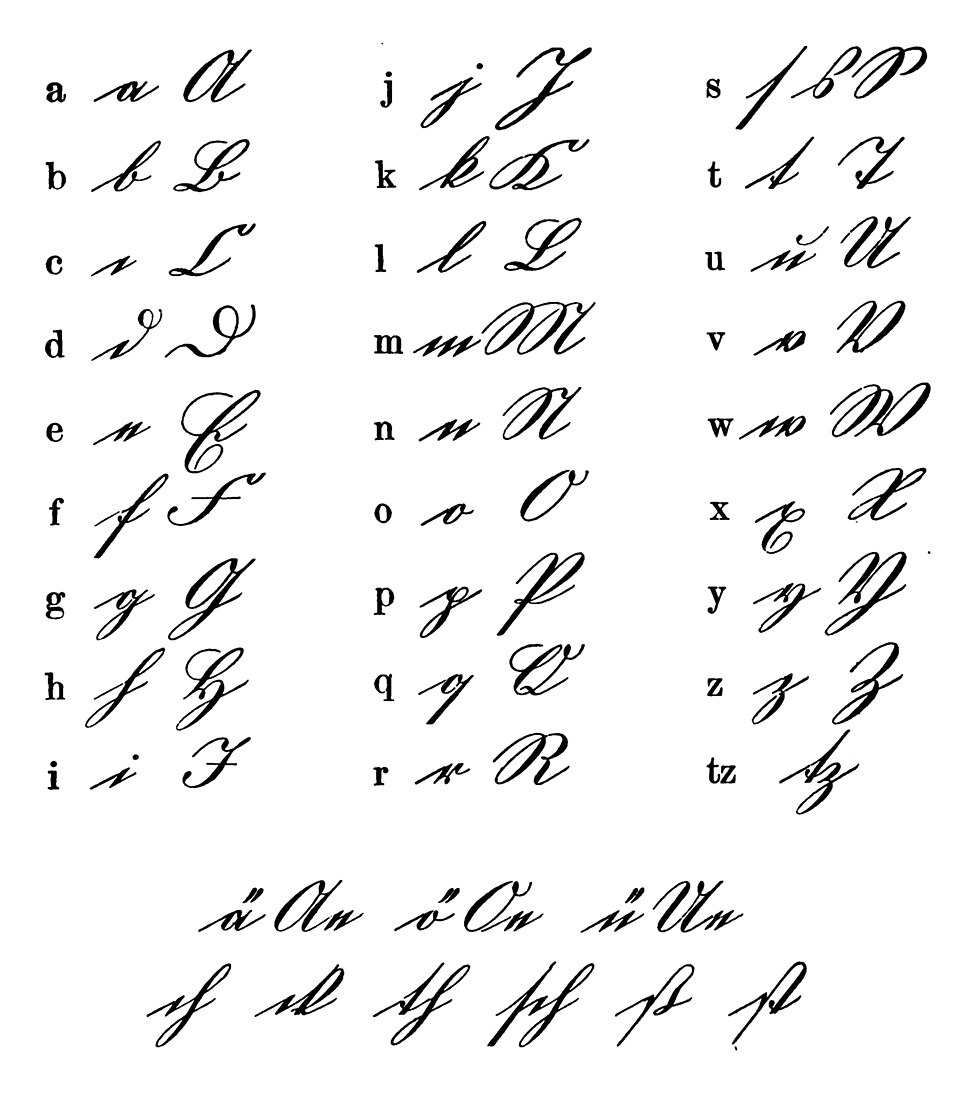
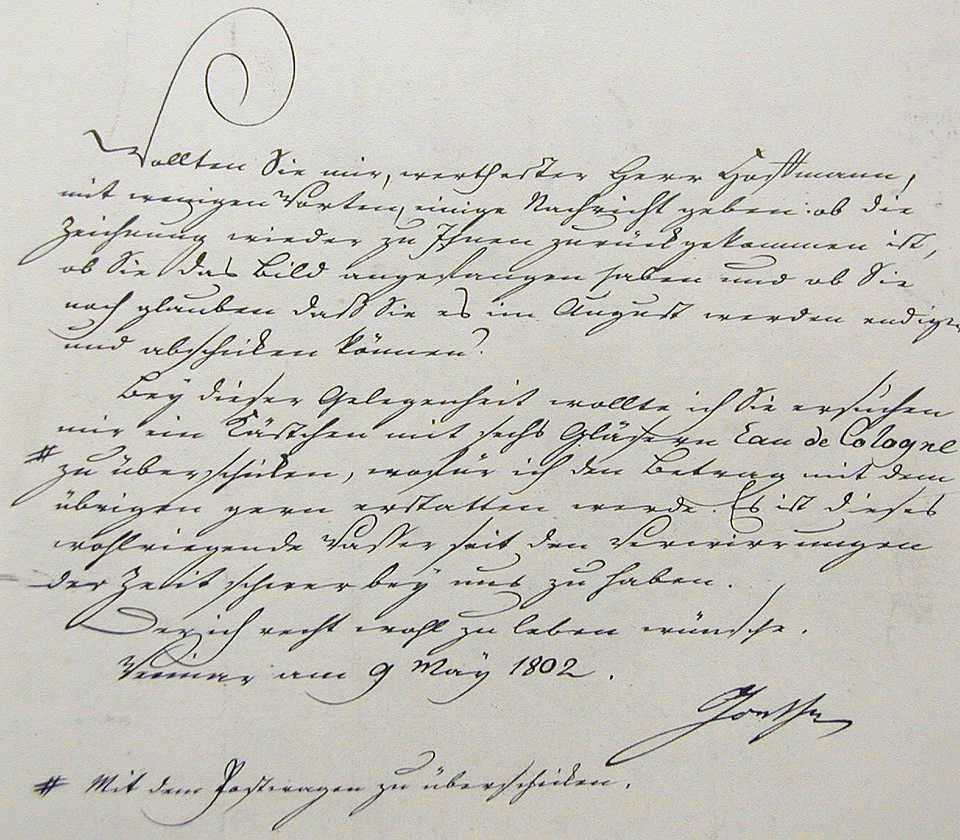
Different From Kurrent and Sütterlin
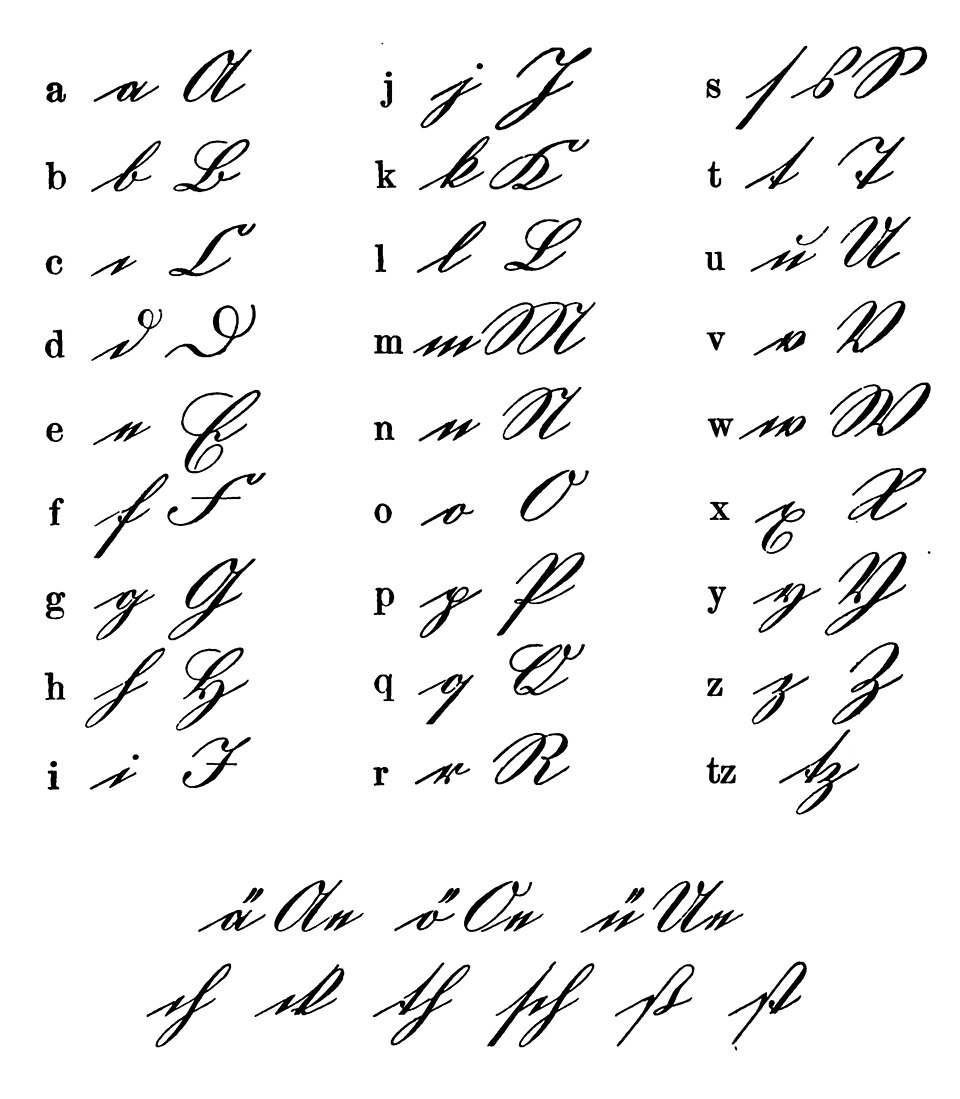
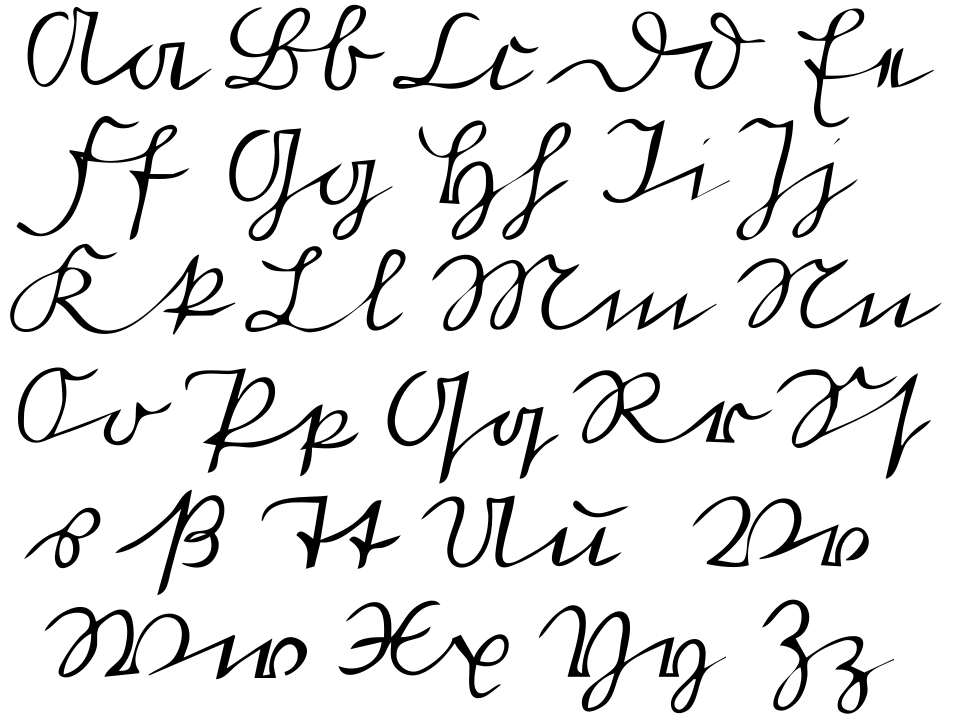
Kurrent and Sütterlin are handwriting styles, while Fraktur is printed text. Historical German documents may include Fraktur print together with handwritten notes or signatures.
Why It Is Hard to Read
Why Fraktur Text Is Difficult
Fraktur is not handwriting. It is a historical German blackletter typeface with dense strokes, unfamiliar letterforms, and print variations that make old documents difficult to read and digitize.
Blackletter Letterforms
Fraktur letters look very different from modern Roman type. Characters such as long s, f, h, and k can be confusing for readers and difficult for standard OCR tools.
Dense Printed Pages
Old books, newspapers, and certificates often use narrow spacing, compact lines, decorative headings, and mixed font sizes that make text extraction harder.
Aged Paper and Print Noise
Yellowed paper, ink bleed, broken letters, stains, skewed scans, and low-contrast printing can hide important words, names, dates, and places.
Features
Built for Fraktur OCR
Recognize Fraktur Text
Extract text from Fraktur-printed German documents and convert historical blackletter type into editable digital text for review, search, or translation.
Handle Old Books and Newspapers
Work with scanned book pages, newspapers, certificates, forms, and archive documents. The tool helps process aged paper, dense columns, old typography, and uneven scans.
Copy, Search, and Export Text
Turn Fraktur print into editable text you can copy, correct, search, translate, download, or save for genealogy, academic research, and archive work.
How it works
Convert Fraktur print in three simple steps
Upload a Fraktur-printed document, let AI extract the text, then review and export the result for research, translation, or preservation.
Try it for free01
Upload
Add a photo, scan, or PDF of a Fraktur book page, newspaper, certificate, form, church publication, or archive document.
02
Extract the text
AI analyzes the page and converts Fraktur blackletter print into editable digital text.
03
Review and export
Copy the result, correct names or dates, then download the text for genealogy, academic research, translation, or personal archives.
Use Cases
Fraktur Documents You Can Convert
Turn historical German printed materials into text you can search, edit, translate, and preserve.
Books and Family Histories
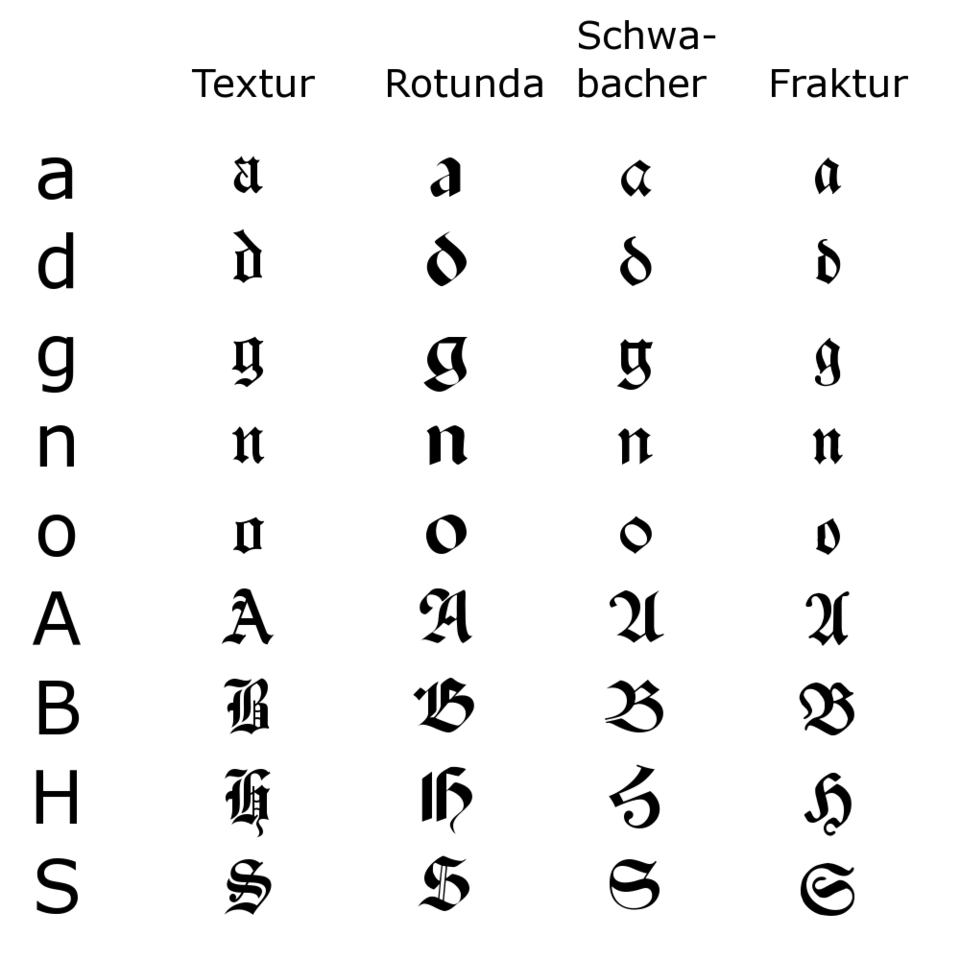
Convert Fraktur-printed book pages, family histories, local histories, and old reference works into searchable text for research and preservation.
Newspapers and Announcements
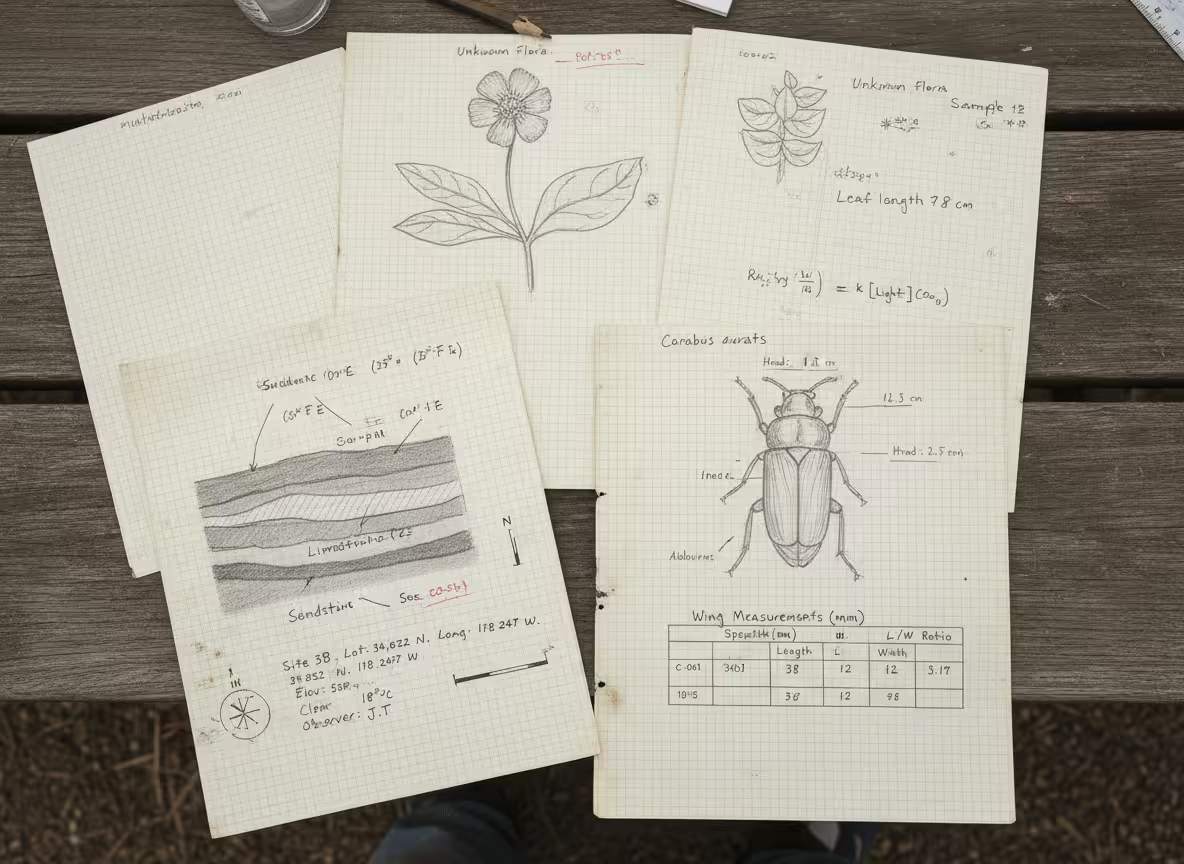
Extract text from old German newspapers, notices, obituaries, advertisements, and public announcements printed in Fraktur.
Certificates and Forms
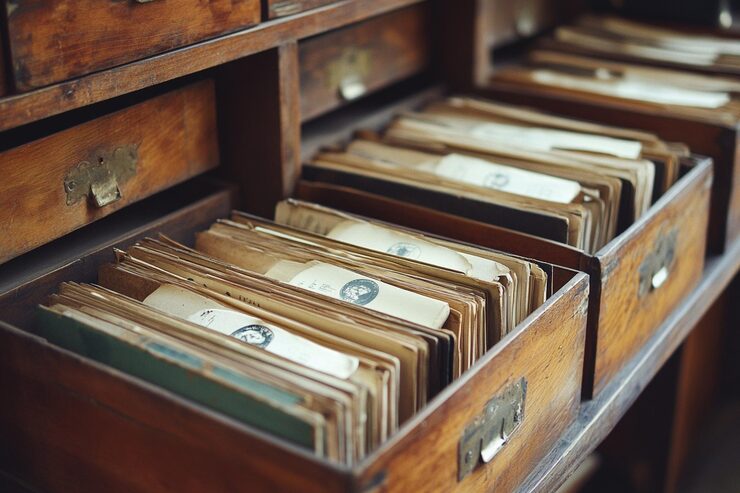
Digitize certificates, forms, church publications, official records, and printed headings that use Fraktur or other German blackletter styles.
Explore More
Related Old Handwriting Tools
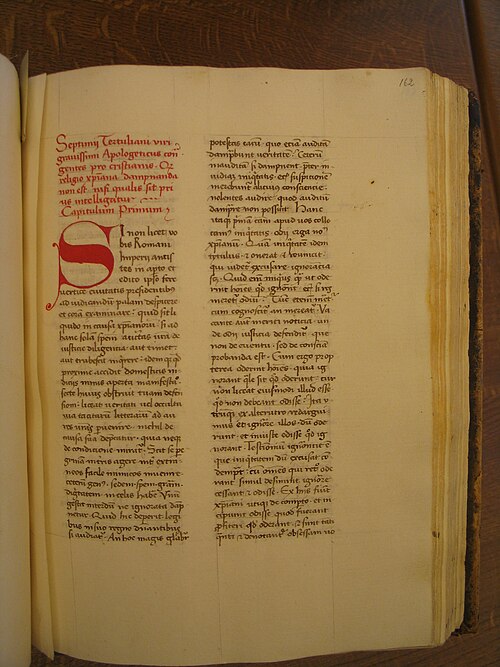
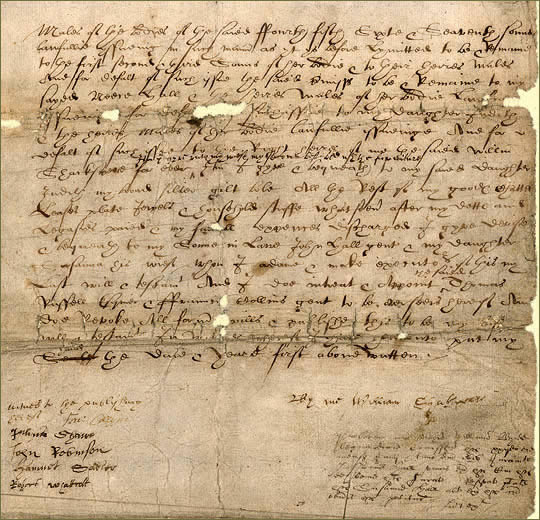
Use specialized tools for old German handwriting, printed blackletter text, Latin manuscripts, and other historical documents.

Blog
From the Blog
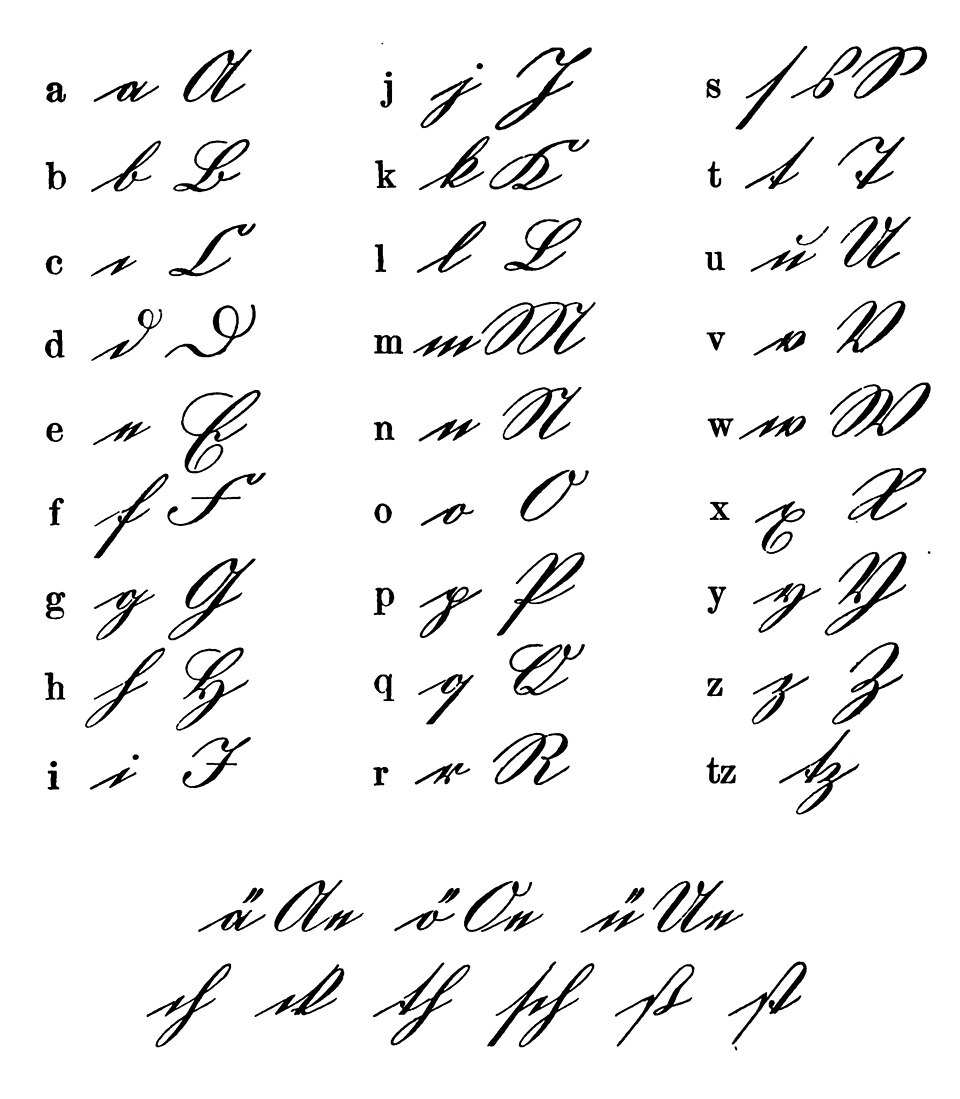
How to Read Old German Handwriting
Learn how to read old German handwriting, including Kurrent, Sütterlin, and Fraktur documents, with AI OCR tools for genealogy and historical research.
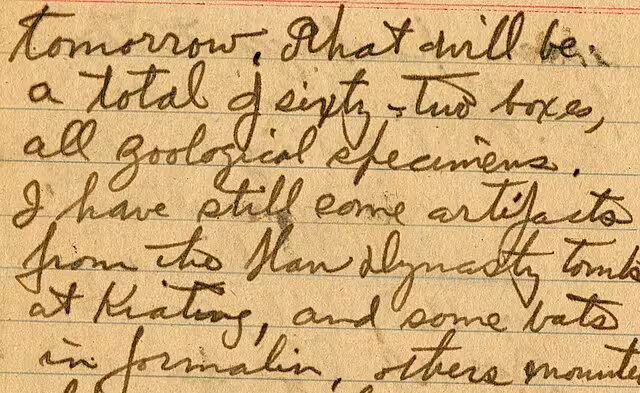
How to Decipher Old Handwriting
Learn how to decipher old handwriting in letters, diaries, genealogy records, and historical documents with practical tips and AI OCR tools.
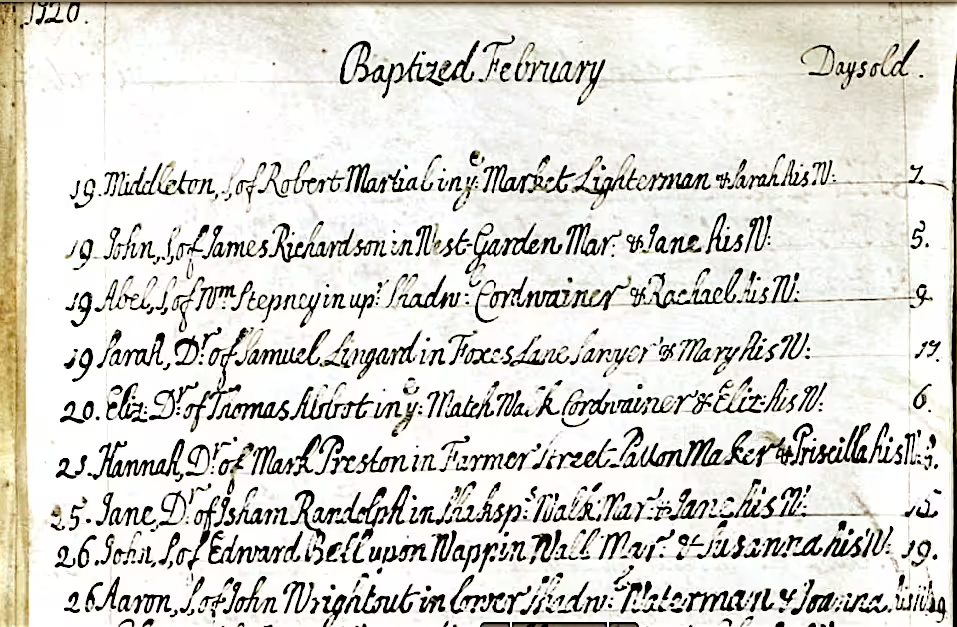
How to Transcribe Old Church Records
Learn how to transcribe old church records, including baptism, marriage, burial, and parish registers, with practical genealogy tips and AI OCR.
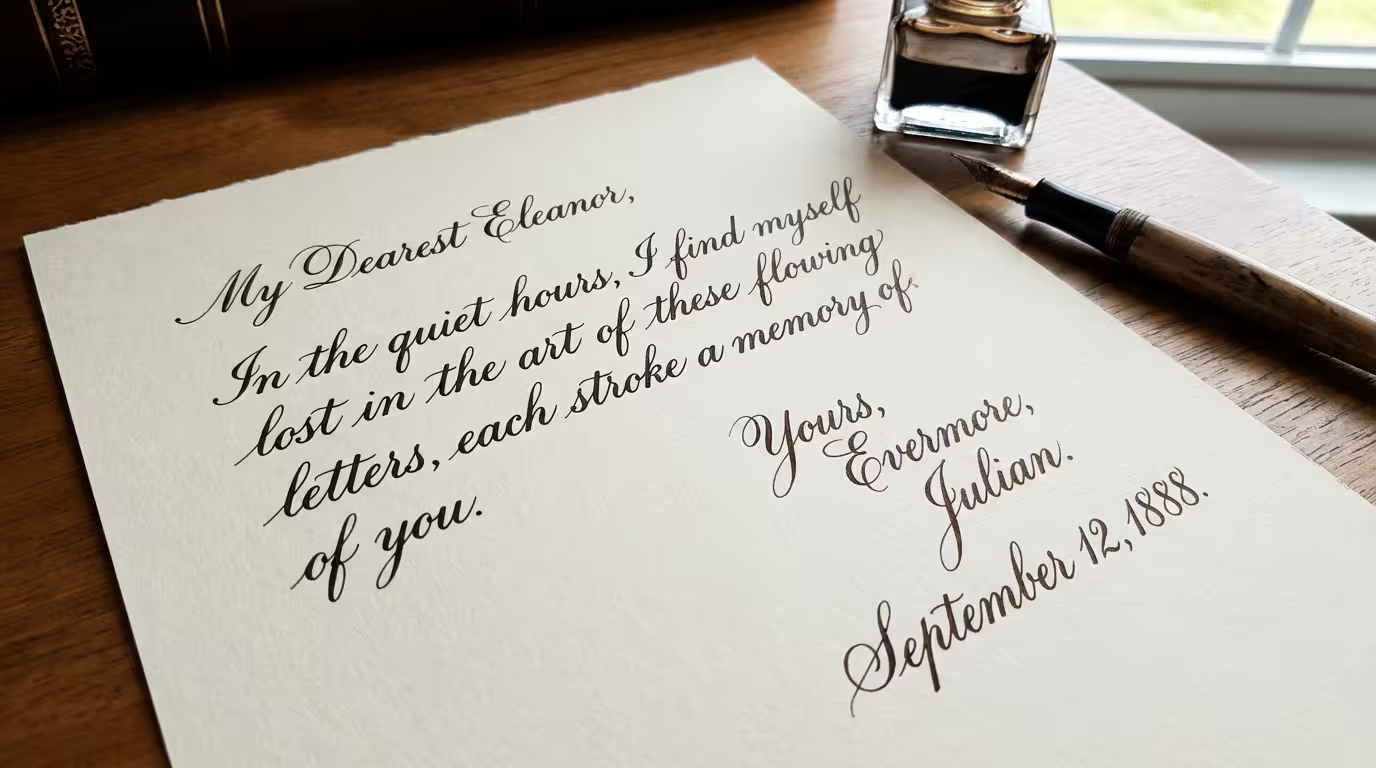
Translate Cursive to Print
Can't read cursive handwriting? Convert cursive letters, old documents, and connected handwriting into clean, readable typed text in seconds.
Frequently asked questions
Fraktur is a historical blackletter typeface widely used in German printed materials. It appears in old books, newspapers, certificates, forms, church publications, and official documents.
No. Fraktur is printed text, not handwriting. Kurrent and Sütterlin are old German handwriting styles, while Fraktur is a blackletter typeface used in printed documents.
Yes. The tool can help convert Fraktur-printed pages from scans, photos, and PDFs into editable digital text. Clear, high-resolution images usually produce better results.
Fraktur is common in old German books, newspapers, certificates, official forms, church publications, family histories, local histories, and some printed archive records.
This tool is designed to extract Fraktur text into readable digital text. If you need English output, you can copy the OCR result and translate it after extraction.
Many old German documents include printed Fraktur text with handwritten notes or signatures. The tool can help extract the printed text, but handwritten parts may require old German handwriting recognition.
Use a clear scan or photo, keep the page flat, avoid shadows, crop out borders, and upload the highest-resolution image you have. Broken letters, ink bleed, stains, and dense columns may still require manual review.
Fraktur OCR
Convert Fraktur print into text
Upload a Fraktur book page, newspaper, certificate, form, or archive scan and turn historical German print into editable text.