Handwritten Image to Text Converter
Upload a photo, scan, or screenshot of handwritten notes, letters, journals, or documents. Our AI reads handwriting and turns it into clean, editable text you can copy or export.
Why Standard OCR Falls Short
Standard OCR wasn't designed for handwriting
While generic tools handle printed documents well, handwritten content is variable, personal, and full of visual noise that rule-based OCR engines can't overcome.
Every Writer Has a Unique Style
Printed fonts follow strict, fixed rules, but handwriting does not. The same letter can look completely different depending on the writer, their writing speed, or even their mood that day.
Cursive Can't Be Split Into Characters
OCR works by isolating individual characters and matching them to known shapes. Cursive and connected handwriting makes this impossible. Letters blend into each other in ways designed for the human eye, not a segmentation algorithm.
Photos Introduce Noise OCR Can't Handle
Handwriting lives in the physical world. This means notebook pages with shadows, photos taken at an angle, and uneven lighting across a scan. Standard OCR engines pass the raw image straight to recognition with no corrections.
Ambiguous Letters Need Context to Resolve
In handwriting, 'a' and 'u', 'i' and 'l', 'n' and 'm' can look almost identical. Humans resolve them using context. Standard OCR picks the closest visual match and moves on.
Features
Accurate Handwriting Recognition
Trained for Handwriting Style
Not all handwriting is neat or printed. Our handwriting OCR can understand every style, from looping cursive and slanted script to mixed printing and rushed, messy notes. You’ll get a clean, accurate transcript every time, no matter how the page was written.
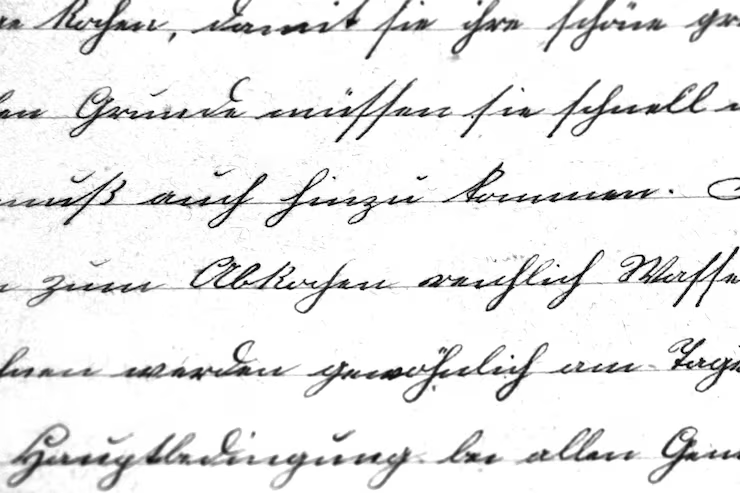
Decode Handwriting Image in One Click
Retyping handwritten notes line by line wastes time and causes mistakes, not to mention the mental drain. Upload your image with our tool to get a clear, accurate transcript in seconds, then copy, export, or drop it straight into your work without tedious extra steps.
Works With Any Image Type
You don't need a fancy scanner or perfect lighting, even a phone photo of your notebook works just as well as a high-res scan. We also pull handwriting right out of PDFs with embedded images.

How it works
Turn handwriting image into text in three simple steps
Upload a handwriting image or scan, let the AI read the page, and export clean text without extra setup.
Try it for free01
Upload
Add a photo, scan, or PDF of handwritten content and review the preview before conversion starts.
02
Analyze handwriting image
Our AI processes the page, detects handwritten content, and converts it into editable text.
03
Export
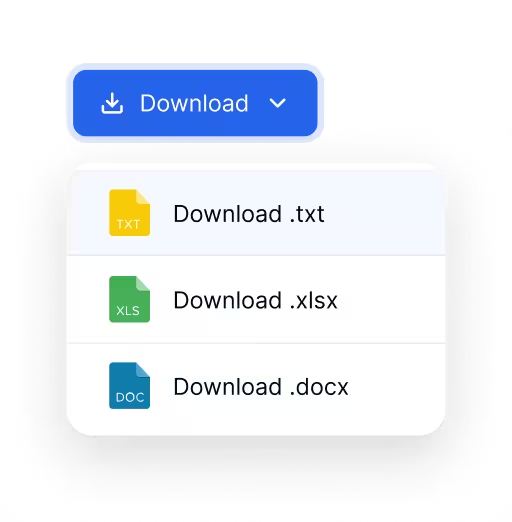
Copy the result or download it in the format that fits your workflow.
Use Cases
When to Use Handwriting Image Recognition
Turn any handwritten image into text to save time and keep all your work searchable.
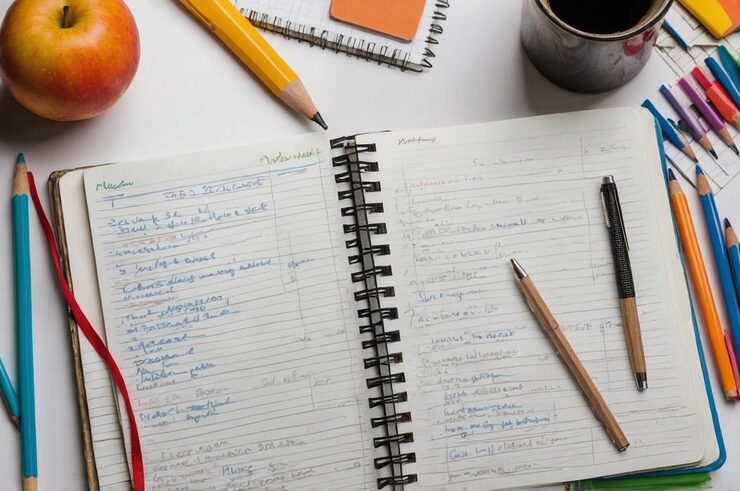
Class Notes
Turn class notes, meeting notes, and notebook pages into editable text for easy studying, sharing, or organizing later.

Personal Journals
Convert handwritten letters and journal pages into text without manually retyping a single page.
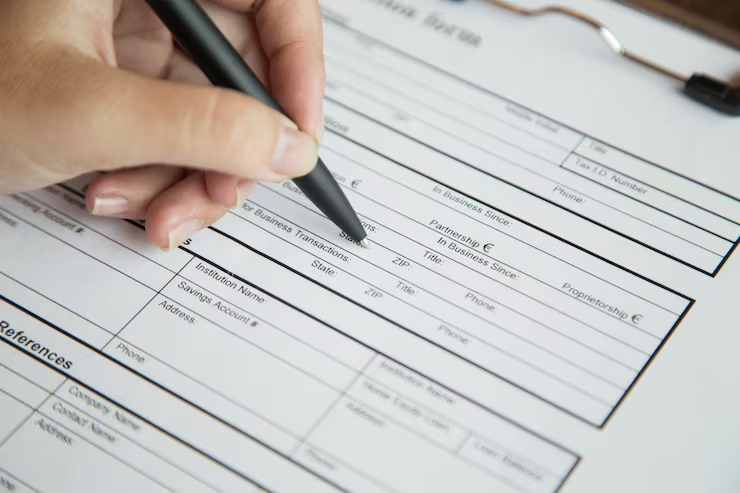
Handwriting Tables
Pull handwriting from filled forms and marked-up pages into clean text you can review and edit anytime.
Blog
From the Blog
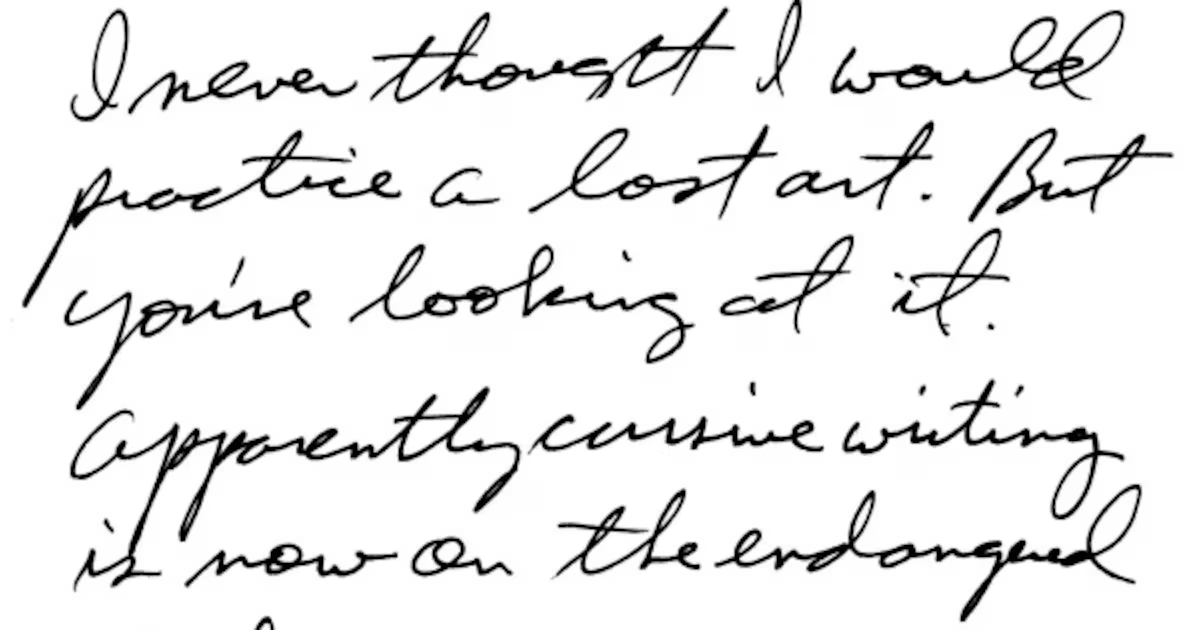
How to Extract Handwritten Text from an Image
Upload a photo or scan and extract handwritten text in seconds. Step-by-step guide plus tips to improve OCR accuracy for messy notes and cursive.
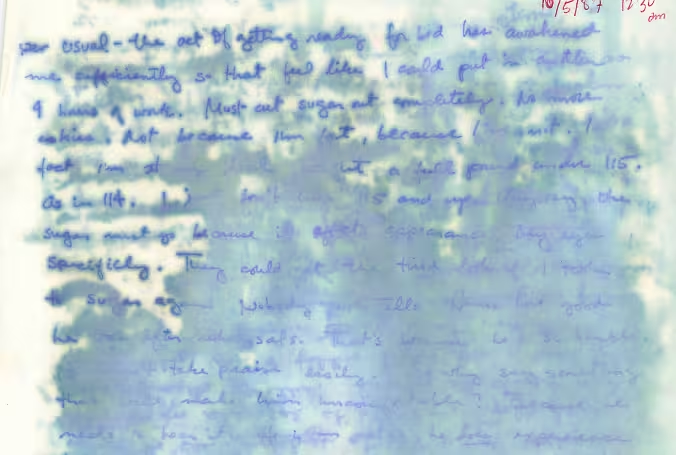
Handwriting OCR on Water-Damaged Documents: A Comparative Study
We compare handwriting OCR results on a real water-damaged handwritten journal excerpt to show how different systems handle faint, blurred, or partially missing text.
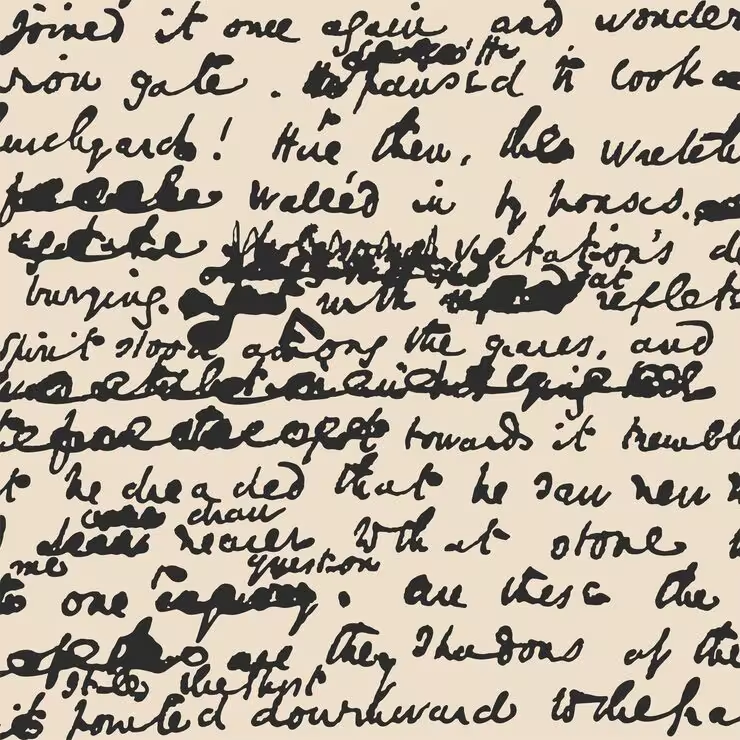
How to Read Bad Handwriting
Bad handwriting can be a frustrating barrier to information. Learn how to convert bad handwriting to editable text with AI.
Translate Cursive to Print
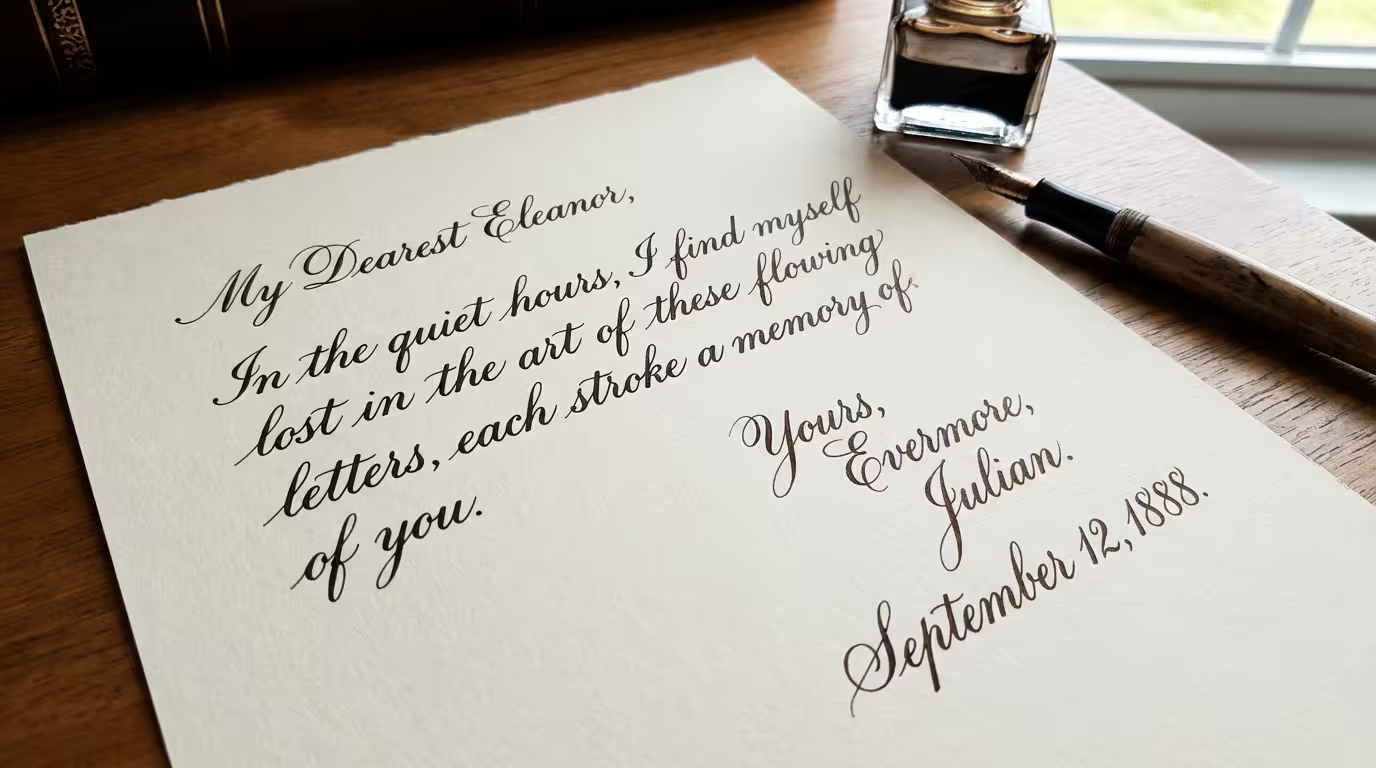
Can't read cursive handwriting? Convert cursive letters, old documents, and connected handwriting into clean, readable typed text in seconds.
Frequently asked questions
Handwriting to Text is an online tool that converts handwritten image into digital text. Upload a photo, scan, or PDF of notes, letters, or documents, and our model turns the handwriting into editable text.
Yes. The tool is designed for handwritten content, including cursive and uneven writing styles. Clearer images usually lead to better results.
Standard OCR is often optimized for printed text. Handwriting image to text focuses on reading handwritten notes, letters, and scanned pages where spacing, line flow, and writing style are less predictable.
You can download your handwriting transcripts as Excel (.xlsx), Markdown (.md), CSV (.csv), or plain text (.txt). You can also copy the text directly into your clipboard.
Yes. Files are encrypted and auto-deleted after export. Your handwriting conversion sessions stay private, and your pages are not used for training.
Yes. You can take a photo of handwritten notes on your phone and upload it directly. The interface is designed to work smoothly on smaller screens.
Handwriting Image to Text
Convert handwritten image to editable text
Upload a handwriting photo or scan and get clean, searchable text in seconds.