Convert handwritten PDF to text in seconds
Turn scanned handwritten PDFs into clean, editable text. Upload a PDF, extract handwriting in reading order, then copy or download your transcript in seconds.
Handwriting PDF to text — accurate, readable, and fast
Handwritten PDFs are hard to search, copy, or reuse. Our handwriting OCR helps you extract handwriting from a PDF and convert it into readable text you can edit and share.
Whether your PDF comes from a scanner, a phone scan app, or an annotated document, our tool converts handwriting into text with a clean reading flow.
Highlights
- Convert handwritten PDF to text online in a few steps.
- Works with scans, phone-generated PDFs, and handwritten notes saved as PDF.
- Export transcripts as TXT or Markdown for your workflow.
Optimized for handwritten PDFs
Most PDF to text tools only work on typed documents. This converter is built to recognize handwriting inside scanned PDFs — including notes, forms, and marked-up pages.
Natural reading order output
Instead of preserving complex page layout, we generate a clean transcript. Your handwriting becomes readable text that’s easy to review, edit, and reuse.
Multi-page PDF support
Convert single-page or multi-page handwritten PDFs into text. Export everything as one document or keep pages separated for better organization.
How it works
Convert PDFs to text in three steps
Upload a PDF, review each page, and export OCR results without leaving the browser.
Try it for free01
Upload
Add a PDF and preview the individual pages before processing starts.
02
Process
Run OCR page by page and extract readable text from the full document.
03
Export
Download the final text or copy it for search, editing, and archiving.
Use Cases
Use cases for PDF handwriting to text
Handwritten PDFs appear in real workflows every day. Converting them to text makes the content easier to search, reuse, and share.
Historical archives
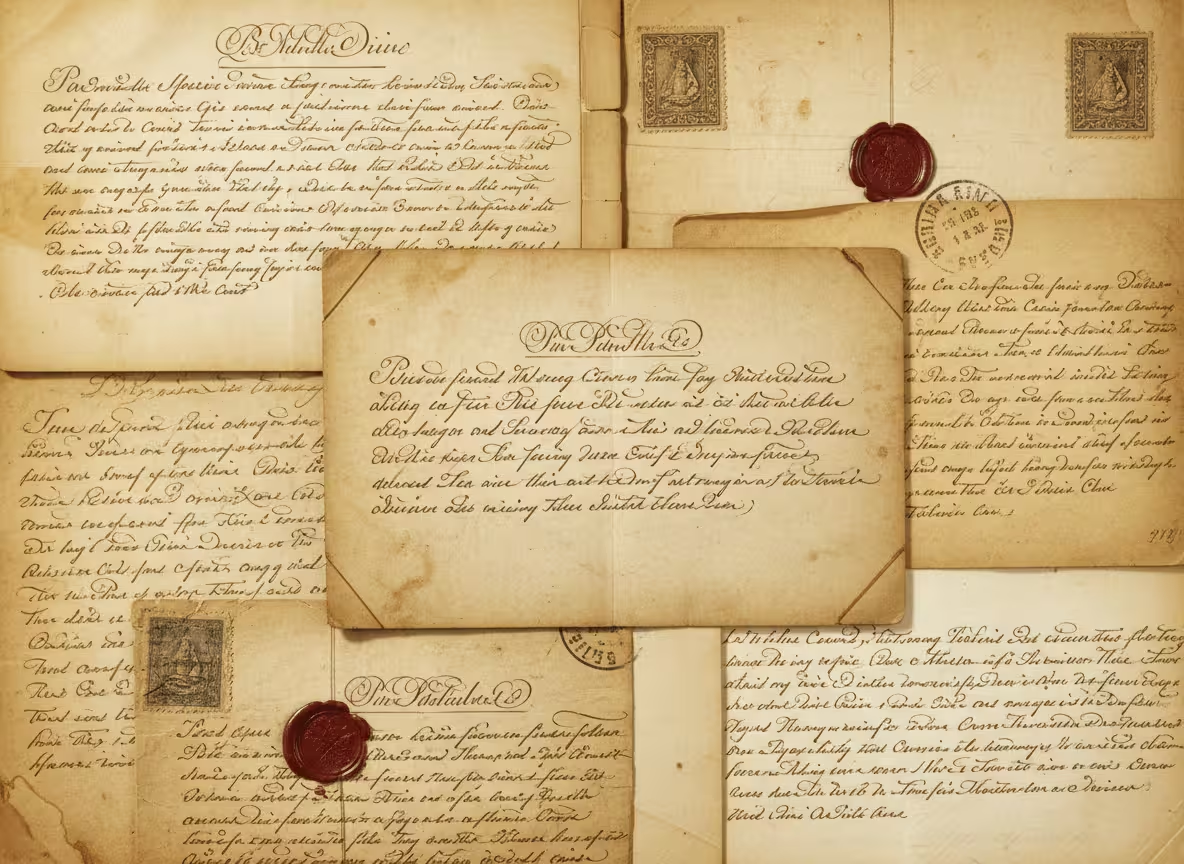
Convert scanned handwritten PDFs into readable text so researchers can search collections and reference documents faster.
Medical records
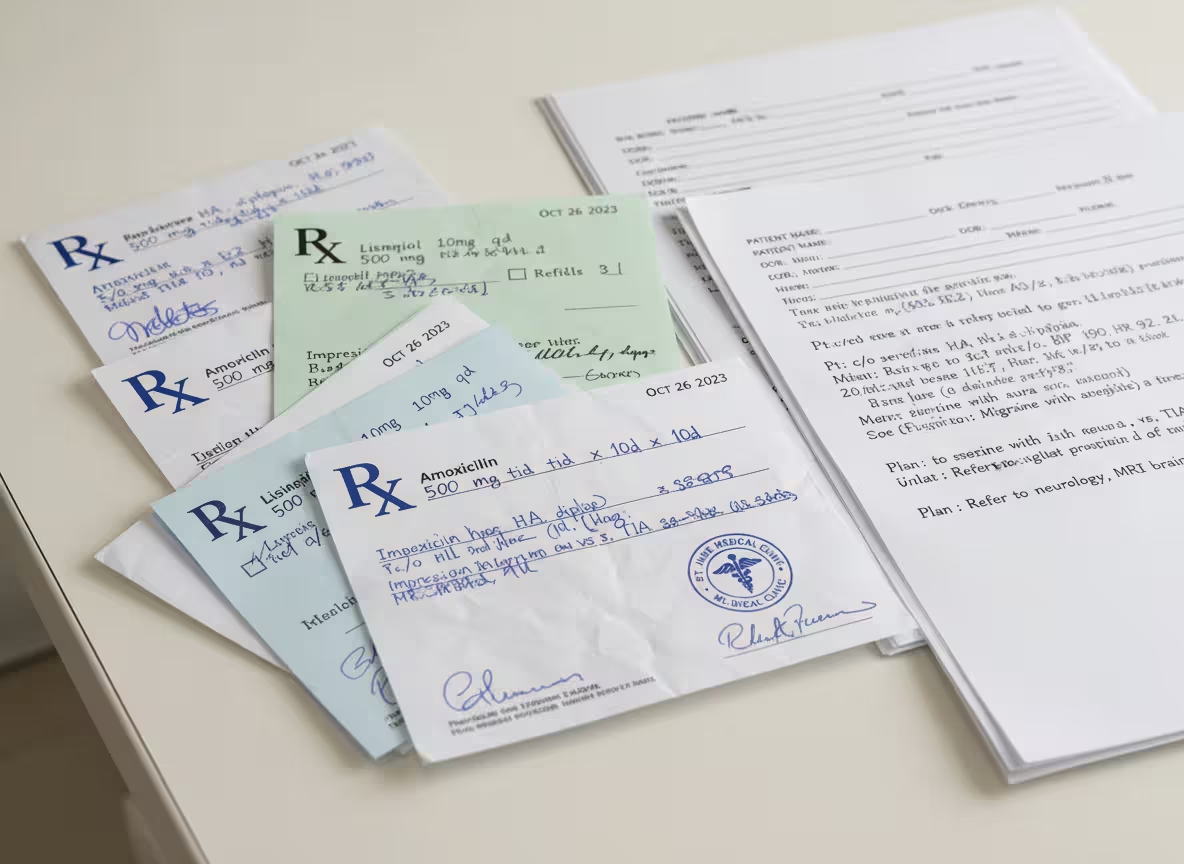
Extract handwriting from PDF scans of notes and forms to make documentation easier to review and store digitally.
Research documentation
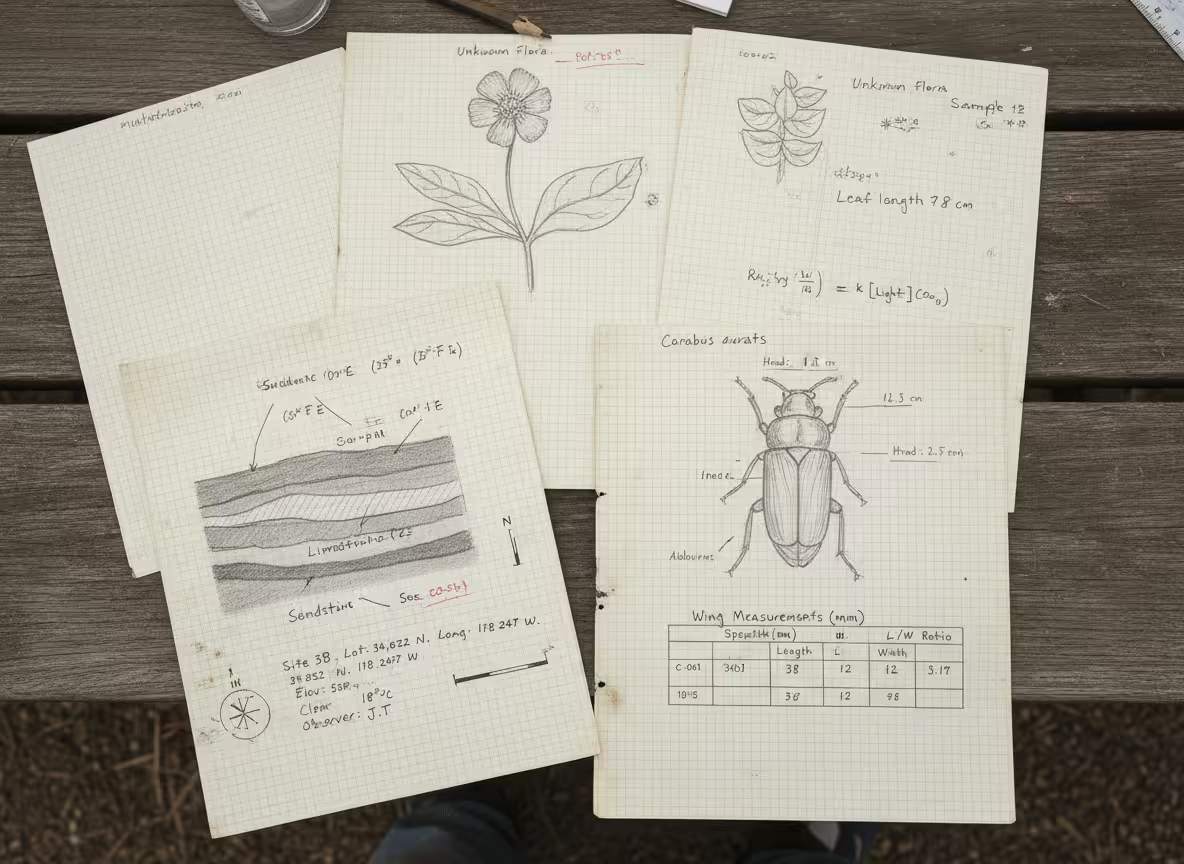
Turn handwritten PDF lab notes into text so teams can search experiments and compile results more efficiently.
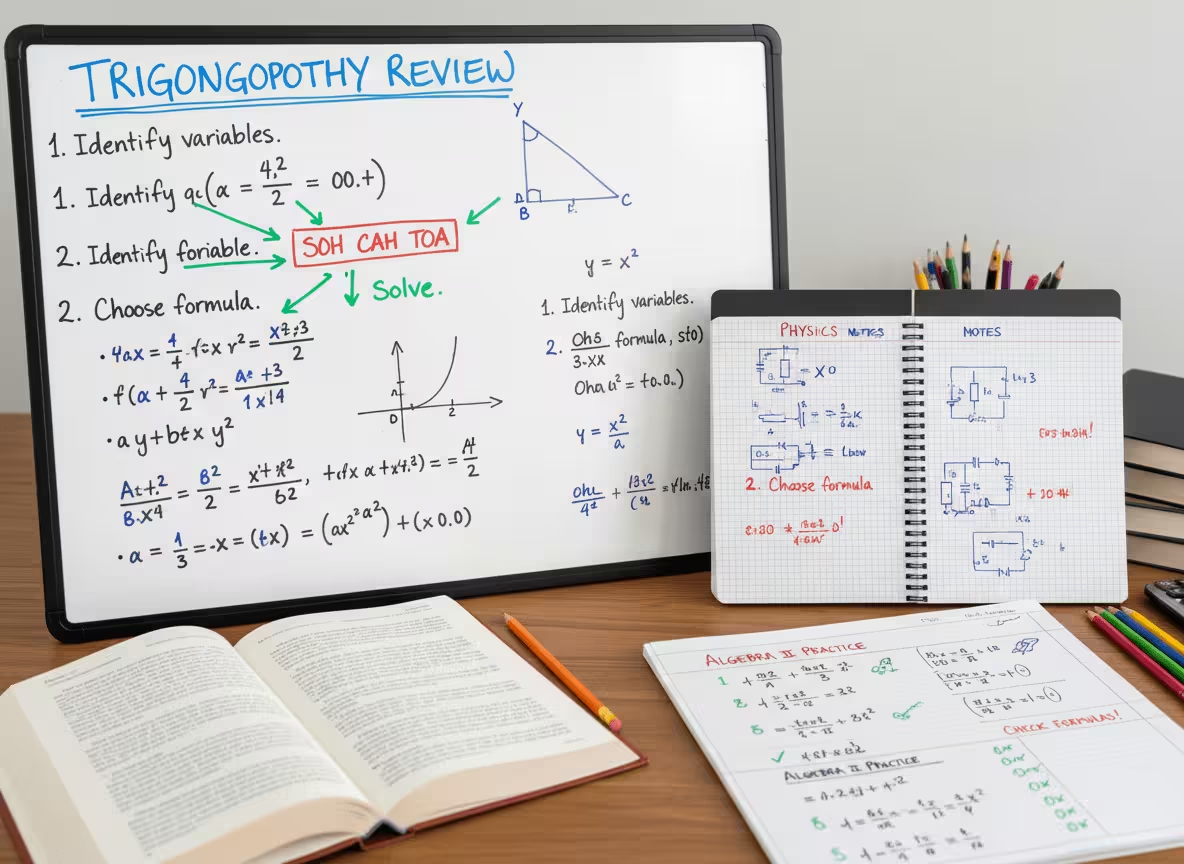
Education materials
Convert handwritten PDFs from lectures and assignments into text for studying, organizing, and sharing with students.
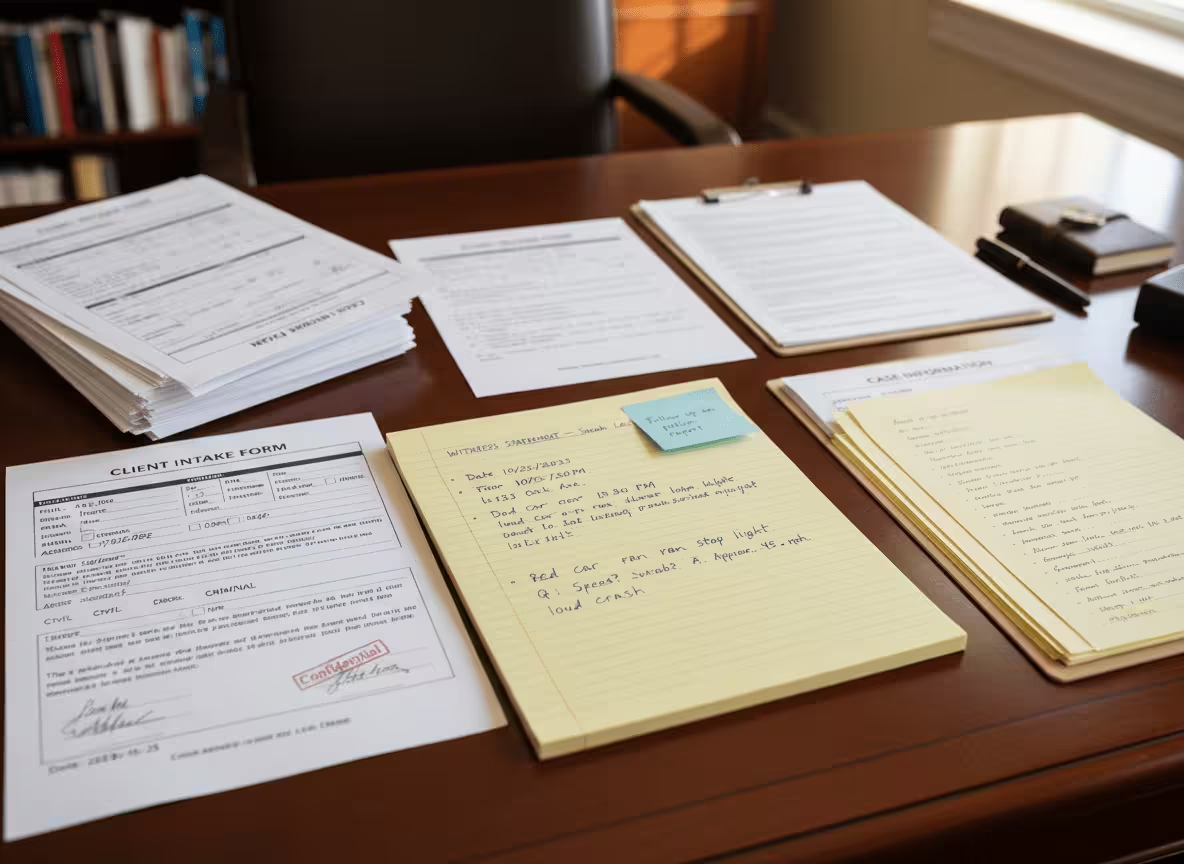
Legal documentation
Convert handwritten PDF statements and scanned case notes into text to keep records searchable and consistent.
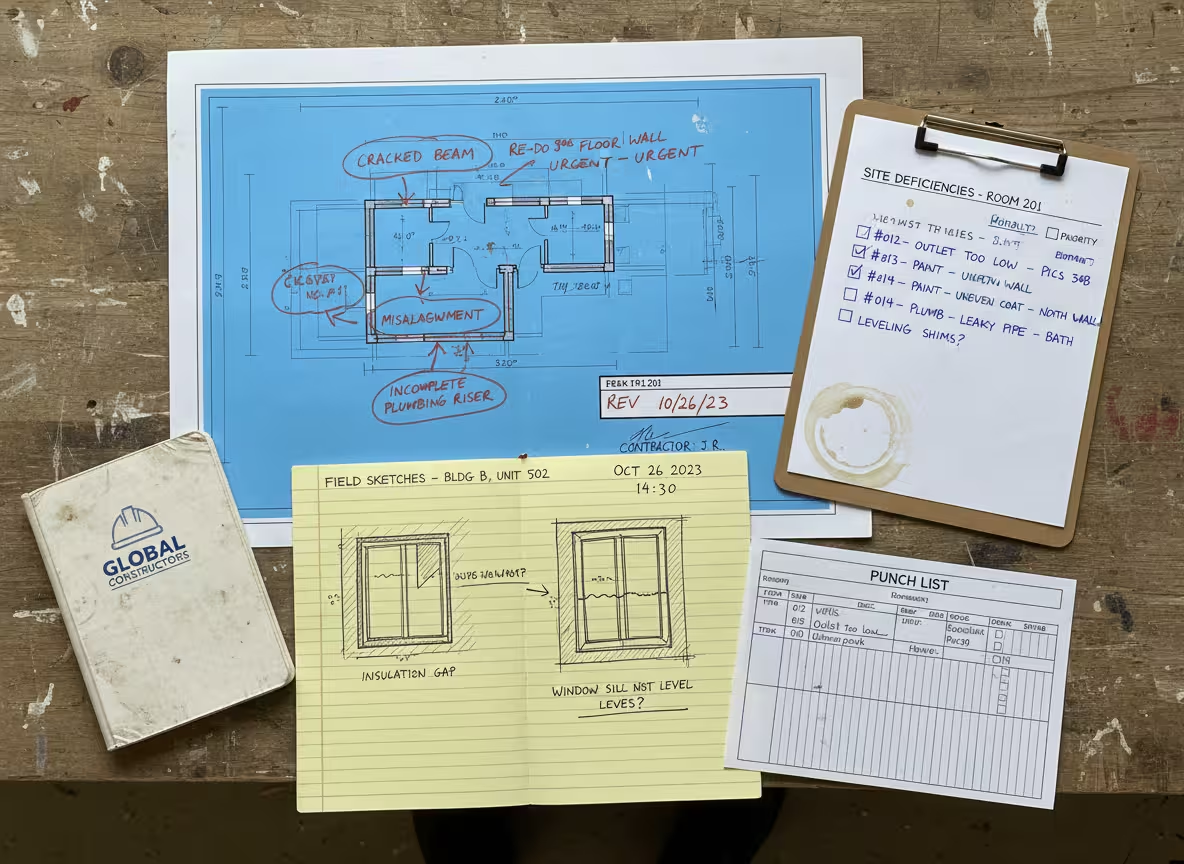
Field inspections
Extract handwriting from PDF inspection reports and checklists to track follow ups and store clean records.
Testimonials
What our users say

I usually take notes by hand in class, but rewriting everything on my laptop takes a lot of time. I tried uploading photos of my notes, and it actually worked better than I expected. It's really helpful when I need everything in text before exams.

Emily Carter
University Student

I deal with a lot of handwritten work from students. Converting it into text makes things easier to organize and review. I like that I can just upload a photo and get something readable without extra steps.

A lot of my research notes are handwritten or scanned. This tool helps me turn them into text so I can search and reuse them later. It saves time, especially when working with older documents.

I like drafting ideas on paper, but editing on a screen. Being able to turn my handwritten notes into text makes that transition much easier. It feels like a natural part of my writing process now.

I often take handwritten notes during meetings. Having them converted into text helps me keep everything organized and easy to reference later. It's simple and useful.
Blog
From the Blog
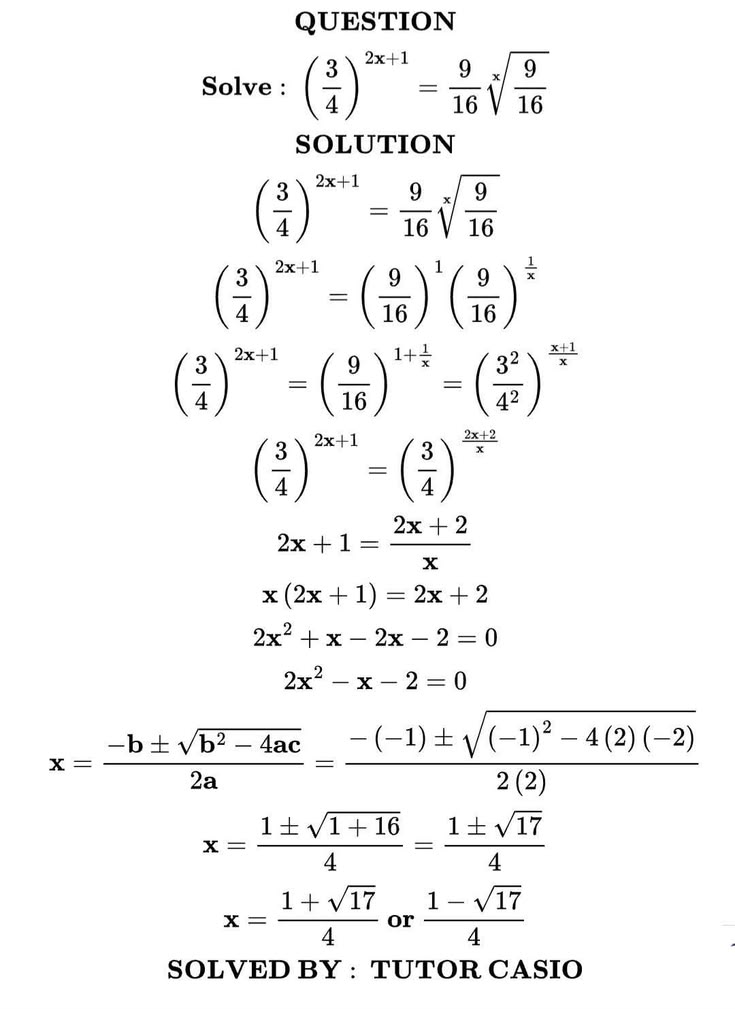
How to Convert Equations from a PDF to LaTeX
Learn how to convert equations and formulas from a PDF into editable LaTeX code for Overleaf, Markdown, or a TeX editor.
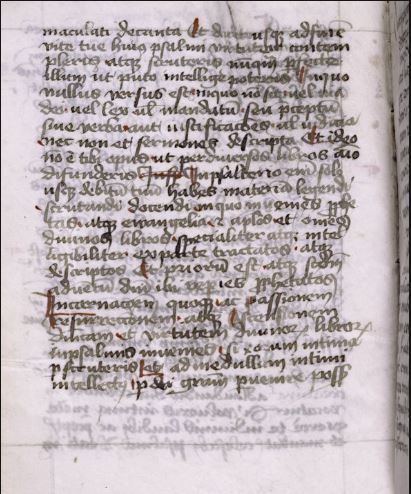
How to Read Faded Cursive Handwriting
Learn how to read faded cursive handwriting, prepare low-contrast document images, recognize difficult letterforms, and create an accurate transcription.
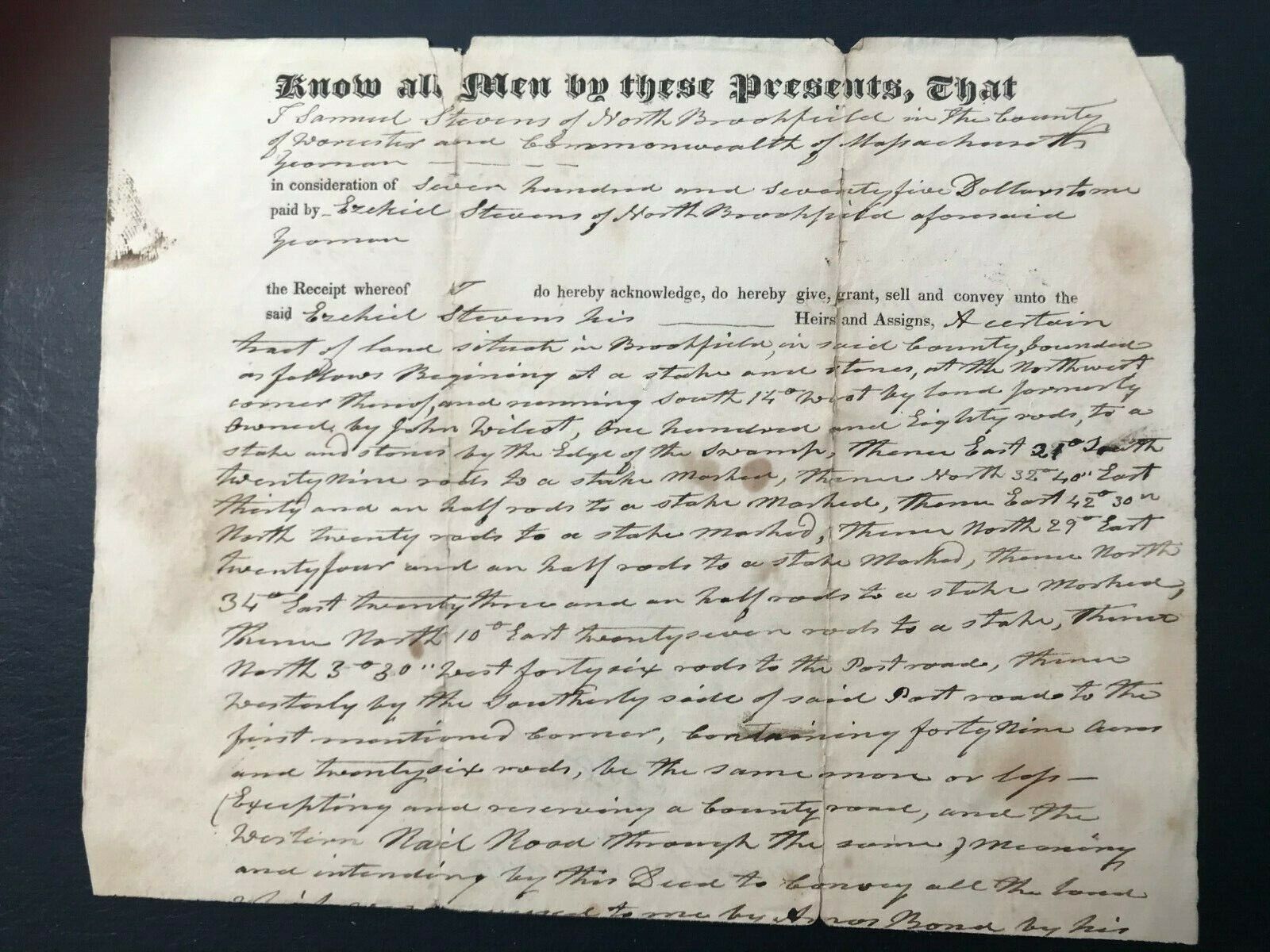
How to Read Old Handwritten Land Deeds
Learn how to read and transcribe old handwritten land deeds, understand legal phrases and boundary descriptions, and uncover useful property and family history clues.
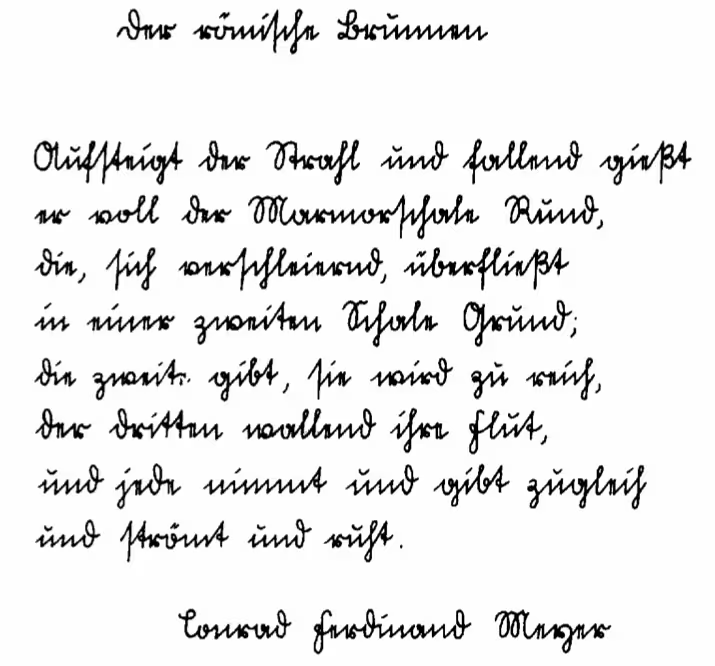
How to Read Sütterlin Handwriting with AI
Master reading Sütterlin cursive from antique German letters, ancestral records and historical manuscripts. AI converts this outdated German script into clear, readable digital text.
Frequently asked questions
Yes. Upload a PDF containing handwritten pages and our handwriting OCR will extract the content and convert it into editable text you can copy or download.
Yes. It works best on scanned PDFs with clear handwriting and good contrast. If the scan is blurry, improving clarity can help accuracy.
Standard PDF to text tools usually only extract typed text from digital PDFs. Handwriting PDF to text OCR is designed to recognize handwritten content inside scanned PDFs.
For best results, use a clear scan, avoid shadows, keep handwriting sharp, and crop out unnecessary background. High-contrast pages typically convert more accurately.
Yes. You can upload multi-page PDFs and export your transcript as a single document or keep pages separated, depending on your workflow.
You can download your transcript as TXT or Markdown, making it easy to reuse in documents, notes, and knowledge bases.
Yes. Your files are encrypted during processing and automatically deleted after conversion. We never use your documents for training.
Yes. Upload a PDF from your phone or tablet and convert handwriting to text with a mobile-friendly interface.
Convert handwriting in your PDF into editable text
Upload a handwritten PDF, extract the text, and export a clean transcript in seconds.