
Turn Handwriting into Editable Tables
Upload handwritten notes, lists, forms, logs, or records. Extract rows, columns, labels, and values into a clean table you can review, copy, or export.
Why Regular OCR Falls Short
Handwritten Data Needs Table Structure
Plain OCR can read words, but handwritten data also needs rows, columns, labels, and values to stay connected. This tool turns handwriting into structured table data instead of loose text.
Handwriting Rarely Follows a Grid
Real pages often have uneven spacing, slanted words, crossed out values, and shorthand. A table extractor needs to understand both the handwriting and the layout.
Rows and Columns Can Be Unclear
Many handwritten tables have faint lines, missing borders, merged cells, or no visible grid. The tool has to infer structure from labels, spacing, and context.
Photos Add More Complexity
Phone photos, scanned pages, shadows, curled paper, and skewed angles can make a table harder to read. Good extraction keeps the data organized anyway.
Numbers Need the Right Labels
A number is only useful when it stays under the right header or next to the right field. The goal is structured data, not a loose block of text.
Features
Built for Handwritten Tables, Lists, and Records
Extract Rows, Columns, and Labels
Our AI reads handwritten content and organizes it into a table with clear headers, rows, and values. Use it for notes, lists, forms, notebook tables, logs, and records that need structure.
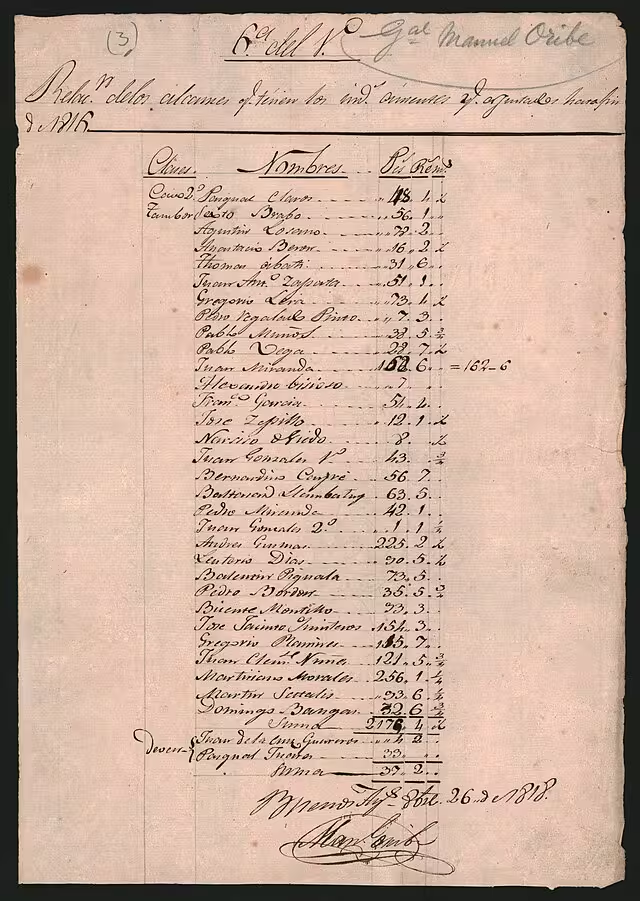
Read Notes, Forms, Logs, and Records
Convert handwritten pages with mixed layouts, printed labels, margin notes, crossed out values, or uneven spacing into editable table data.
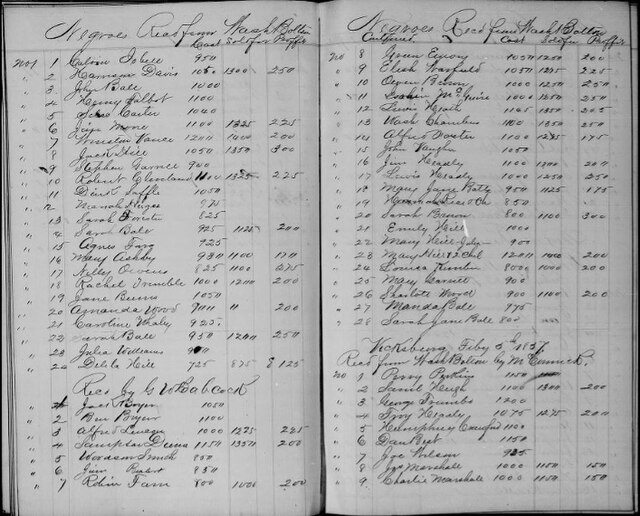
Export Clean Table Data
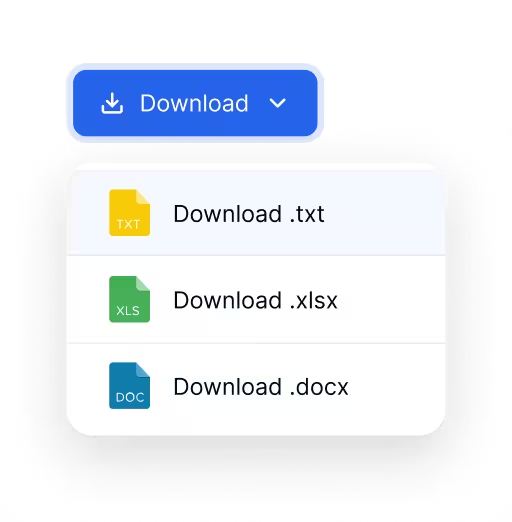
Review the extracted table, then download it as an Excel file or CSV. You can open the result in Excel, Google Sheets, Numbers, Airtable, or your own data tools.
How it works
Convert Handwriting into a Table in 3 Steps
Go from handwritten data to an editable table without retyping every row.
Try it for free01
Upload
Upload a photo, scan, screenshot, or image file that contains handwritten notes, lists, forms, or table data.
02
Extract
Select the table extraction tool and let the AI detect handwriting, fields, rows, columns, and values.
03
Review and export
Check the extracted table, make edits if needed, then export it as Excel or CSV for your next workflow.
Use Cases
Turn Handwritten Data into Tables
Convert handwritten lists, logs, forms, and records into clean table data for spreadsheet workflows

Handwritten Lists
Turn item lists, checklists, field notes, and notebook pages into structured rows that are easier to sort, copy, and edit.

Forms and Logs
Extract repeated fields from handwritten forms and tracking pages without rebuilding the table by hand.

Old Records
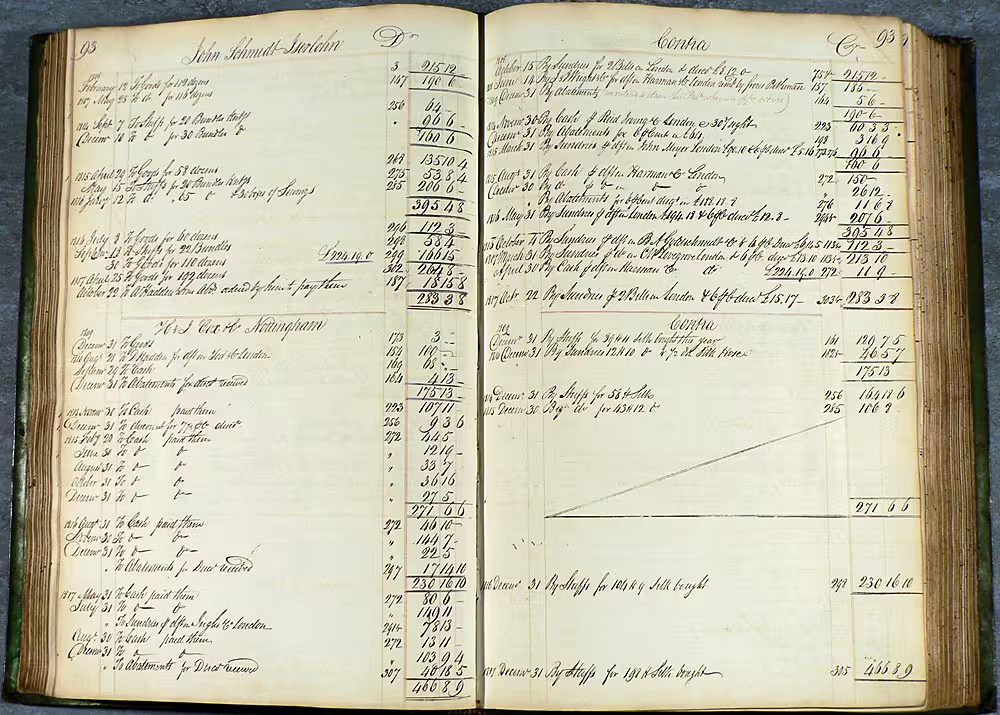
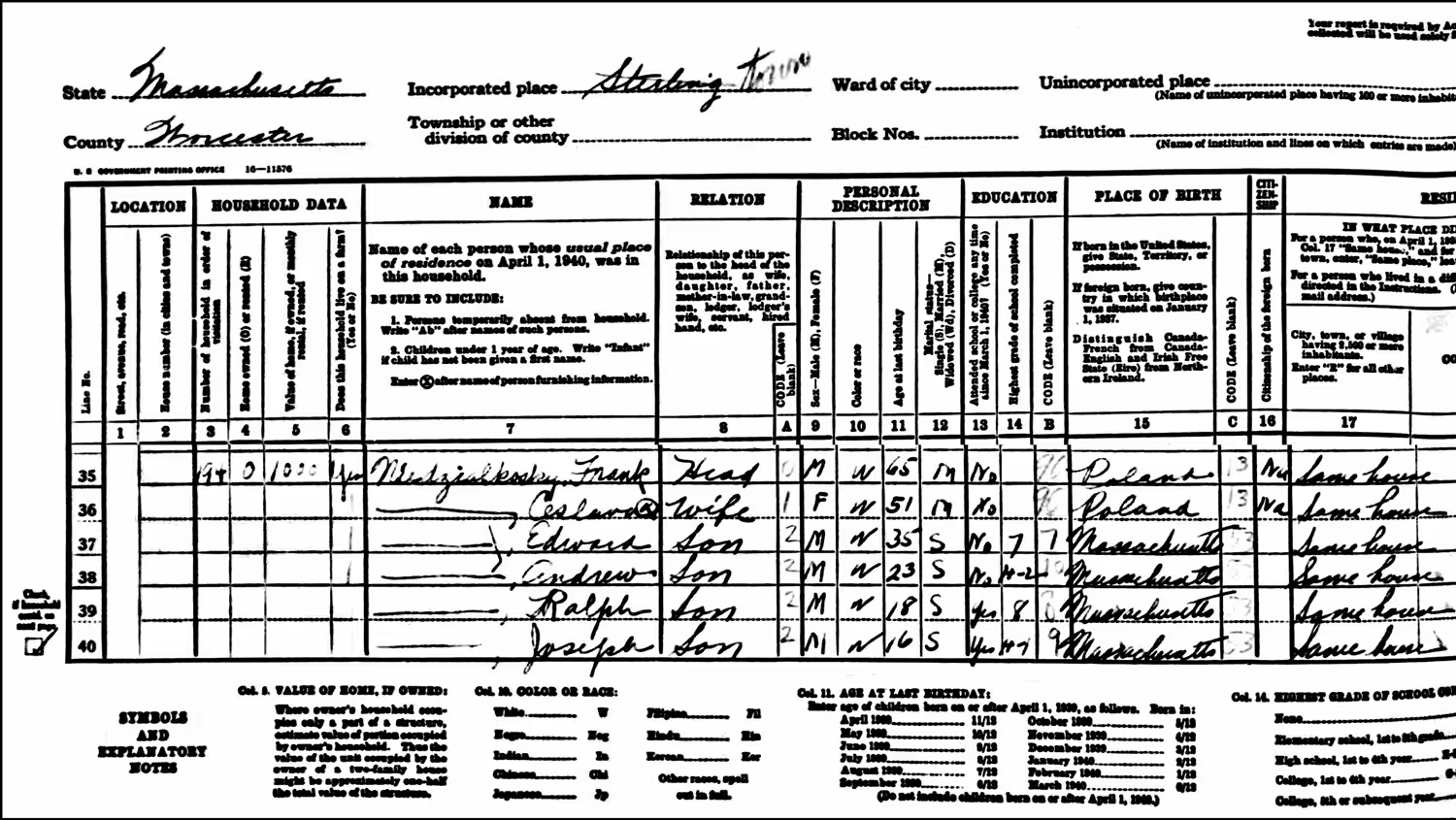
Convert handwritten registers, ledgers and census pages into searchable rows and columns for research.
Explore More
Related Handwritten Table OCR Tools
Choose a focused converter when your handwritten page follows a specific record type.

Blog
From the Blog
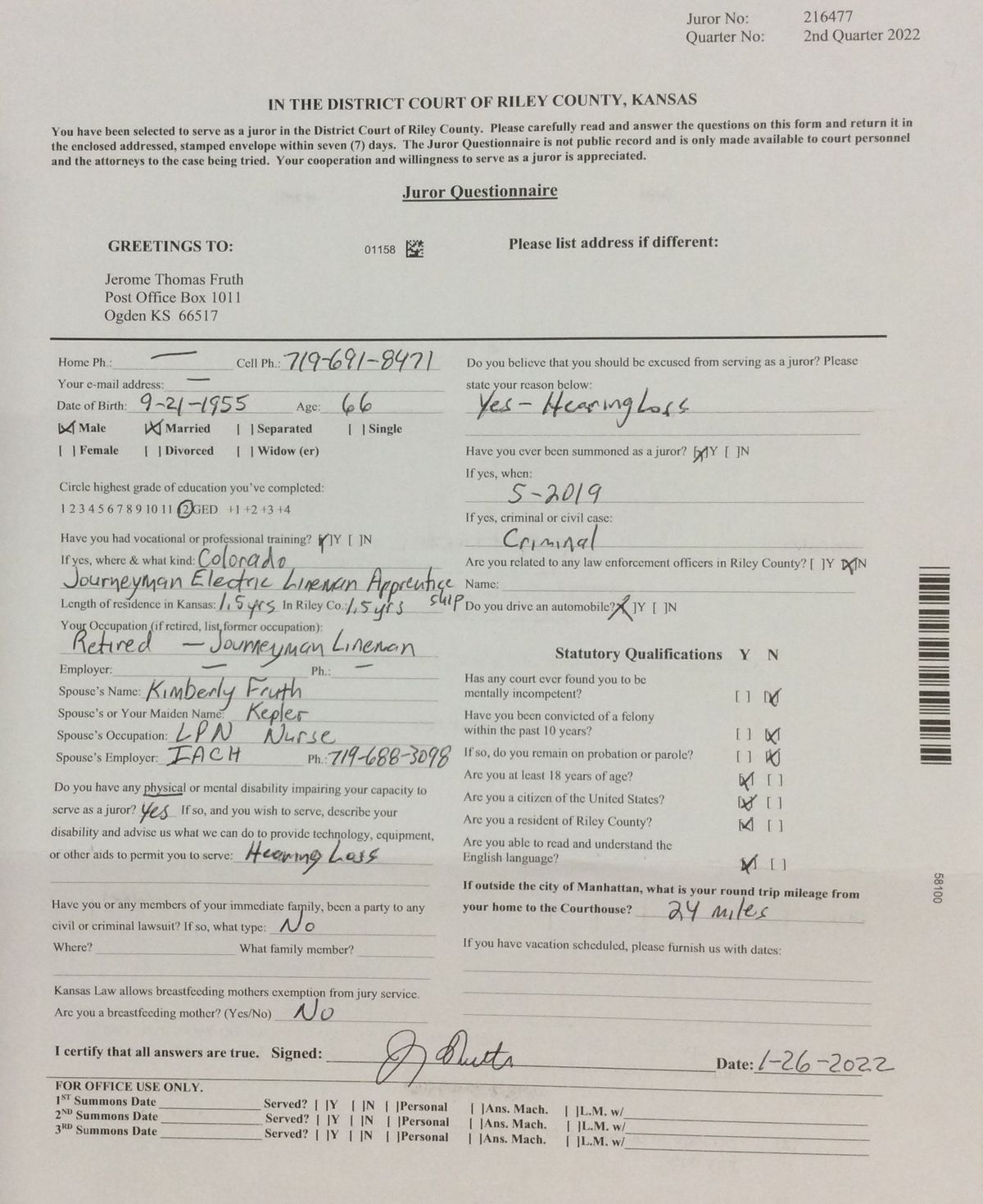
How to Convert Handwritten Forms to Excel
Learn how to extract fields from handwritten forms, organize the entries into rows and columns, and export the results to Excel or CSV.
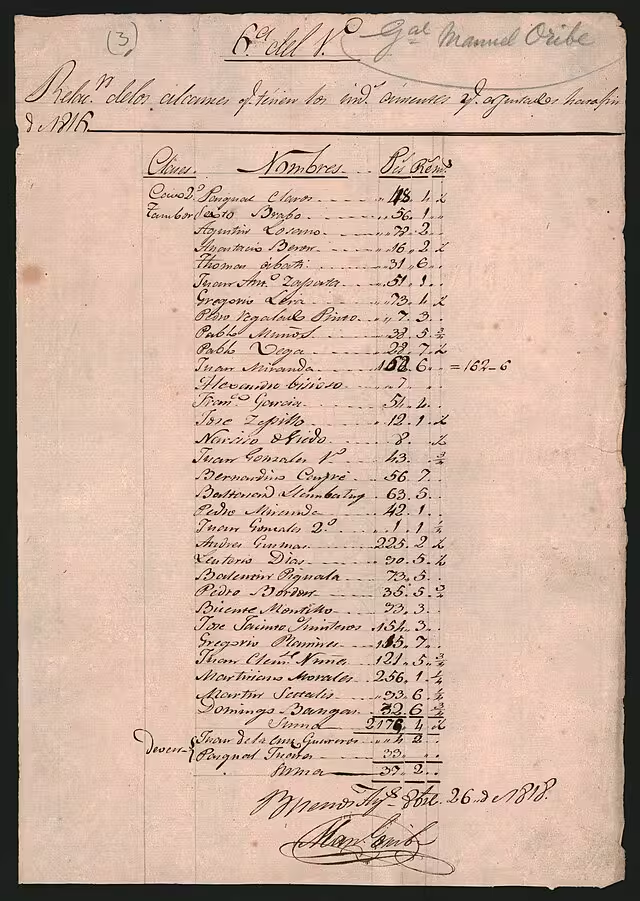
How to Convert Handwritten Tables to Excel
Learn how to convert handwritten tables, notes, forms, and records into editable Excel or CSV spreadsheets with AI table extraction.
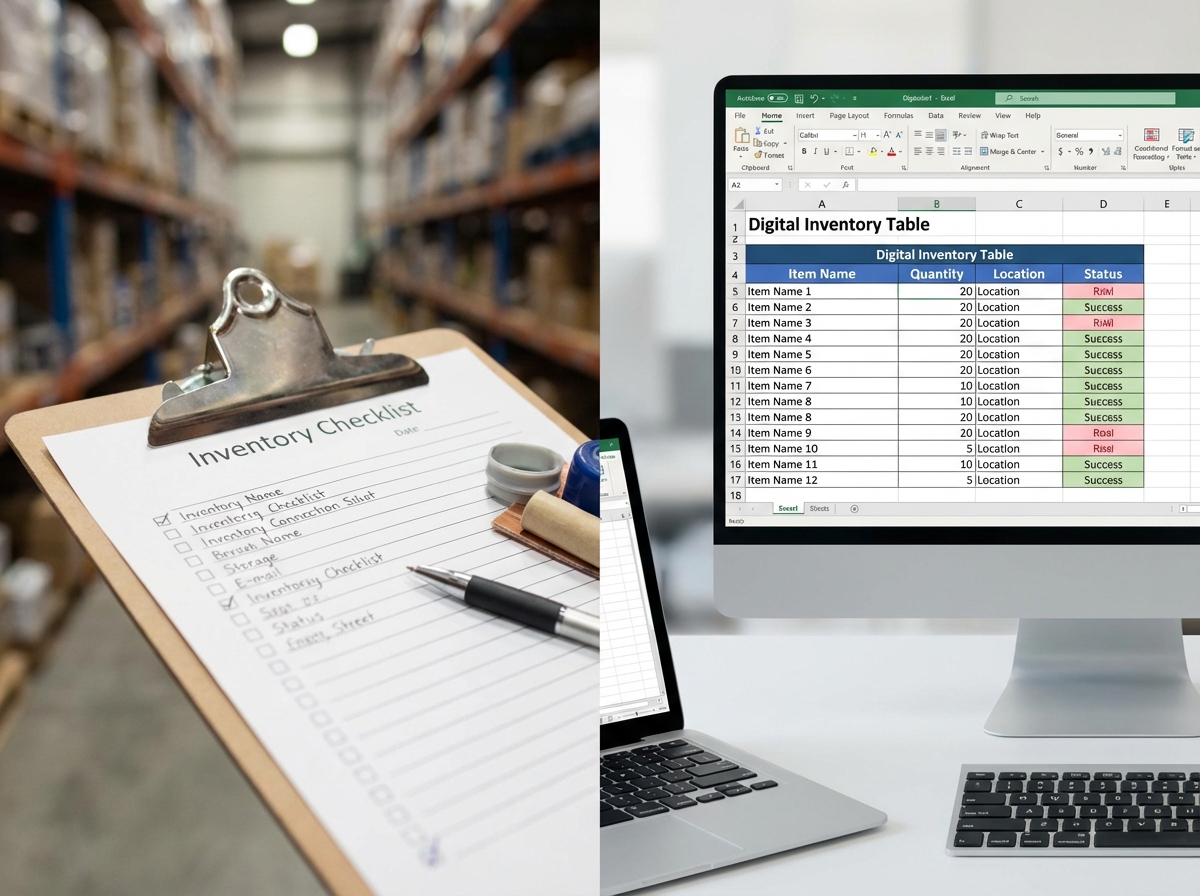
How to Digitize Handwritten Inventory Sheets
Learn how to digitize handwritten inventory sheets, stock counts, item lists, and warehouse notes into editable Excel or CSV spreadsheets.

How to Extract Handwritten Text from an Image
Upload a photo or scan and extract handwritten text in seconds. Step-by-step guide plus tips to improve OCR accuracy for messy notes and cursive.
Frequently asked questions
You can upload handwritten lists, notebook tables, forms, logs, field notes, records, and other pages that contain data you want to organize into rows and columns.
Yes. You can upload a phone photo, scan, screenshot, or image file. Clear lighting, a flat page, and visible handwriting usually give better results.
Yes. The tool can organize handwritten lists into table rows and columns when the items follow a repeated pattern, such as names, dates, quantities, prices, or notes.
Yes. It can often infer rows and columns from spacing, labels, repeated patterns, and context. Very irregular pages may need manual review after extraction.
Yes. It can help structure old records such as census pages, registers, ledgers, and historical lists. Faded ink, unusual scripts, or damaged pages may need manual review after extraction.
You can export the extracted table as an Excel .xlsx file or CSV file, depending on how you want to use the data.
Use a clear image or scan, keep the full page visible, avoid strong shadows, and make sure row and column labels are readable. For old records, crop the page around the table area when possible.
Handwriting to Table
Turn Handwritten Data into an Editable Table
Upload handwritten notes, lists, forms, logs, or records and extract structured data you can review and export.