Remove Handwriting from Any Image
Remove handwritten notes, annotations, and scribbles from photos or scanned documents. Keep the original content intact while cleaning the image automatically.
Already have an account? Sign in
Built to remove handwriting without damaging the image
Handwritten annotations can cover important content or distract from the original document. Remove Handwriting is designed to erase handwritten strokes while preserving layout, structure, and background details.
Highlights
- Remove handwriting without rewriting content
- Preserve document structure and background
- Work directly in your browser
Remove handwritten notes
Remove pen, pencil, or marker writing from scanned documents and photos without affecting printed content.
Preserve original layout
Maintain background structure, printed text, and formatting while cleaning away handwritten overlays.
Clean annotated images
Remove comments, scribbles, and temporary edits added to documents, whiteboards, or screenshots.
When You Need a Clean Version
Handwritten marks can clutter documents, photos, or presentations. Remove handwriting from documents to restore a clean version of the image while keeping the printed content intact.
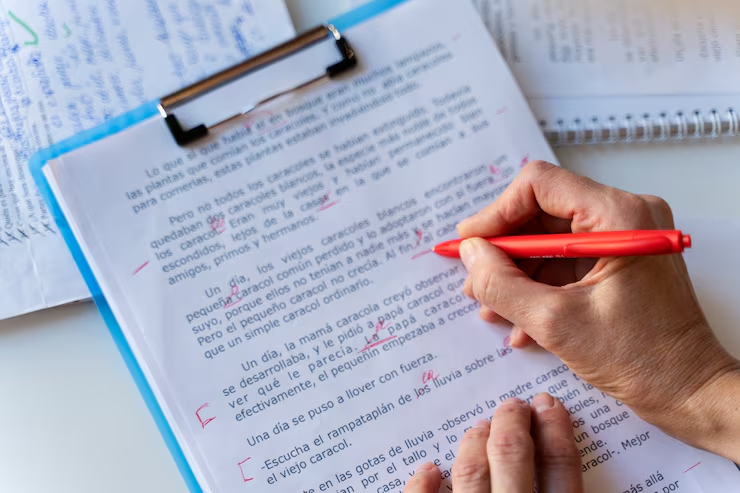
Annotated Printed Documents
Printed pages often include handwritten edits, corrections, or margin notes. Remove them to recover a clean, shareable copy.
- Erase handwritten corrections
- Restore clean printable documents
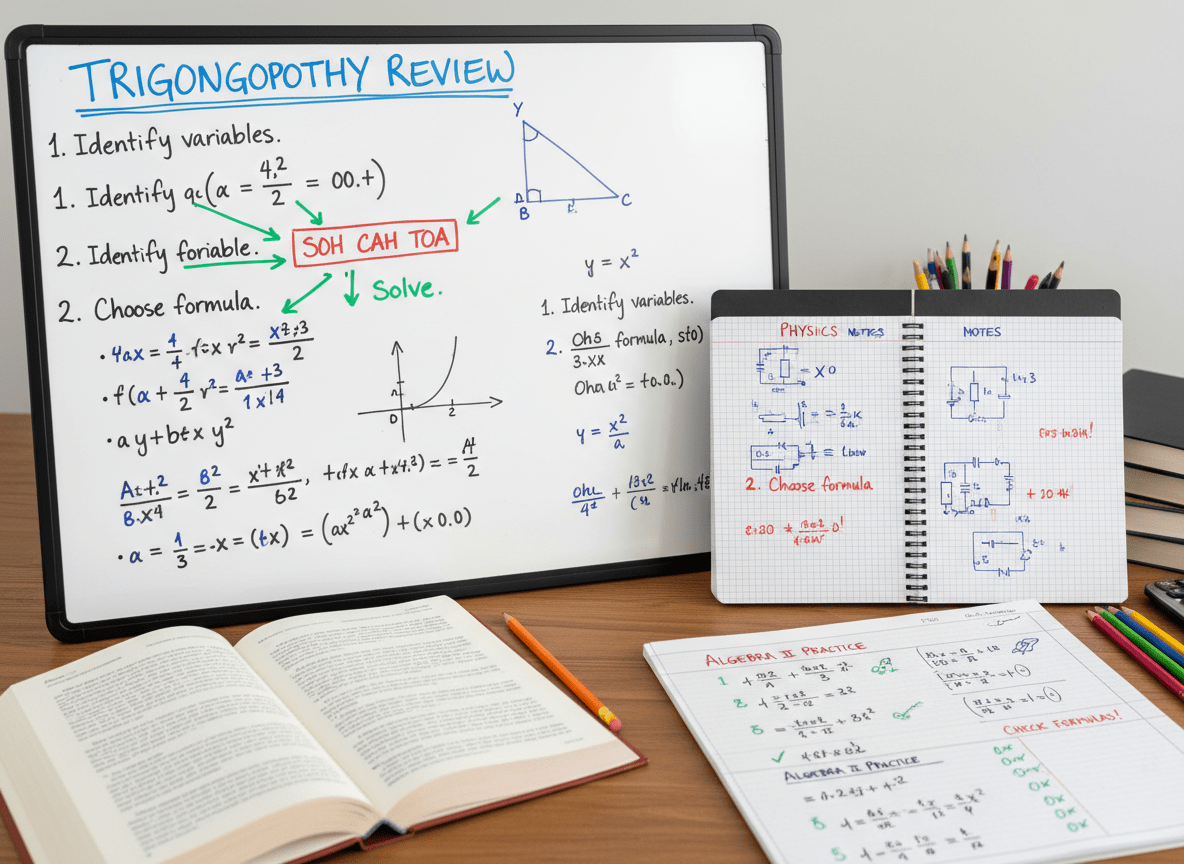
Whiteboard Photos
Whiteboard images may contain temporary notes that are no longer needed. Clean the surface digitally for reuse or presentation.
- Remove marker strokes
- Prepare slides and presentations
How it works
Remove handwriting in three steps
Upload the marked image, process it, and download a cleaner version in the browser.
Try it now01
Upload
Add the image or PDF page that contains handwritten notes or marks.
02
Process
Choose a model and remove handwriting while preserving the original background.
03
Download
Review the cleaned result and download the restored image when it looks right.
Use Cases
Common Use Cases
When you need to remove handwriting from documents and images for sharing or archiving.
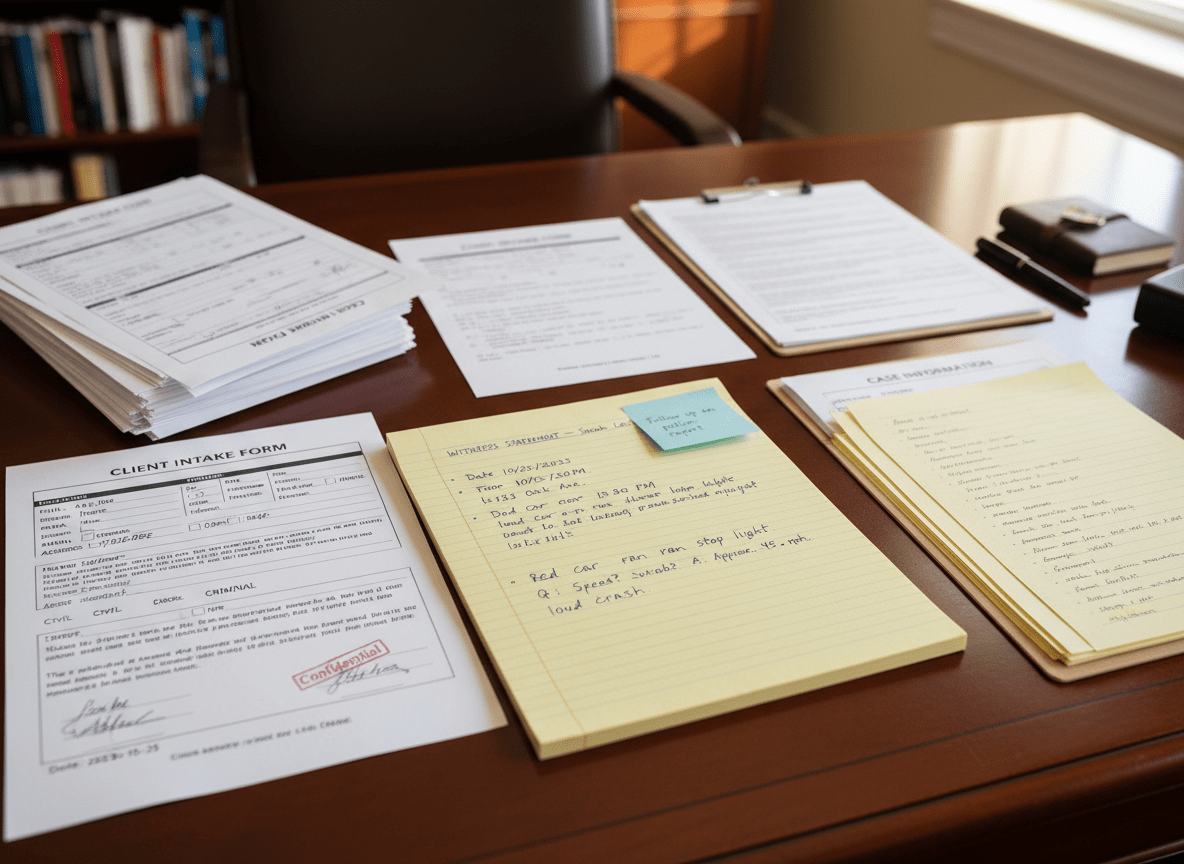
Business Documentation
Clean scanned contracts or printed reports that contain handwritten edits before archiving or distributing.
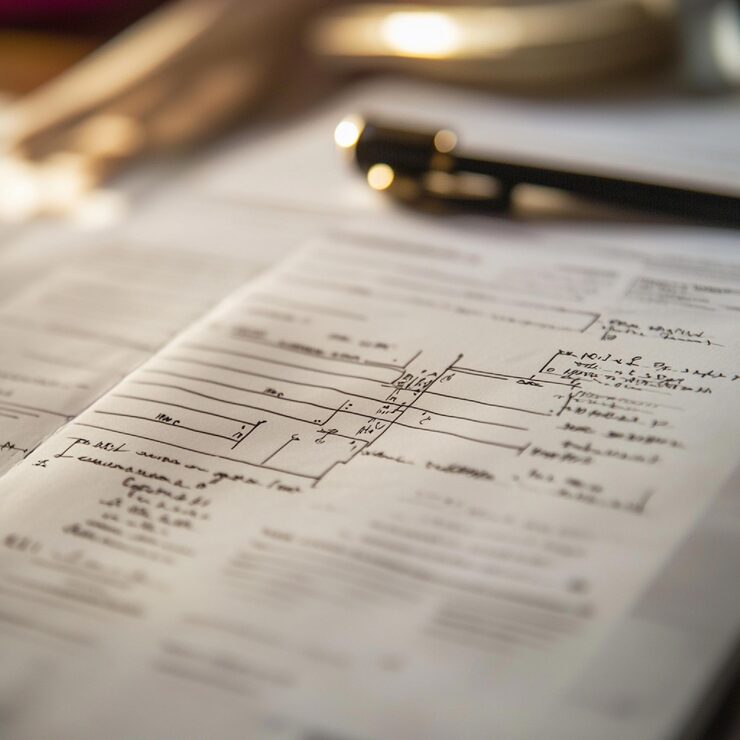
Academic Materials
Remove handwritten annotations from study guides or worksheets to produce a neat, reusable version.
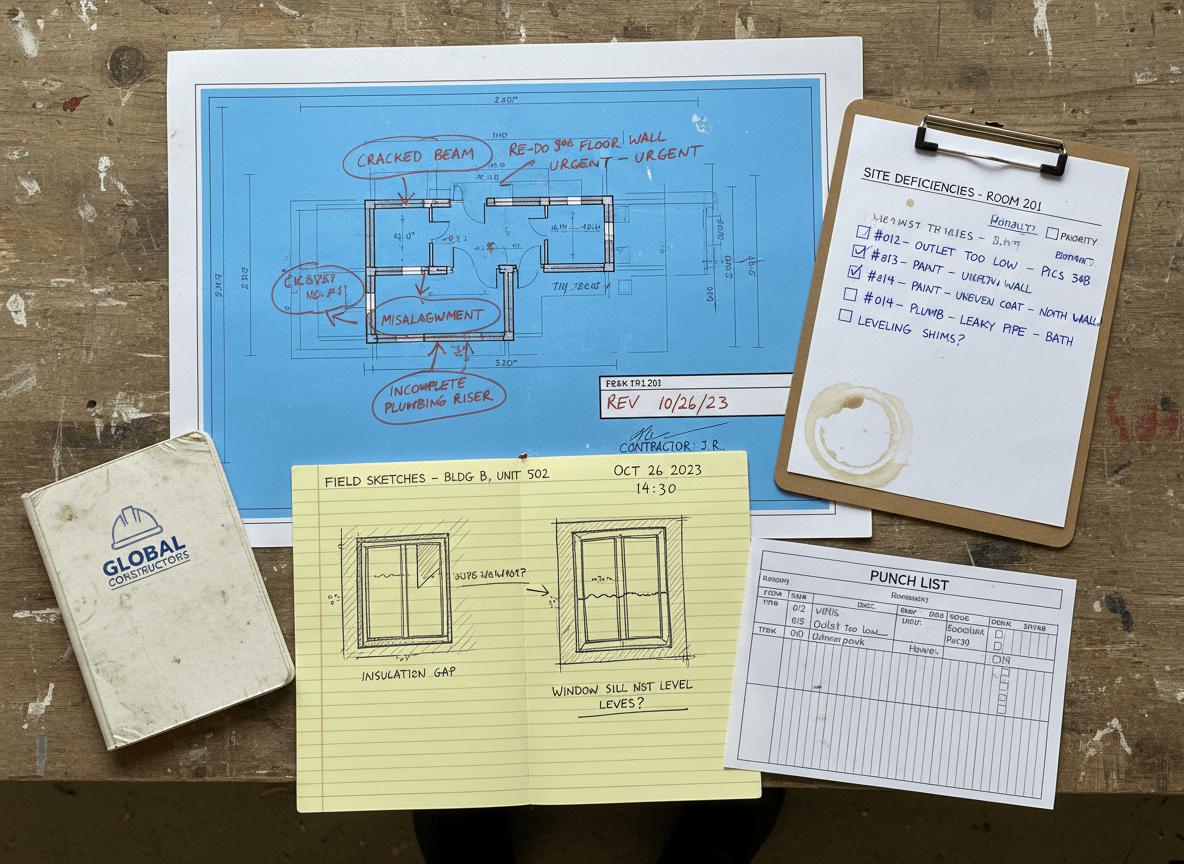
Digital Content Preparation
Prepare images for websites, presentations, or publications by removing unwanted handwritten marks.
Blog
From the Blog
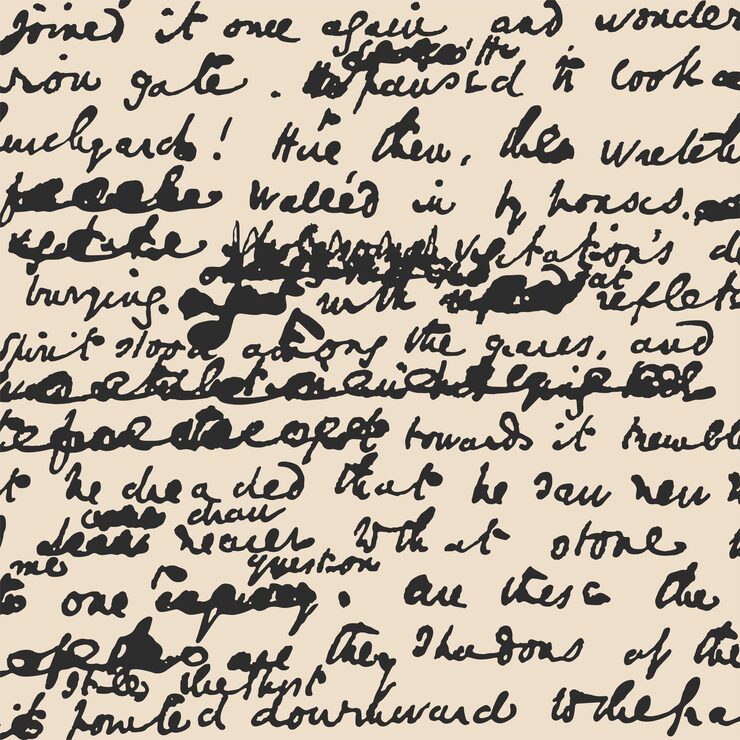
How to Read Bad Handwriting
Bad handwriting can be a frustrating barrier to information. Learn how to convert bad handwriting to editable text with AI.
How to Remove Handwriting from a Scanned Document
Learn how to remove handwriting from scanned PDFs and images with AI. This article provides a step-by-step guide to using our Remove Handwriting tool.
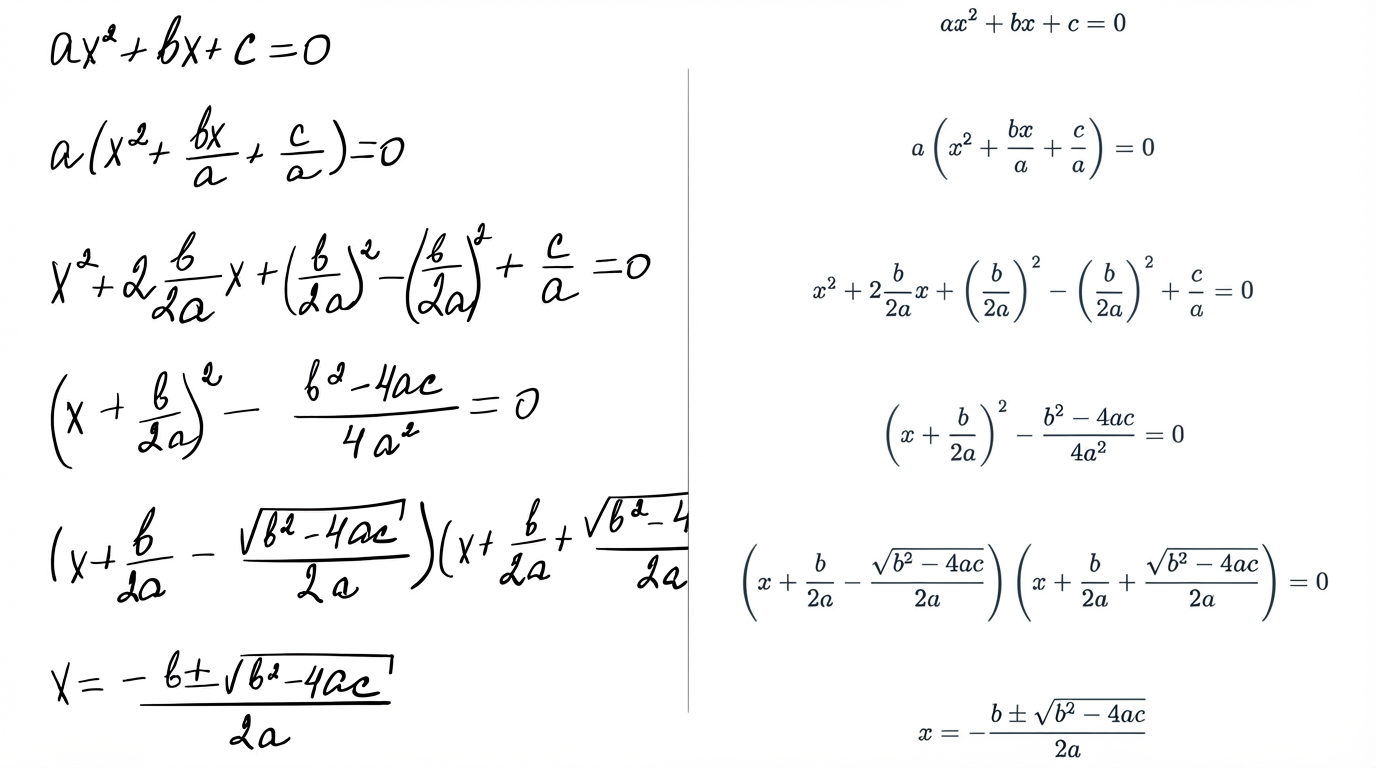
How to Convert Handwritten Math Notes to Editable Text
Convert handwritten math notes into editable text. Step-by-step guide plus tips to improve OCR accuracy for equations.
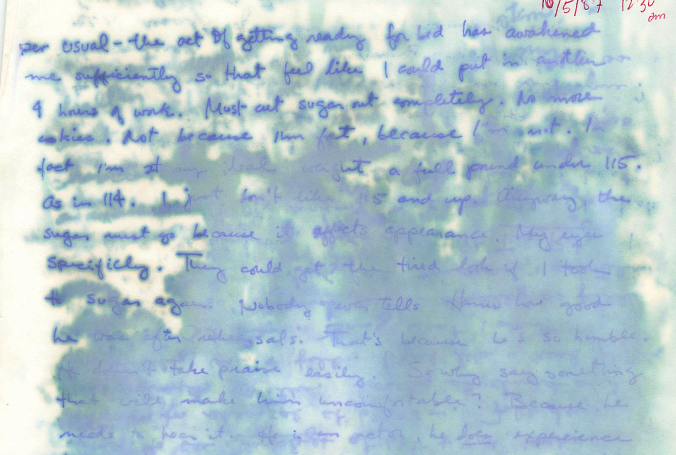
Handwriting OCR on Water-Damaged Documents: A Comparative Study
We compare handwriting OCR results on a real water-damaged handwritten journal excerpt to show how different systems handle faint, blurred, or partially missing text.
Frequently Asked Questions
Handwriting Remover is an AI-powered tool that detects and removes handwritten marks from images. It produces a cleaned version while preserving the original background and layout.
No. The tool removes handwritten strokes only. It does not rewrite or alter printed text or background elements.
It works best when handwriting is clearly visible and distinct from the background. Extremely overlapping strokes or complex textures may limit precision.
You can upload JPG, PNG, WebP, and PDF files up to 10 MB. For best results, use clear, well-lit images.
Yes. Uploaded images are encrypted during processing and automatically deleted after cleaning. We do not store your files or use them for training purposes.
Yes. This handwriting remover tool works directly in your browser on mobile, tablet, and desktop devices. No installation is required.
Remove Handwriting
Get a clean image in seconds
Erase handwritten marks while preserving the original background.