Decode Bad Handwriting Instantly
Upload messy notes, faded letters, rushed scribbles, or difficult cursive. Our handwriting reader interprets messy writing and turns it into clear, editable digital text.
AI Handwriting Reader for Bad Writing
Not all handwriting is neat and easy to read. Whether it's rushed notes, old ink, or inconsistent spacing, our handwriting reader is designed to interpret unclear writing and improve readability instantly.
Highlights
- Designed for bad handwriting
- Improve clarity and readability instantly
- Work directly in your browser
Decode messy handwriting
Interpret uneven spacing, scribbles, and fast-written notes that are difficult to read at a glance.
Read difficult cursive styles
Handle handwriting that combines print and cursive or includes stylized letterforms.
Clarify faded documents
Extract readable text from old letters, archived documents, and low-contrast handwriting.
How it works
Start using handwriting reader in three steps
Upload handwritten content, process it online, and export a clean digital version.
Try Handwriting Reader Now01
Upload
Choose the notes, forms, or letters you want to turn into readable text.
02
Process
Let handwriting reader recognize bad handwriting and organize the text in a clear order.
03
Export
Download the result or copy it into documents, databases, or note apps.
Use Cases
When Handwriting Reader Is Most Useful
Handwritten pages can lose clarity as ink fades or writing becomes uneven. A handwriting reader helps make the content readable again.
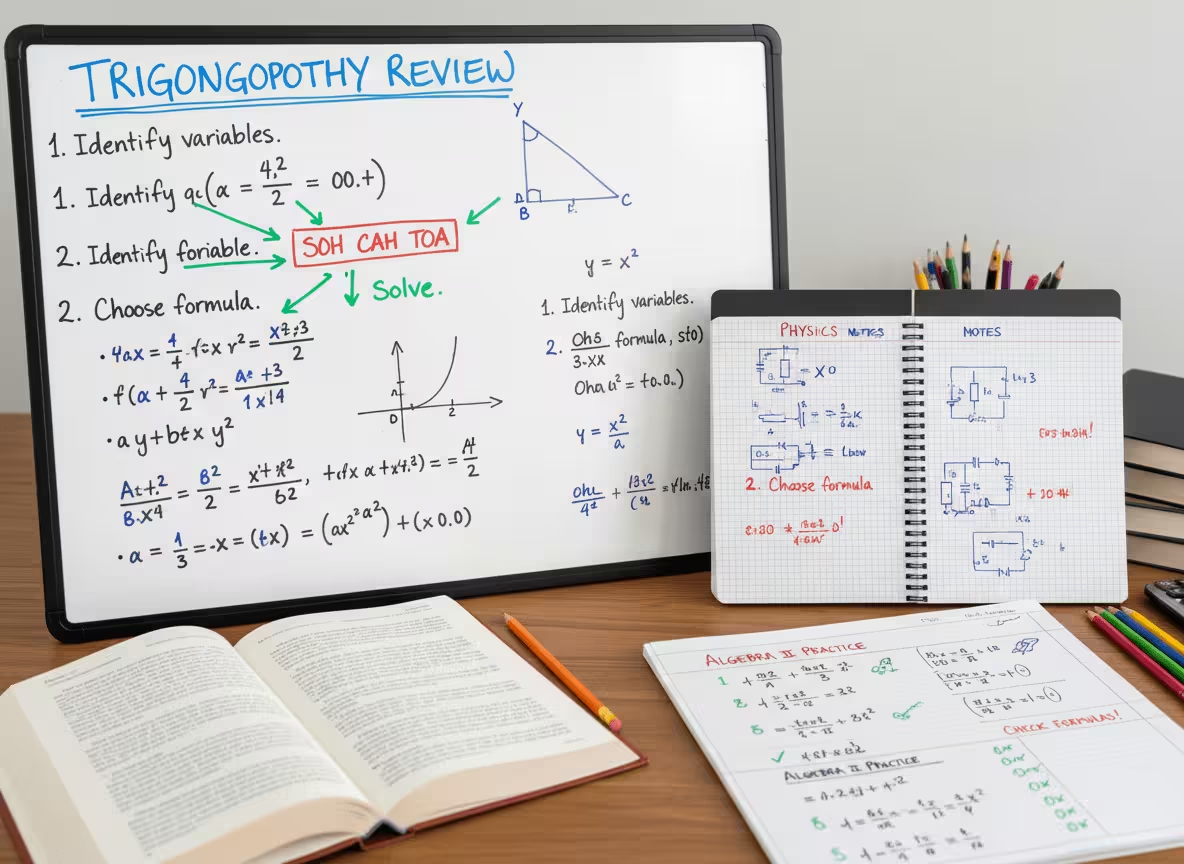
Student Notes
Decode rushed handwriting into clean, searchable text that is easier to review before exams or assignments.
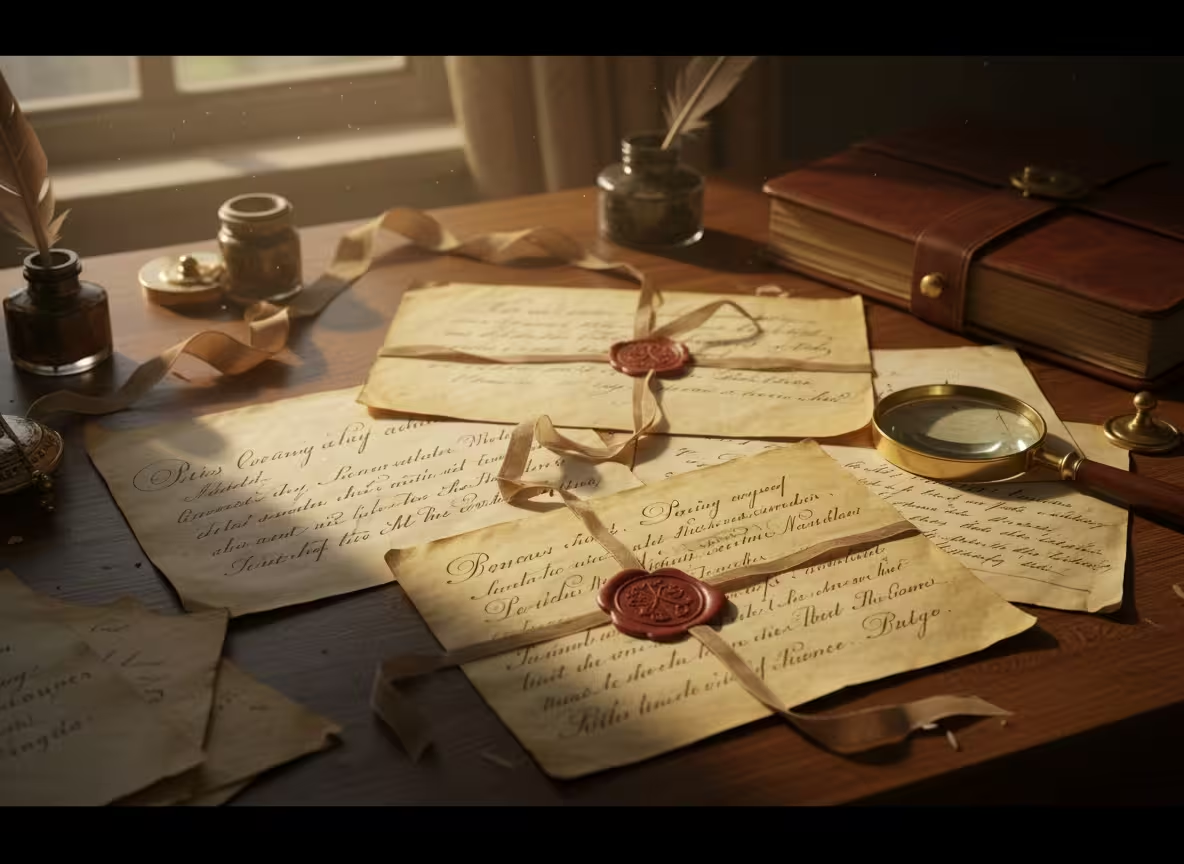
Family Letters
Restore clarity and preserve meaningful content in readable digital form, making it easier to revisit for future generations.
Business Documentation
Improve readability and convert unclear content into structured text for documentation.
Testimonials
What our users say

I usually take notes by hand in class, but rewriting everything on my laptop takes a lot of time. I tried uploading photos of my notes, and it actually worked better than I expected. It's really helpful when I need everything in text before exams.
Emily Carter
University Student

I deal with a lot of handwritten work from students. Converting it into text makes things easier to organize and review. I like that I can just upload a photo and get something readable without extra steps.

A lot of my research notes are handwritten or scanned. This tool helps me turn them into text so I can search and reuse them later. It saves time, especially when working with older documents.

I like drafting ideas on paper, but editing on a screen. Being able to turn my handwritten notes into text makes that transition much easier. It feels like a natural part of my writing process now.
I often take handwritten notes during meetings. Having them converted into text helps me keep everything organized and easy to reference later. It's simple and useful.
Blog
From the Blog
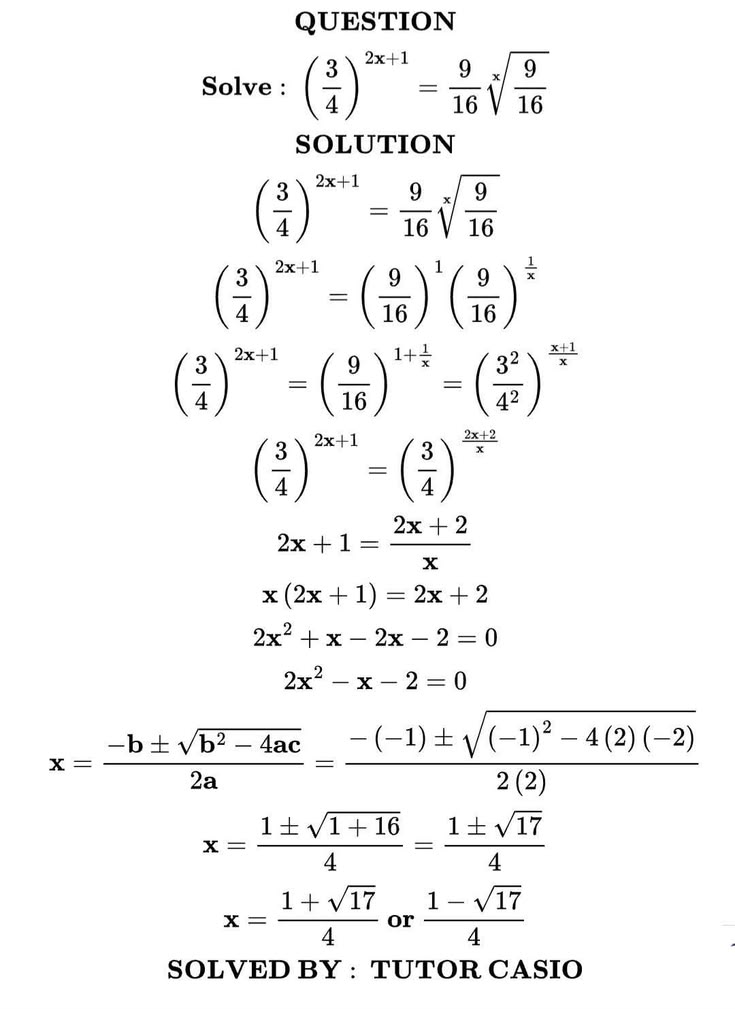
How to Convert Equations from a PDF to LaTeX
Learn how to convert equations and formulas from a PDF into editable LaTeX code for Overleaf, Markdown, or a TeX editor.
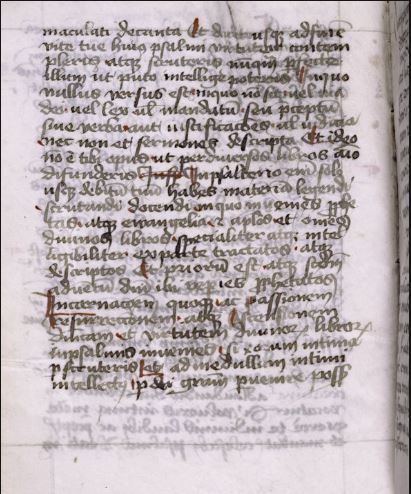
How to Read Faded Cursive Handwriting
Learn how to read faded cursive handwriting, prepare low-contrast document images, recognize difficult letterforms, and create an accurate transcription.
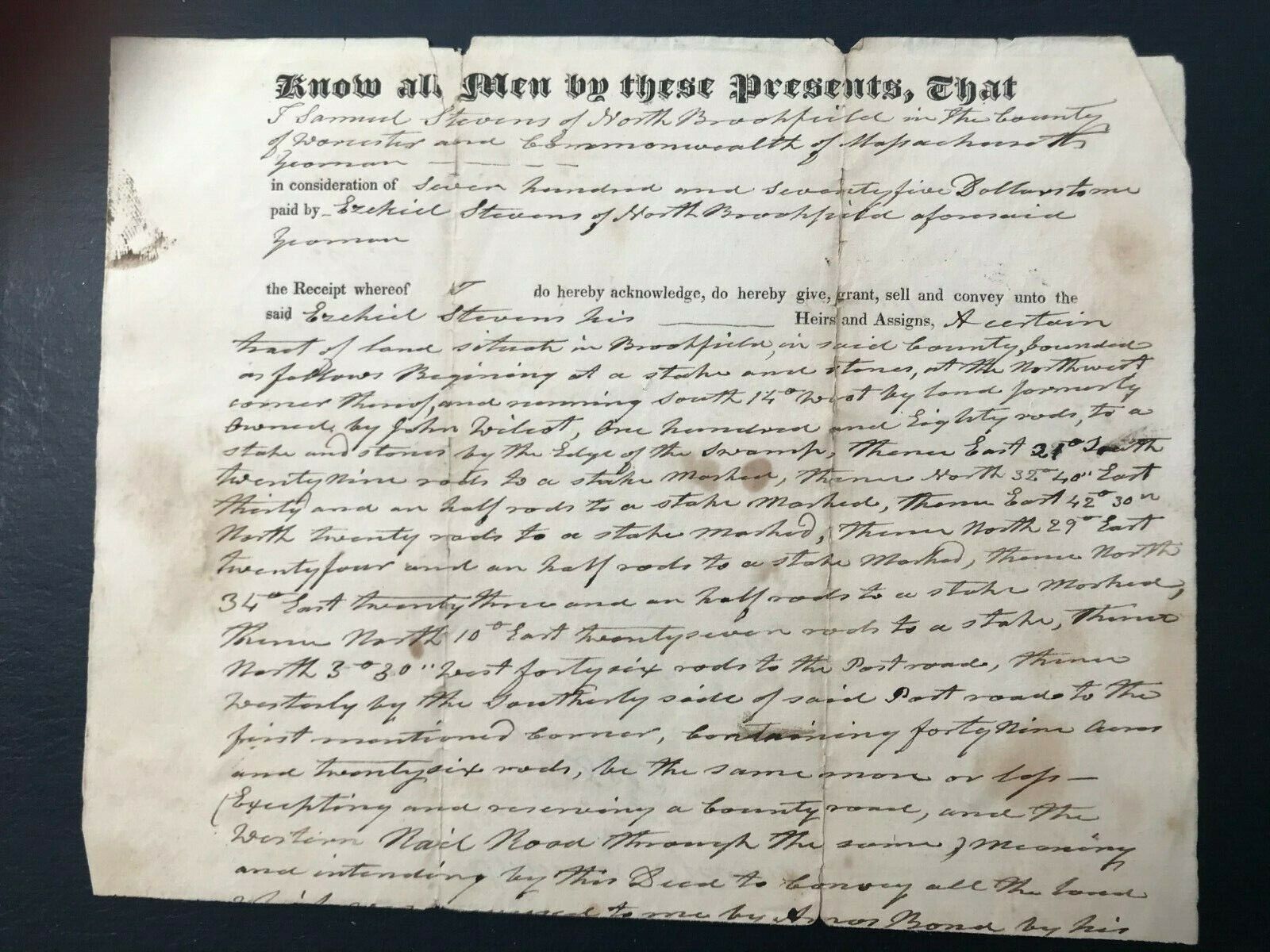
How to Read Old Handwritten Land Deeds
Learn how to read and transcribe old handwritten land deeds, understand legal phrases and boundary descriptions, and uncover useful property and family history clues.
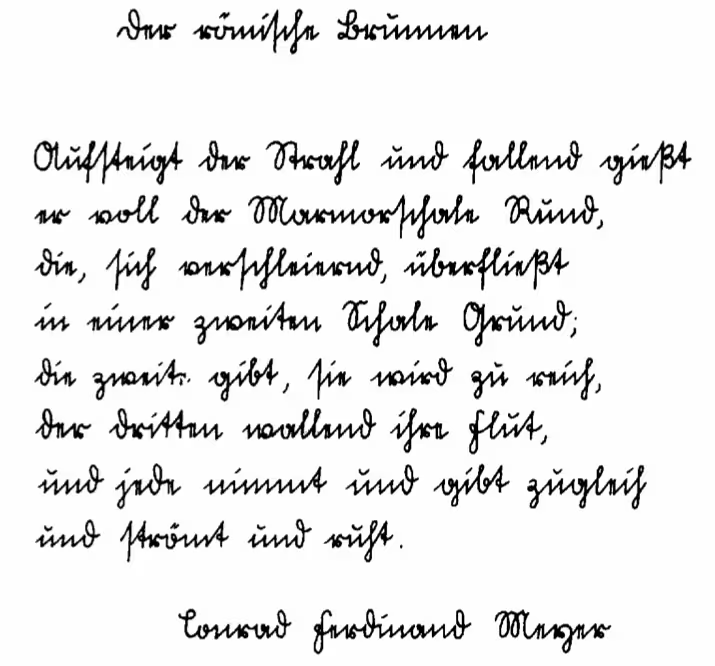
How to Read Sütterlin Handwriting with AI
Master reading Sütterlin cursive from antique German letters, ancestral records and historical manuscripts. AI converts this outdated German script into clear, readable digital text.
Frequently Asked Questions
A handwriting reader is an AI-powered tool that interprets handwritten text from images and converts it into readable digital text. Unlike basic OCR tools, it is designed to decode messy, unclear, or difficult handwriting and improve readability automatically.
Yes. You can try our handwriting reader for free with a limited number of uploads. Create an account to get free one-time credits.
Yes. Our handwriting reader is trained on a wide range of handwriting styles, including rushed notes, uneven spacing, scribbles, and mixed cursive and print.
Yes. As long as the uploaded image has enough contrast between text and background, the handwriting reader can extract readable text from older documents, journals, or scanned letters.
You can upload JPG, PNG, WebP, and PDF files up to 50 MB depending on your plan limit.
Yes. All uploaded images are encrypted during processing and automatically deleted after text extraction. We do not store your documents or use them for training purposes.
Yes. Once the handwriting has been converted into readable text, you can copy it, download it, and edit it freely in any document editor.
Yes. The handwriting reader works directly in your browser and is fully compatible with mobile phones, tablets, and desktop computers. No installation is required.
Handwriting Reader
Make Illegible Handwriting Readable
Upload bad handwriting, faded ink, or rushed notes and get readable text in seconds.