
Image to Excel Converter
Upload an image to Excel and turn photographed tables into editable rows and columns. Convert image to Excel without retyping—just review the extracted result and download your spreadsheet.
How to Convert Image to Excel
An image to Excel converter moves data from photographs into spreadsheets. Upload your file, review what was captured, and export to Excel. Work with the data instead of the picture.
Highlights
- Accepts .jpg, .png, and .webp for every image to Excel task.
- Built to handle real-world camera images and scans.
- Reconstructs table structure so the image to Excel output is more useful than plain text.
Export options
Once the table is extracted, download it as an XLSX file or export to CSV for use in Google Sheets, Numbers, or other spreadsheet tools.
Start with a clear image
A straight photo with even lighting helps the tool read small digits and fine lines before you convert the image into Excel.
Export your result
Once the conversion is done, export into Excel. Use the image to Excel spreadsheet for analysis, record keeping, or any workflow.
Made for images with tables
Bring Image Files into a Digital Workflow
Values Stay with the Right Headers
The extractor looks at spacing, borders, and alignment within the image as it reads. That helps a price remain under Price and a date remain under Date instead of returning one long block of text.
Use the Images You Already Have
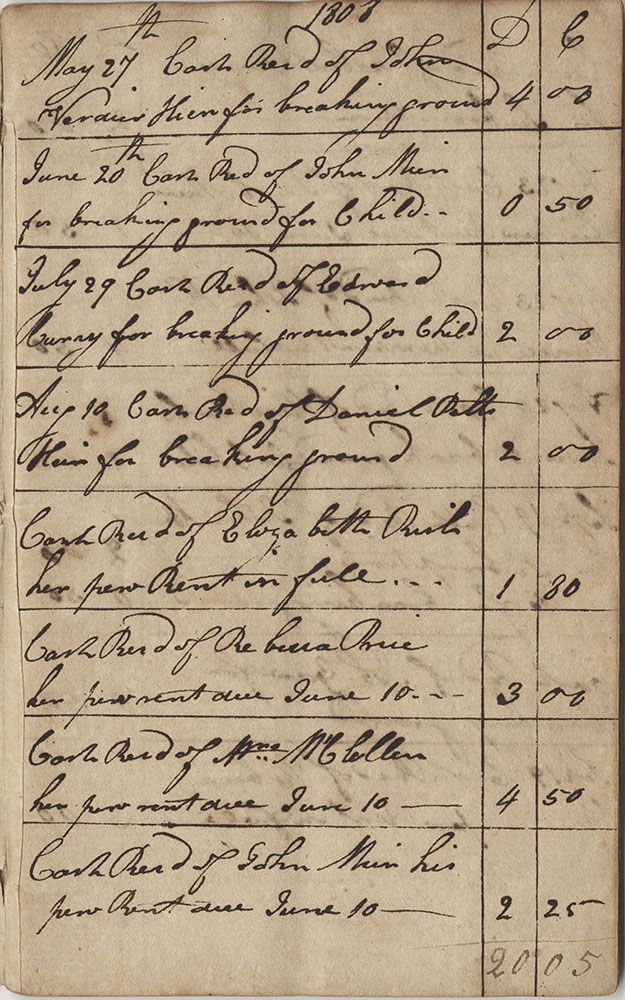
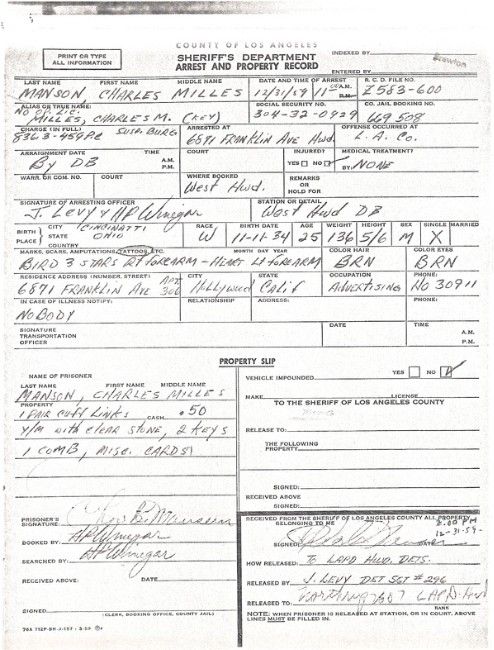
Bring in a dashboard screenshot, a page from a scanner, or a quick phone photo of a paper form as an image file. You do not need to recreate the source document first.
Continue with Real Spreadsheet Tools
Once the table from the file is checked, download the Excel workbook and add formulas, filters, charts, or any other step your workflow needs.

How it works
Convert Image to Excel in 3 Steps
From upload to export—convert your file in seconds.
Upload Image to Excel01
Upload your image
Choose an image file for Excel conversion. Upload the file here and make sure the full table is in focus and the edges are visible.
02
Review the table
Compare small figures, labels, and shadowed areas with the original file and confirm accuracy.
03
Export to Excel
Save the checked table from your image as an Excel file. Download the result and continue your workflow.
Use Cases
Common Image to Excel Tasks
If the image shows recognizable rows and headings, you can convert it to Excel and use the result as an Excel spreadsheet.

Shared Reports
Reuse a table from a slide, dashboard, or report image when the original Excel file is no longer available.
Paper Records
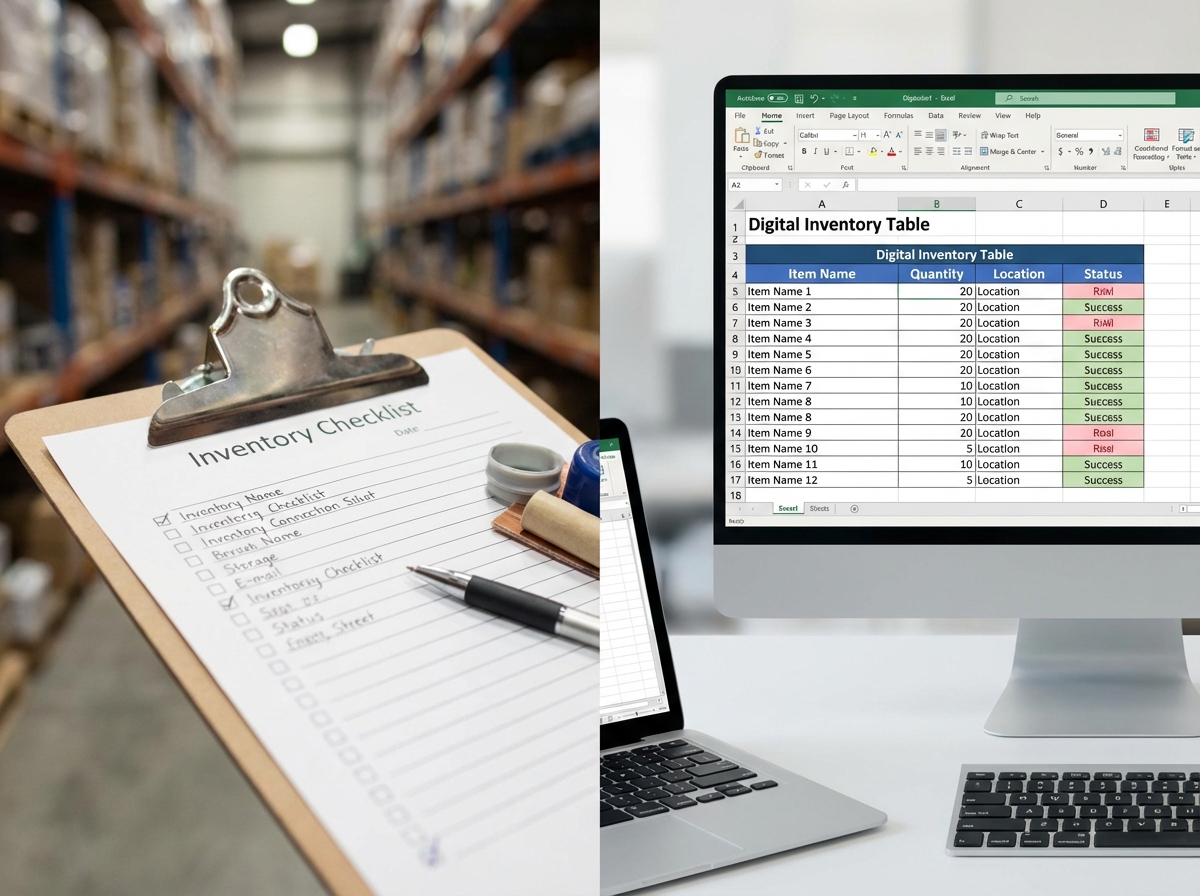
Bring schedules, stock sheets, price lists, and completed forms from an image back into an editable workflow.

Research Material
Turn scanned registers and archived tables into data that is easier to organize, compare, and analyze.
Choose by source
A Better Fit for Every Kind of Image
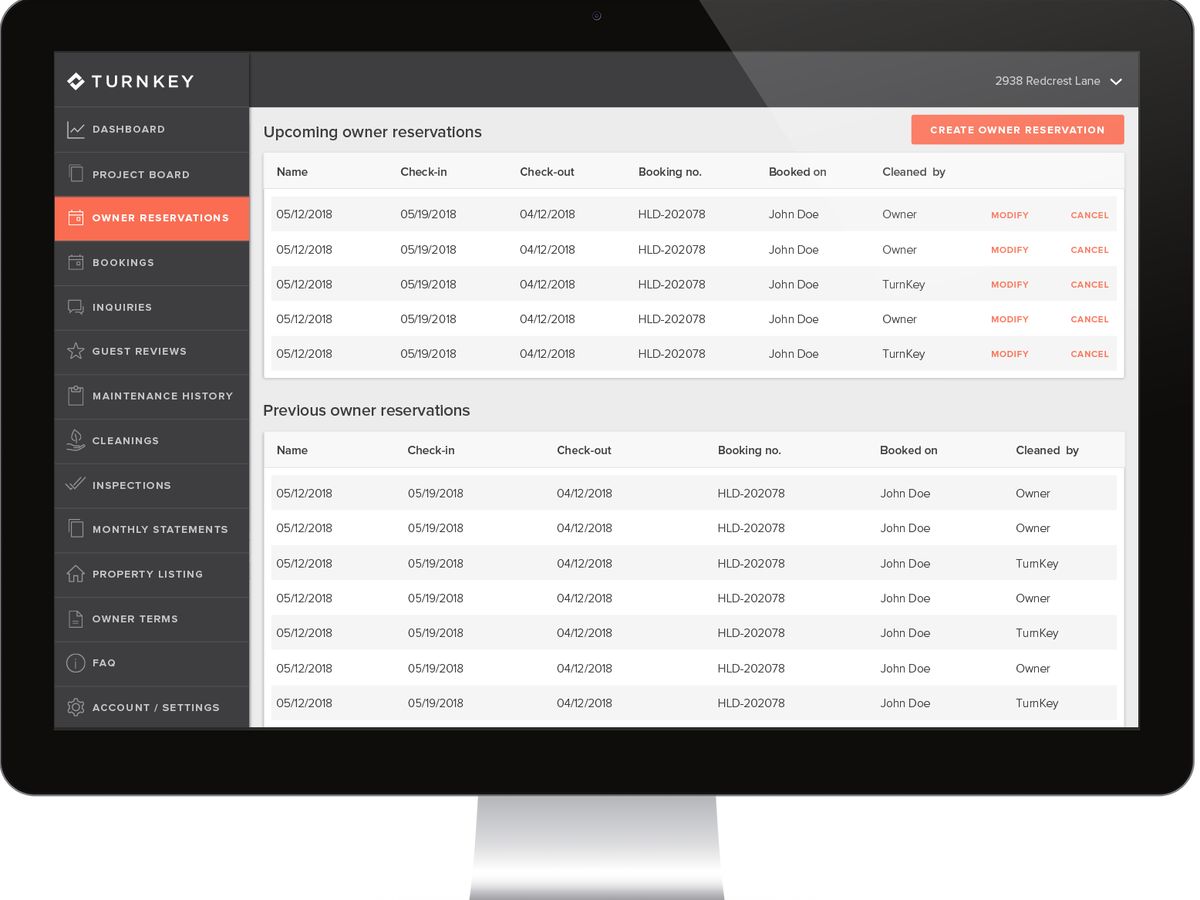
Switch to the dedicated image workflow for screenshots, or use JPG when the table came from a camera.


Blog
From the Blog
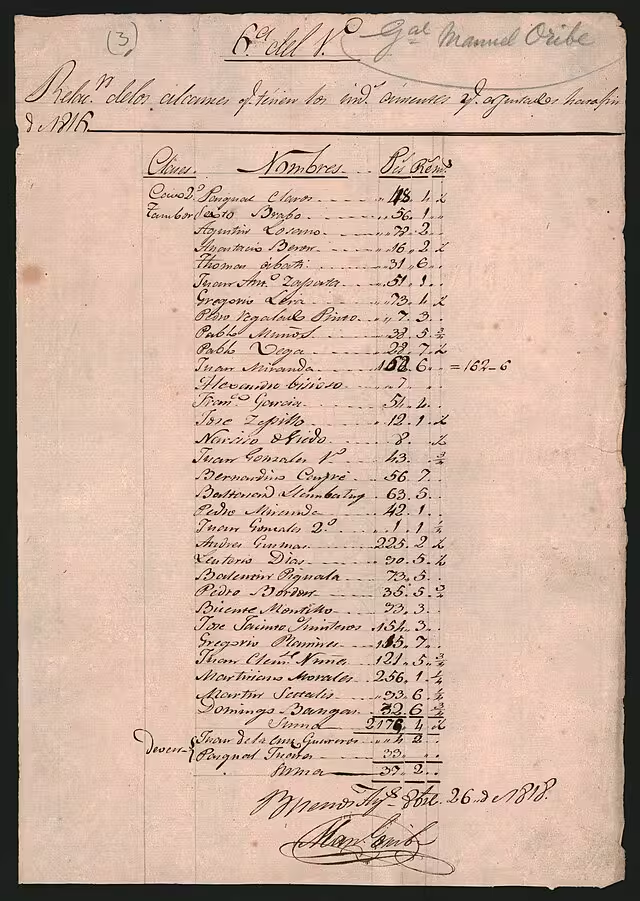
How to Convert Handwritten Tables to Excel
Learn how to convert handwritten tables, notes, forms, and records into editable Excel or CSV spreadsheets with AI table extraction.
How to Digitize Handwritten Inventory Sheets
Learn how to digitize handwritten inventory sheets, stock counts, item lists, and warehouse notes into editable Excel or CSV spreadsheets.

How to Extract Handwritten Text from an Image
Upload a photo or scan and extract handwritten text in seconds. Step-by-step guide plus tips to improve OCR accuracy for messy notes and cursive.
Frequently asked questions
Use the clearest version you have. The entire table in the file should be visible, the smallest text should be readable, and shadows or glare should not cover important cells.
Yes. Screenshots often work well because their text is sharp. Capture the headings as well as the data in the file so the columns can be understood correctly.
The priority is usable data and correct cell placement, not a pixel-perfect copy of the original image styling. Merged cells, decorative borders, and unusual layouts may need a little cleanup.
Yes. Import the XLSX file into Google Sheets, or open it in Excel, Numbers, LibreOffice Calc, and other compatible apps.
Yes. After the table is extracted, you can download it as an XLSX file or export to CSV. Both formats open in Google Sheets, Numbers, LibreOffice Calc, and other spreadsheet apps.
Your image, now usable
Convert One Image to Excel and Save Hours
Upload your image file, review the uncertain details, and export into Excel instead of retyping.