Whiteboard to Text Converter
Upload a photo of a meeting board, classroom whiteboard, workshop, or brainstorm and turn the visible handwriting into editable text you can review, share, and save.
Whiteboard to text — capture the writing before it disappears
Whiteboards make it easy to develop ideas during a meeting, lesson, or workshop, but the content is difficult to search and reuse after the board is erased.
Upload a clear whiteboard photo and convert the visible handwriting into an editable transcript. Review names, dates, and action items, then copy or export the text for your next workflow.
Highlights
- Convert meeting, classroom, and workshop whiteboards to text.
- Upload JPG, PNG, WebP, HEIC, or PDF files.
- Keep a searchable transcript after the board is erased.
Designed for full-board photos
Recognize headings, notes, names, and short action items written at different sizes across a meeting or classroom board.
Readable text instead of a diagram
Create a clean transcript from the writing while keeping the original photo for arrows, drawings, and spatial relationships.
Copy or export the result
Review the extracted whiteboard text, copy it into another app, or download it as TXT or Markdown.
How it works
Convert a whiteboard to text in 3 steps
Capture the board clearly, upload the image, then review and export the extracted writing.
Convert your whiteboard01
Photograph the full board
Stand as straight as possible, avoid glare and shadows, and make sure the smallest handwriting is in focus.
02
Extract the written text
Upload the image and let the handwriting OCR create a digital transcript from the visible words and lines.
03
Review and share
Check names, dates, and action items, then copy the text or download it as TXT or Markdown.
Use Cases
Whiteboards you can digitize
Create a searchable record from boards used in meetings, teaching, workshops, and project work.
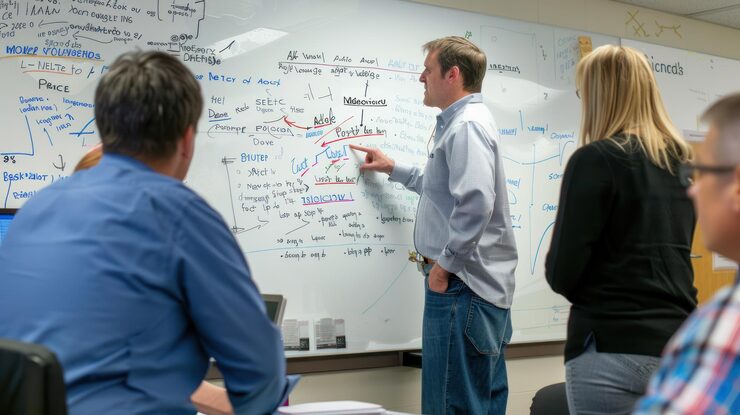
Meetings and Workshops
Capture agendas, decisions, action items, priorities, and notes written during team sessions.
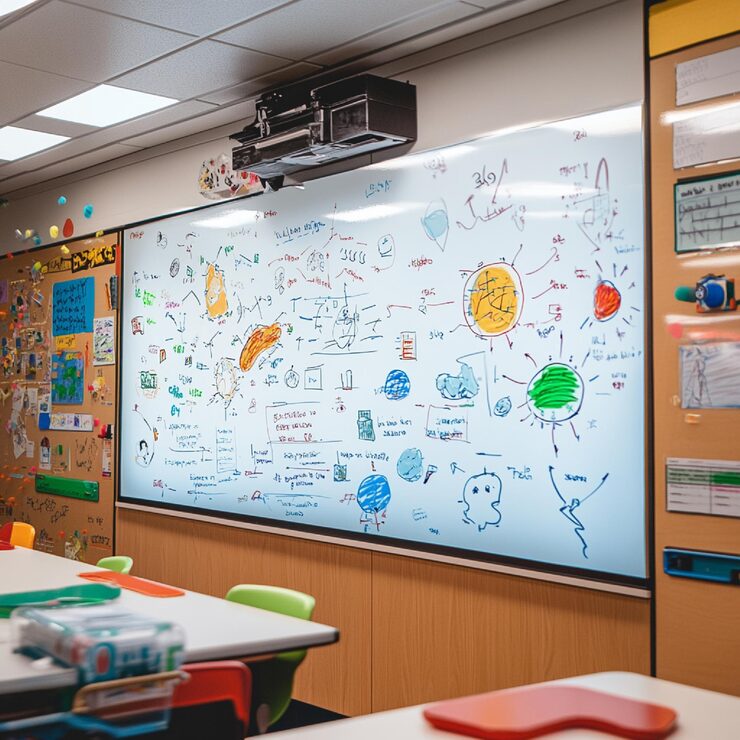
Classrooms and Tutoring
Digitize lesson notes, vocabulary, explanations, and review material before the board is erased.
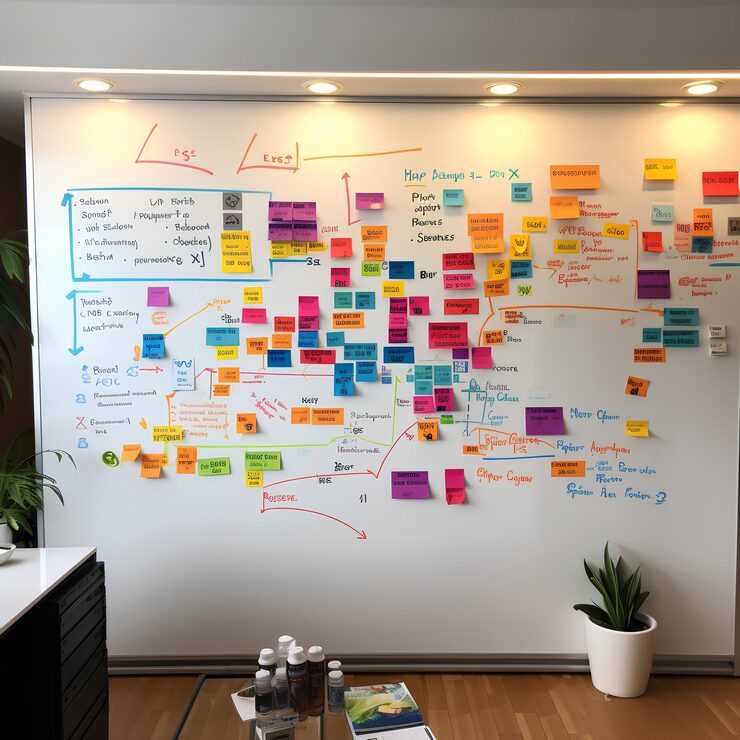
Brainstorms and Planning
Preserve ideas, labels, themes, and written observations from brainstorming and planning boards.
Testimonials
What our users say

I usually take notes by hand in class, but rewriting everything on my laptop takes a lot of time. I tried uploading photos of my notes, and it actually worked better than I expected. It's really helpful when I need everything in text before exams.
Emily Carter
University Student

I deal with a lot of handwritten work from students. Converting it into text makes things easier to organize and review. I like that I can just upload a photo and get something readable without extra steps.

A lot of my research notes are handwritten or scanned. This tool helps me turn them into text so I can search and reuse them later. It saves time, especially when working with older documents.

I like drafting ideas on paper, but editing on a screen. Being able to turn my handwritten notes into text makes that transition much easier. It feels like a natural part of my writing process now.
I often take handwritten notes during meetings. Having them converted into text helps me keep everything organized and easy to reference later. It's simple and useful.
Blog
From the Blog
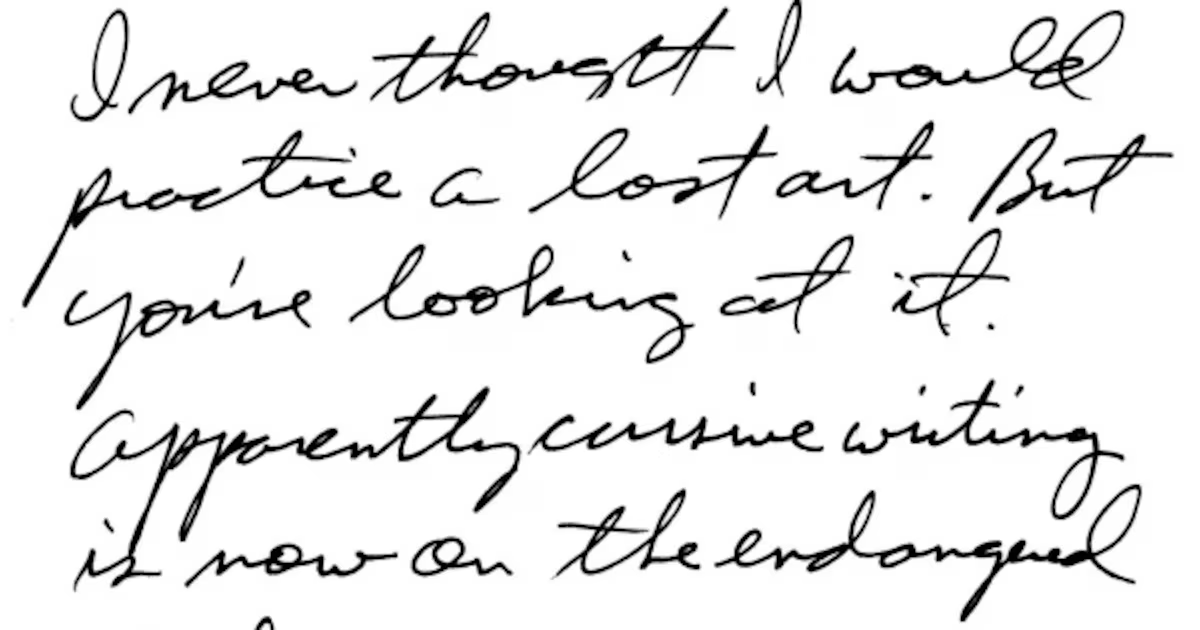
How to Extract Handwritten Text from an Image
Upload a photo or scan and extract handwritten text in seconds. Step-by-step guide plus tips to improve OCR accuracy for messy notes and cursive.
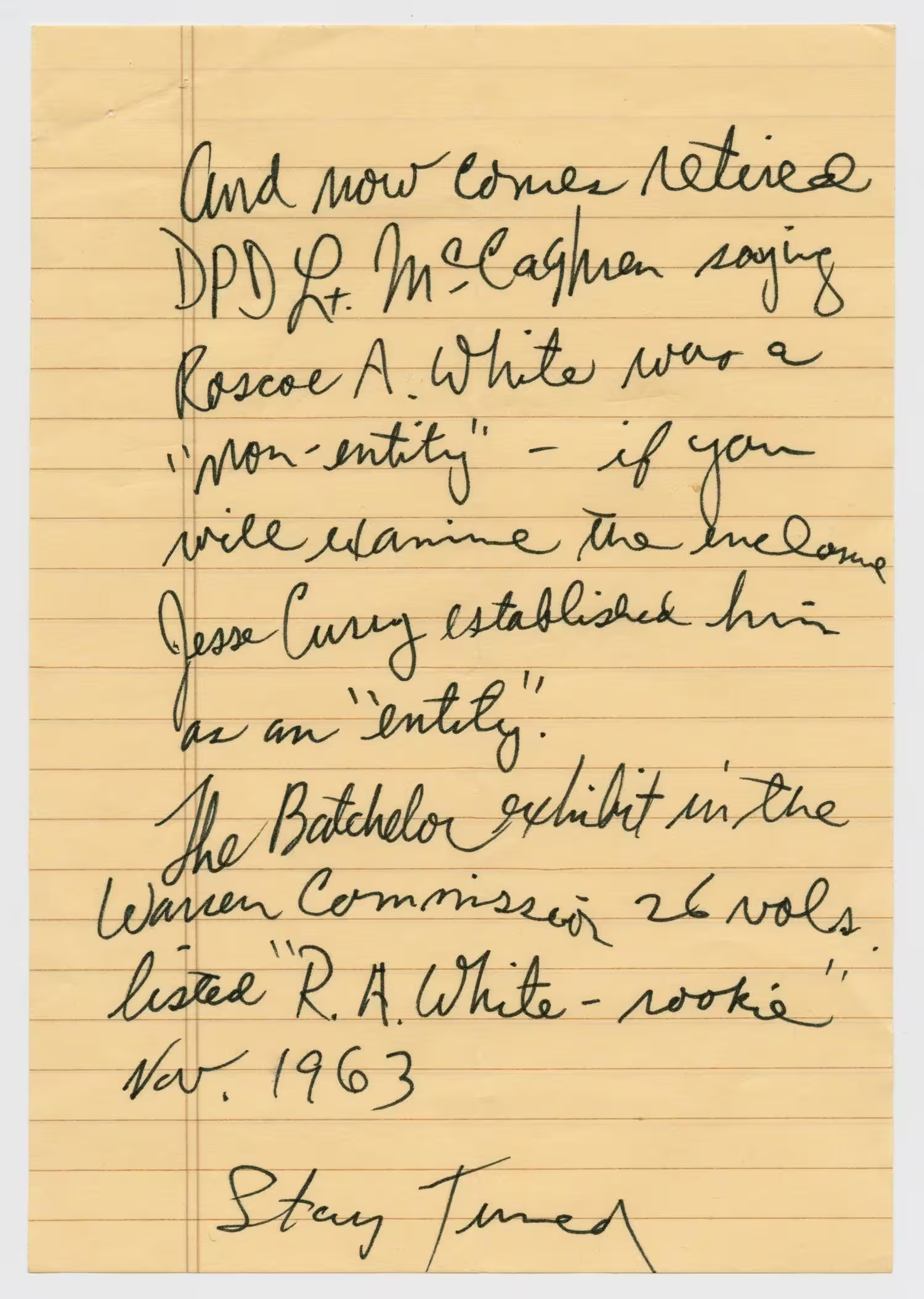
How to Read Handwritten Notes
Learn how to read handwritten notes and convert difficult handwriting into clear, editable text with an AI handwriting reader.
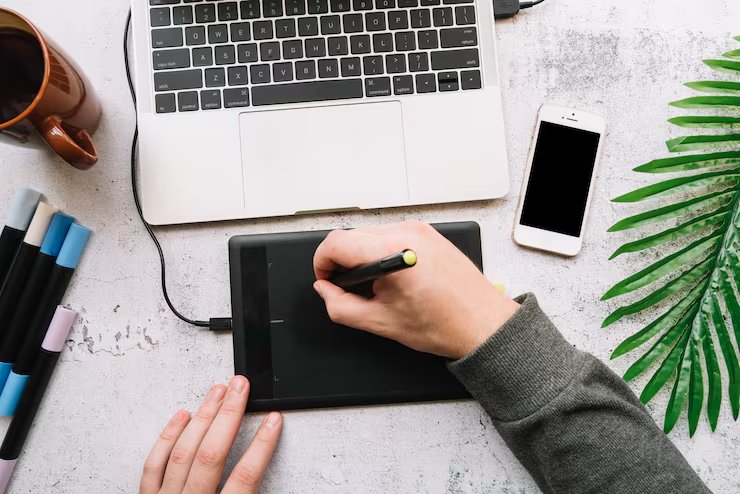
How to Convert Handwriting to Text on iPad
Convert handwriting to text on iPad with Apple Notes, Scribble, or OCR. Follow the steps for live Apple Pencil writing, saved notes, photos, and scans.
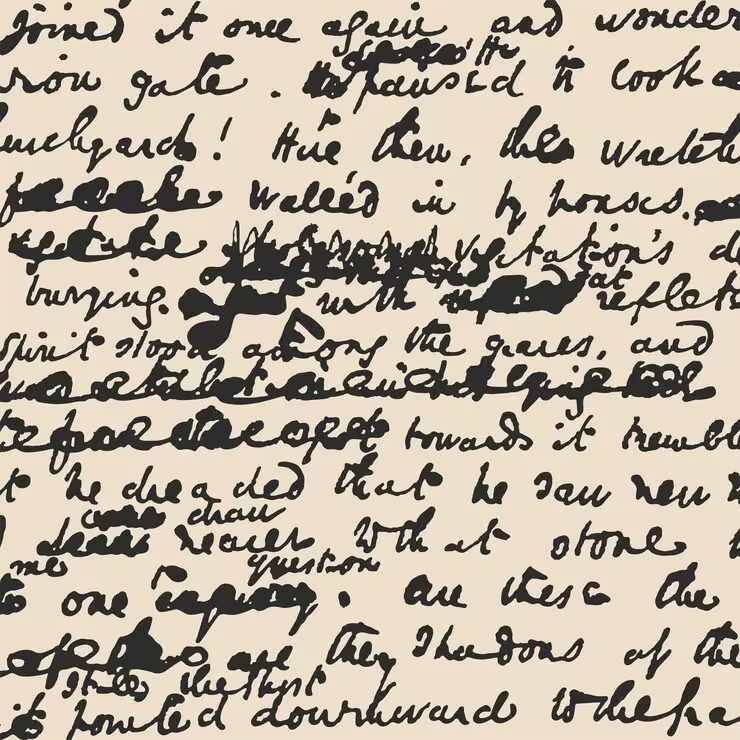
How to Read Bad Handwriting
Bad handwriting can be a frustrating barrier to information. Learn how to convert bad handwriting to editable text with AI.
Frequently Asked Questions
Take a clear photo of the complete board, upload it to the converter, and let the handwriting OCR create editable text. Review the transcript against the photo before sharing it.
Yes. It is designed to recognize handwriting, including mixed print and cursive. Results depend on marker contrast, writing size, photo sharpness, glare, and camera angle.
The converter focuses on extracting readable text. It does not recreate arrows, drawings, flowcharts, or spatial relationships as editable diagrams, so keep the original photo for visual context.
Yes. It can extract written agendas, decisions, action items, labels, and notes from meeting and workshop boards. Verify names, dates, and assigned tasks before distributing the result.
Yes. Upload a photo of lesson writing, vocabulary, explanations, or review material and convert the visible handwriting into text you can edit and organize.
Photograph the board straight on, use the highest practical resolution, avoid glare and shadows, and make sure small or lightly written text is still visible when you zoom in.
The upload workflow supports PDFs and common image formats including JPG, PNG, WebP, HEIC, and HEIF.
Yes. After reviewing the transcript, you can copy the text or download it as a TXT or Markdown file.
Whiteboard to Text
Save the writing before the board is erased
Upload a whiteboard photo and turn meeting notes, lesson content, and brainstorms into editable text.