Cursive Reader Online
Upload a photo, scan, or PDF and read cursive handwriting as clear digital text. Use it for letters, journals, notes, postcards, and documents written in connected script.
Read cursive from an image or PDF
Cursive can be difficult to read when letters connect, strokes overlap, or the writer uses unfamiliar shapes. This cursive reader turns the visible writing into a faithful typed transcription you can check against the original page.
It is designed to read and transcribe cursive, not translate between languages or rewrite the author's words.
Highlights
- Reads modern and historical cursive from photos, scans, screenshots, and PDFs.
- Creates an editable transcription without intentionally simplifying or rewriting the source.
- Works in a browser, so you can upload a cursive photo directly from your phone or computer.
Cursive image reader
Upload a phone photo, screenshot, or scanned image of cursive handwriting and convert the visible writing into editable text.
Cursive PDF reader
Process scanned letters, journal pages, archive files, and other PDFs that contain connected handwriting.
Reviewable transcription
Compare the typed result with the source page, correct uncertain names or dates, then copy or download the reviewed text.
How it works
How to read cursive handwriting in 3 steps
Upload the cursive page, generate a typed transcription, then review and export the result.
Try the cursive reader01
Upload the cursive page
Add a clear image, phone photo, scan, screenshot, or PDF that contains cursive handwriting.
02
Generate a transcription
The reader analyzes joined letters, words, punctuation, and line order to create editable text.
03
Review and download
Check unclear words, names, and dates against the original, then copy or download the final transcript.
Use Cases
Cursive documents you can read
Use the cursive reader for everyday handwriting, personal archives, and source material that is difficult to decipher by eye.
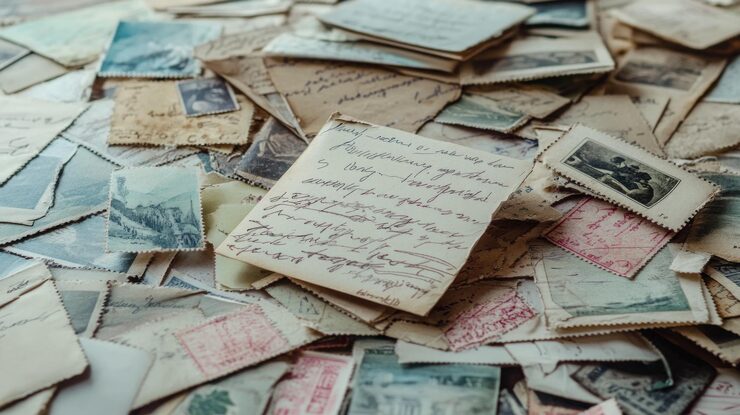
Letters and Postcards
Read personal correspondence, family letters, envelopes, and postcards written in connected cursive.

Journals and Diaries
Turn handwritten diary entries, personal journals, and notebook pages into searchable text.
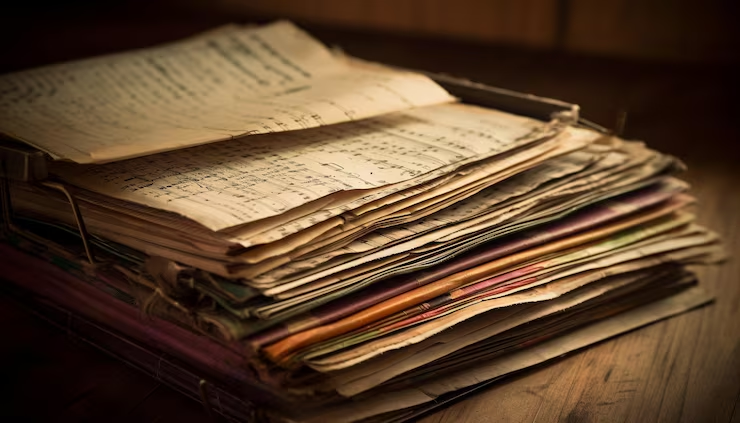
Historical Documents
Read cursive in archive scans, old records, and manuscripts with a reviewable transcription.
Testimonials
What our users say

I usually take notes by hand in class, but rewriting everything on my laptop takes a lot of time. I tried uploading photos of my notes, and it actually worked better than I expected. It's really helpful when I need everything in text before exams.

Emily Carter
University Student

I deal with a lot of handwritten work from students. Converting it into text makes things easier to organize and review. I like that I can just upload a photo and get something readable without extra steps.

A lot of my research notes are handwritten or scanned. This tool helps me turn them into text so I can search and reuse them later. It saves time, especially when working with older documents.

I like drafting ideas on paper, but editing on a screen. Being able to turn my handwritten notes into text makes that transition much easier. It feels like a natural part of my writing process now.

I often take handwritten notes during meetings. Having them converted into text helps me keep everything organized and easy to reference later. It's simple and useful.
Blog
From the Blog
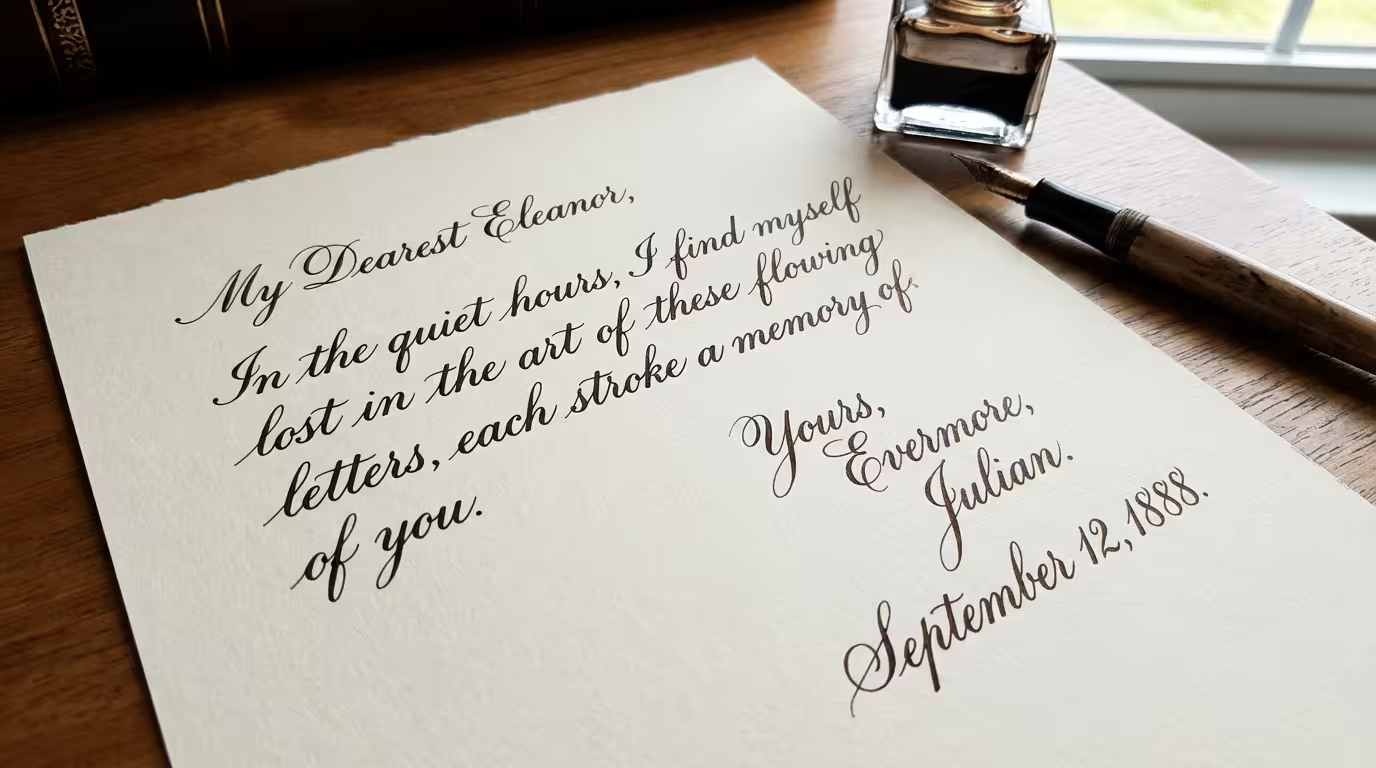
Translate Cursive to Print
Can't read cursive handwriting? Convert cursive letters, old documents, and connected handwriting into clean, readable typed text in seconds.
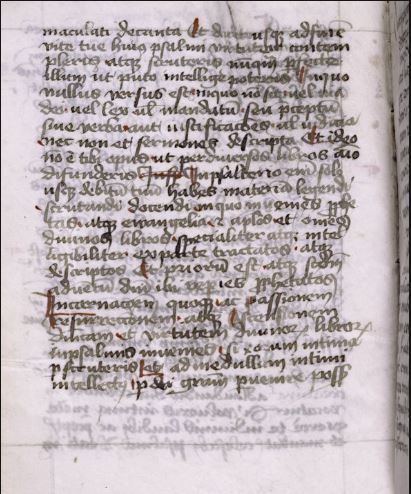
How to Read Faded Cursive Handwriting
Learn how to read faded cursive handwriting, prepare low-contrast document images, recognize difficult letterforms, and create an accurate transcription.
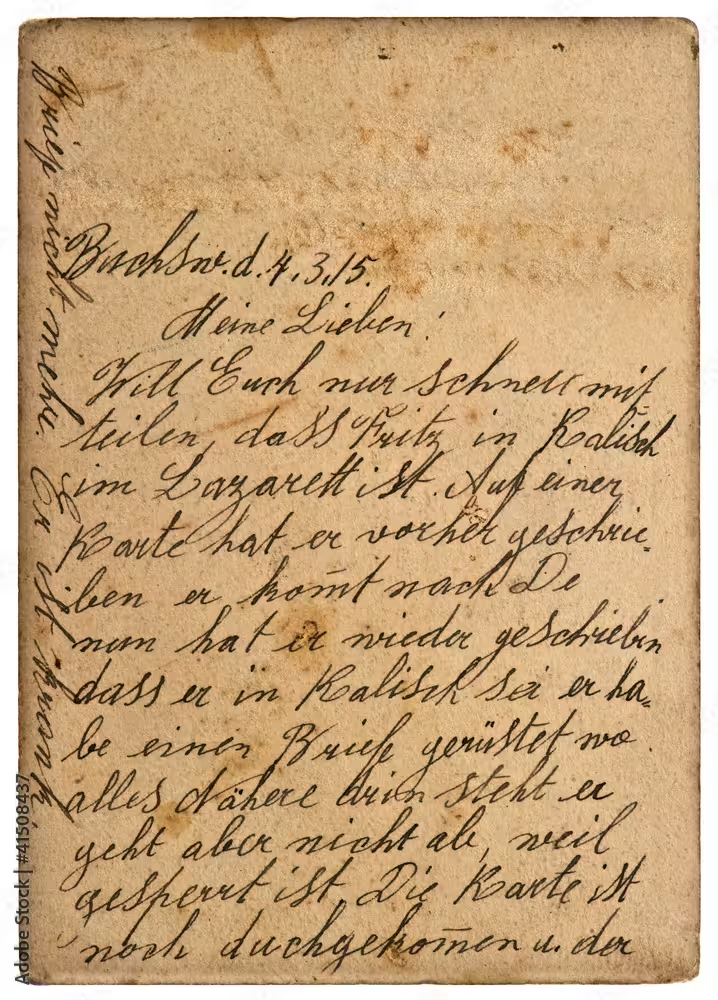
How to Read Old Handwritten Letters: A Step-by-Step Guide
Learn how to read old handwritten letters and convert difficult historical text into clear, editable digital text using an AI handwriting reader.
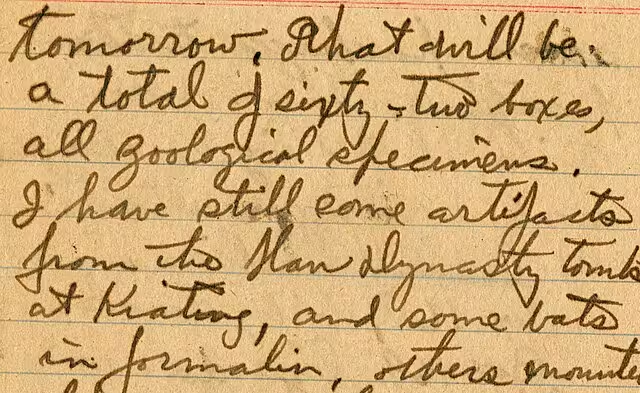
How to Decipher Old Handwriting
Learn how to decipher old handwriting in letters, diaries, genealogy records, and historical documents with practical tips and AI OCR tools.
Frequently Asked Questions
Upload a clear image, photo, scan, or PDF of the cursive page. The reader converts the connected handwriting into editable text that you can compare with the original and correct if needed.
Yes. Phone photos work best when the page is flat, evenly lit, in sharp focus, and photographed straight on without shadows covering the writing.
Yes. Upload a PDF made from scanned or photographed cursive pages. Clear, high-resolution scans generally produce better results than compressed or blurry pages.
It can help transcribe old letters, postcards, diaries, and historical documents. Faded ink, damaged paper, unusual abbreviations, and older letterforms may still require careful human review.
A cursive reader focuses on faithfully transcribing the words visible on the page. A cursive translator may also describe converting cursive into simplified print or translating the resulting text into another language.
It can process varied cursive styles, but accuracy depends on legibility, contrast, image quality, and how tightly the letters connect. Review important details before relying on the result.
The upload workflow accepts PDFs and common image formats including JPG, PNG, WebP, HEIC, and HEIF.
Use a sharp, high-resolution image, increase contrast when the ink is faded, keep the page straight, and crop out unrelated objects around the document.
Cursive Reader
See what the cursive page says
Upload a cursive image or PDF and turn connected handwriting into text you can read, review, and save.