Handwritten Notes to Text Converter
Upload class notes, meeting notes, study pages, or notebook scans and turn them into clean, editable text. Review the transcript, copy it, or download it for your next workflow.
Handwritten notes to text — searchable, editable, and easy to reuse
Notebook pages are useful while you are writing, but difficult to search, edit, or share afterward. Handwriting OCR turns class notes, meeting pages, and personal notebooks into readable digital text.
Upload a phone photo, scan, or handwritten PDF. The converter follows the page in a natural reading order and creates a transcript you can review before copying or downloading it.
Highlights
- Convert handwritten notes from photos, scans, and PDFs.
- Works with cursive, print handwriting, and mixed note layouts.
- Copy the transcript or export it as TXT or Markdown.
Built for real notebook pages
Recognize headings, paragraphs, lists, abbreviations, margin notes, and pages that mix cursive with printed handwriting.
Readable transcript output
Turn the writing into clean text instead of preserving every line and paper detail, making the result easier to edit and organize.
Images and PDFs supported
Convert a single note photo, a scanned page, or a multi-page handwritten PDF without retyping the content yourself.
How it works
Convert handwritten notes to text in 3 steps
Upload your pages, let the handwriting OCR create a transcript, then review and export the result.
Convert your notes01
Upload your notes
Add a clear photo, scan, or PDF of handwritten class notes, meeting notes, or notebook pages.
02
Convert handwriting to text
The AI reads the handwriting in context and creates an editable transcript in a natural reading order.
03
Review and export
Check names and specialist terms, then copy the text or download it as TXT or Markdown.
Use Cases
Handwritten notes you can digitize
Use the converter whenever useful information is trapped in a notebook, loose page, scan, or handwritten PDF.

Lecture and Study Notes
Create searchable text from lectures, study sessions, revision pages, and handwritten research notes.

Meeting and Work Notes
Digitize meeting summaries, project notes, site notes, interviews, and handwritten action items.

Personal Notebooks
Convert planning pages, personal notes, journals, drafts, and idea notebooks into text you can organize later.
Testimonials
What our users say

I usually take notes by hand in class, but rewriting everything on my laptop takes a lot of time. I tried uploading photos of my notes, and it actually worked better than I expected. It's really helpful when I need everything in text before exams.

Emily Carter
University Student

I deal with a lot of handwritten work from students. Converting it into text makes things easier to organize and review. I like that I can just upload a photo and get something readable without extra steps.

A lot of my research notes are handwritten or scanned. This tool helps me turn them into text so I can search and reuse them later. It saves time, especially when working with older documents.

I like drafting ideas on paper, but editing on a screen. Being able to turn my handwritten notes into text makes that transition much easier. It feels like a natural part of my writing process now.

I often take handwritten notes during meetings. Having them converted into text helps me keep everything organized and easy to reference later. It's simple and useful.
Blog
From the Blog
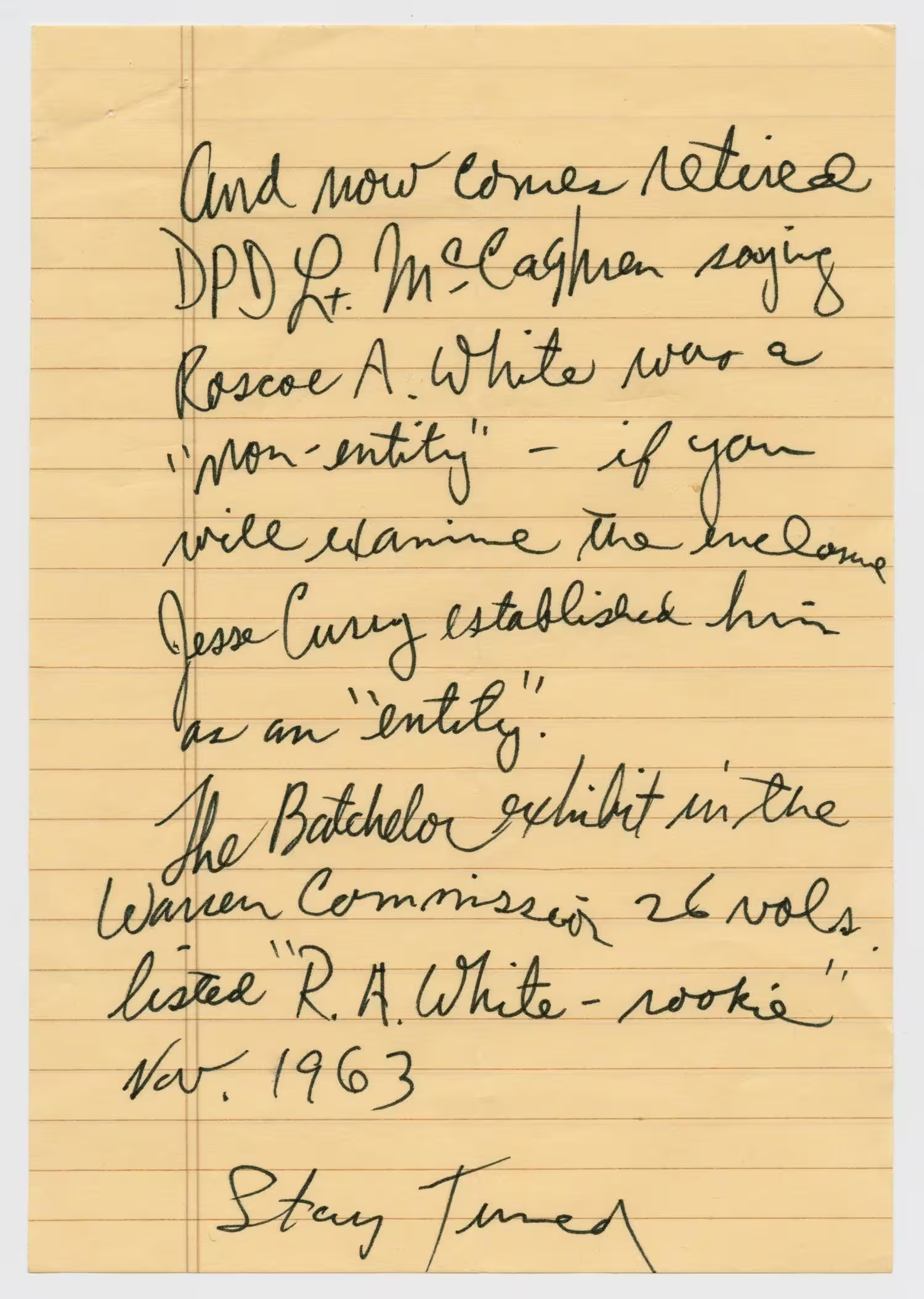
How to Read Handwritten Notes
Learn how to read handwritten notes and convert difficult handwriting into clear, editable text with an AI handwriting reader.

How to Convert Handwriting to Text on iPad
Convert handwriting to text on iPad with Apple Notes, Scribble, or OCR. Follow the steps for live Apple Pencil writing, saved notes, photos, and scans.
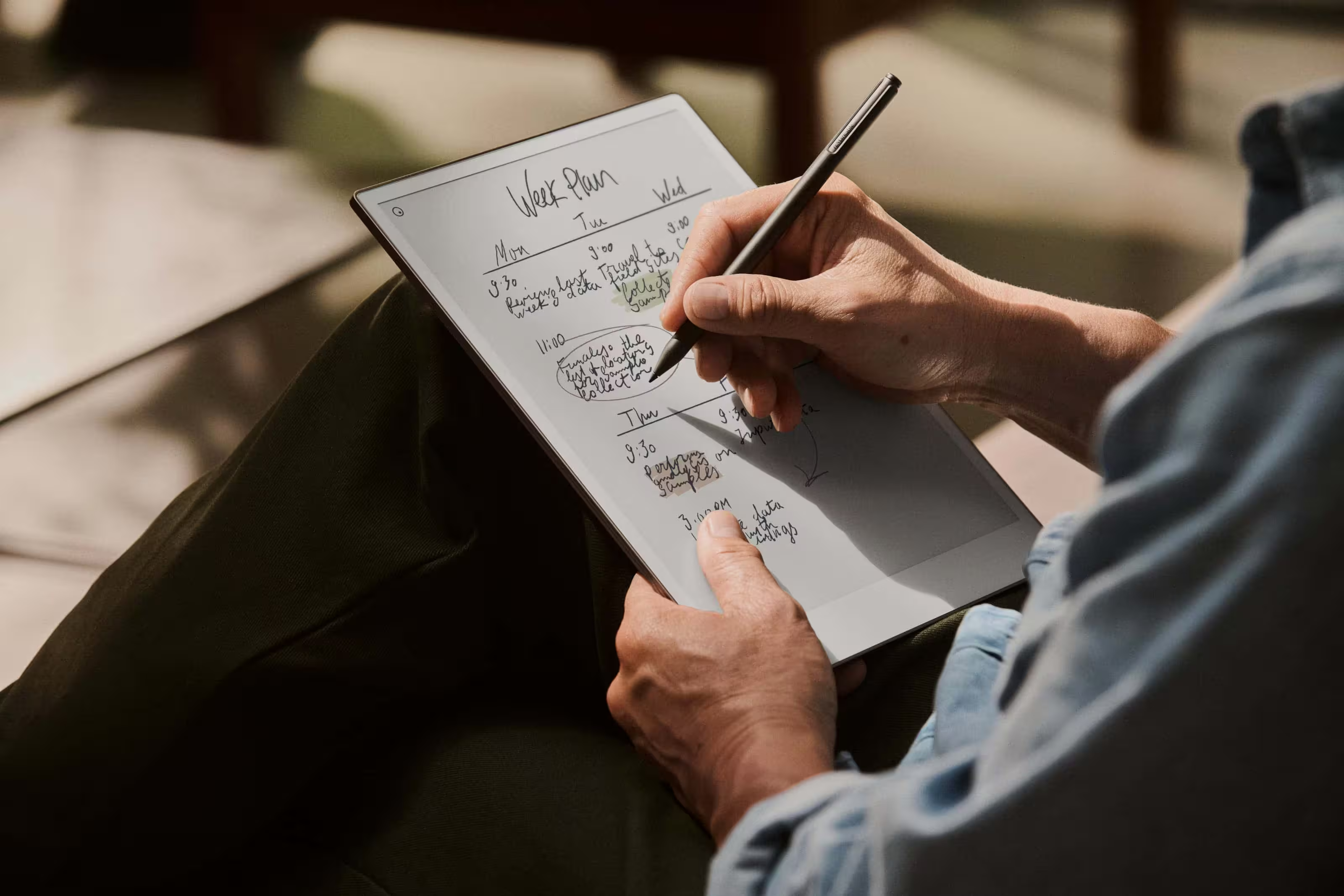
How to Convert Handwriting to Text on reMarkable
Learn how to convert reMarkable handwriting to text, send typed notes, handle multiple pages, and improve recognition accuracy for cursive writing.
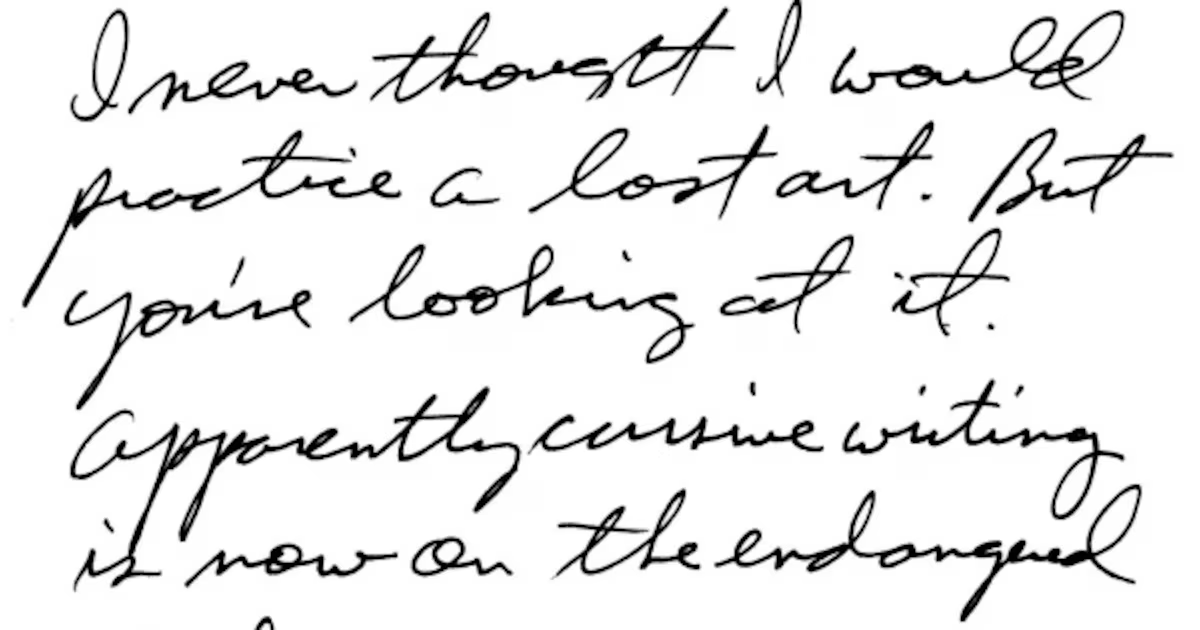
How to Extract Handwritten Text from an Image
Upload a photo or scan and extract handwritten text in seconds. Step-by-step guide plus tips to improve OCR accuracy for messy notes and cursive.
Frequently Asked Questions
Upload a clear photo, scan, or PDF of your handwritten notes. The converter reads the page and creates editable text that you can review, copy, or download.
Yes. It can process cursive, print handwriting, and pages that mix different writing styles. Clear images with good contrast usually produce the best transcript.
Yes. You can upload a handwritten PDF as well as common image formats. This is useful for notes saved with a phone scanning app or combined into a multi-page document.
Yes. The converter is suitable for lecture notes, study guides, research notes, revision pages, and other student notebooks. Review formulas and specialist terminology before using the result.
Yes. Upload meeting notes, agendas, action items, or project pages and convert them into text you can edit and share with your team.
The upload workflow supports PDF and common image formats including JPG, PNG, WebP, HEIC, and HEIF.
Keep the full page in focus, photograph it straight on, use even lighting, and avoid shadows over the writing. Review names, numbers, and technical terms after conversion.
Files are encrypted during processing and automatically deleted according to the service retention policy. Uploaded notes are not used to train the recognition models.
Handwritten Notes to Text
Turn your notebook into editable text
Upload a class note, meeting page, or handwritten PDF and create a transcript you can search, edit, and share.