
JPG to Excel Converter
Upload a JPG to Excel and turn photographed tables into editable rows and columns. Convert JPG to Excel without retyping—just review the result and download your spreadsheet.
How to Convert JPG to Excel
A JPG to Excel converter moves data from photographs into spreadsheets. Upload your file, review what was captured, and export to Excel. Convert JPG to Excel and work with the data instead of the picture.
Highlights
- Accepts .jpg and .jpeg for every JPG to Excel task.
- Built to handle real-world camera files and scans.
- Reconstructs table structure so the JPG to Excel output is more useful than plain text.
Need more than JPG?
Use the general image tool when the task includes PNG screenshots, WebP files, or mixed formats.
Start with a clear JPG
A straight photo with even lighting helps the tool read small digits and faint grid lines before you convert the JPG file to Excel.
Export your result
Once the conversion is done, export your JPG to Excel. Use the JPG to Excel spreadsheet for analysis, record keeping, or any workflow.
Made for images with tables
Bring Paper Data into a Digital Workflow
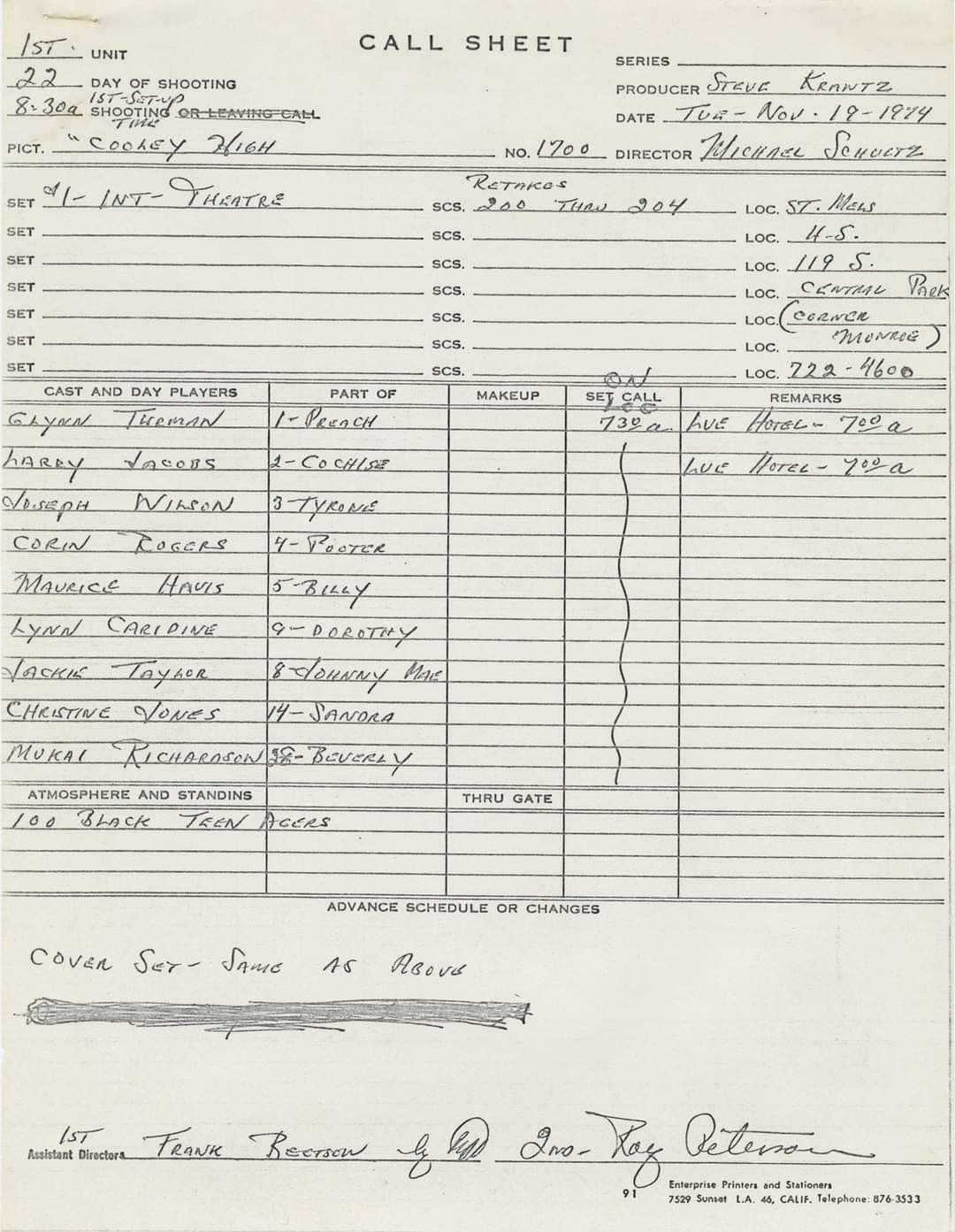
Use a Photo Taken Where the Work Happens
Photograph a clipboard, notebook, price sheet, or printed form with your phone and recover the table from the JPG without waiting for a scanner.
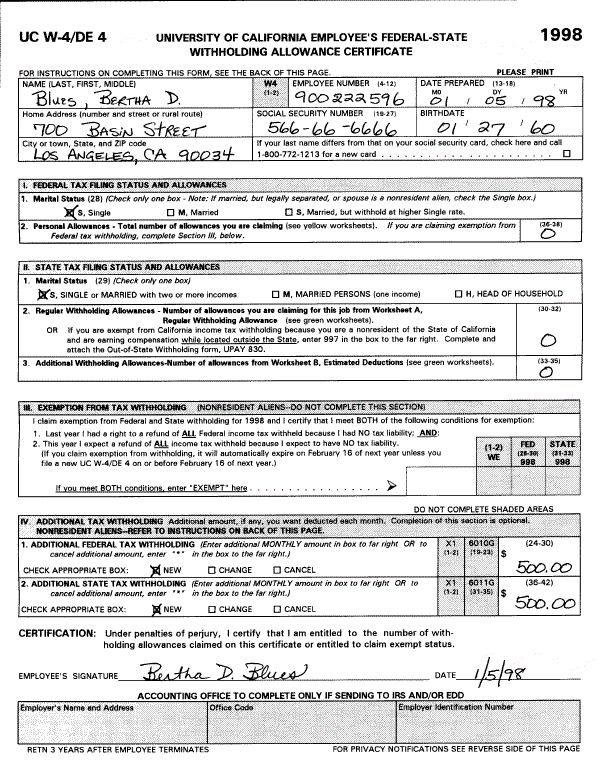
Handle More Than Perfect Office Scans
Moderate skew, shadows, faded lines, and JPEG compression do not always make a document unusable. A clear original still gives you the best starting point.
Leave the Photograph Behind
After checking the difficult cells, save the table as a workbook and use it like data rather than repeatedly referring back to the picture.
How it works
Convert JPG to Excel in 3 Steps
From upload to export—convert your file in seconds.
Upload JPG to Excel01
Upload your JPG
Choose a JPG or JPEG file to convert to Excel. Upload it to the tool to start and make sure the full table is in focus and the edges are visible.
02
Review the table
Compare small figures, handwritten entries, and shadowed areas with the original JPG photo to confirm accuracy.
03
Export to Excel
Save the checked table from your JPG as an Excel file. Download the JPG to Excel result to continue your workflow.
Use Cases
Common JPG to Excel Tasks
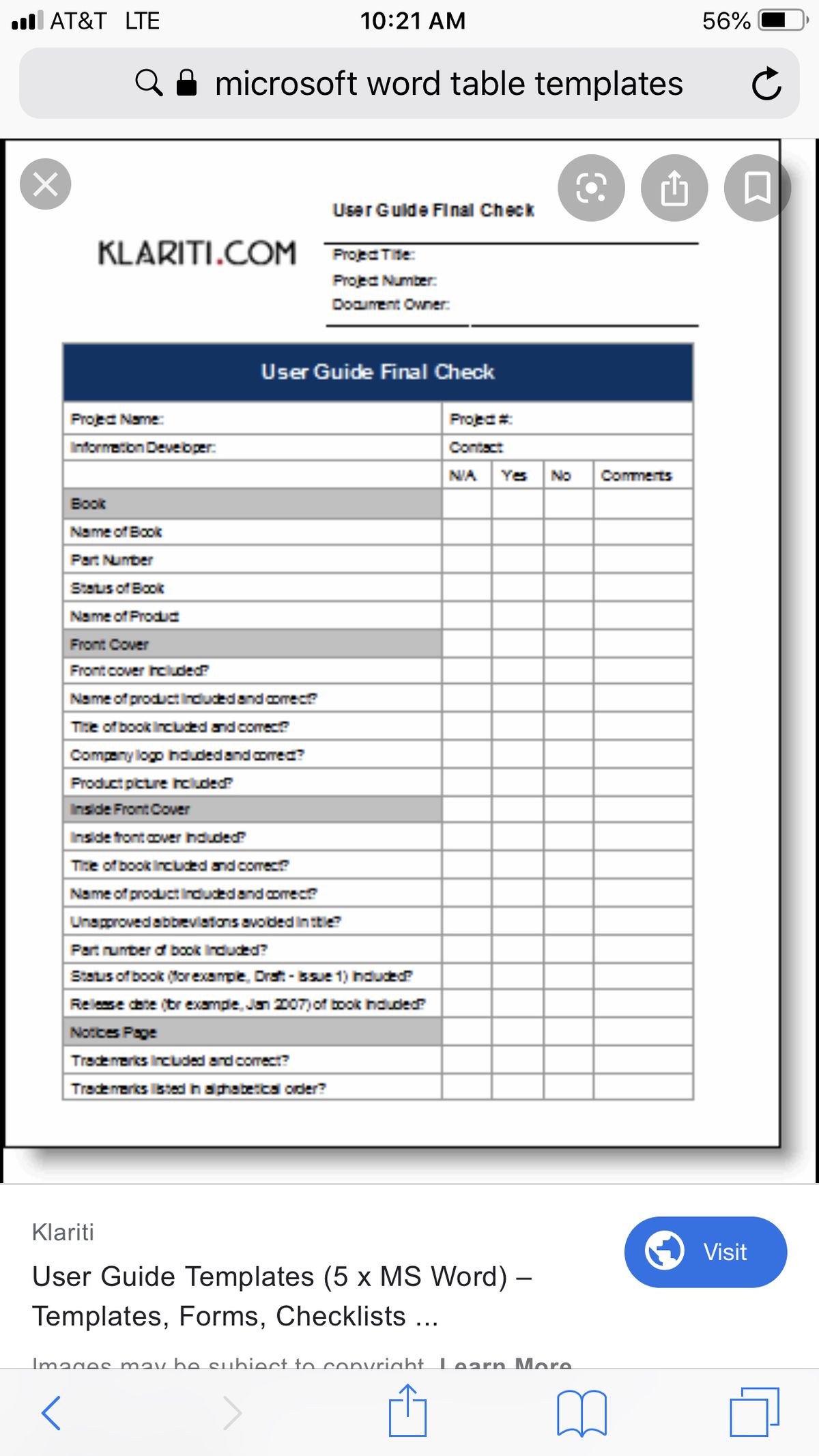
If the JPG shows recognizable rows and headings, you can convert it to Excel and use the result as a spreadsheet.

Operational Forms
Digitize inspection sheets, sign-up forms, field logs, and other pages completed away from a desk.
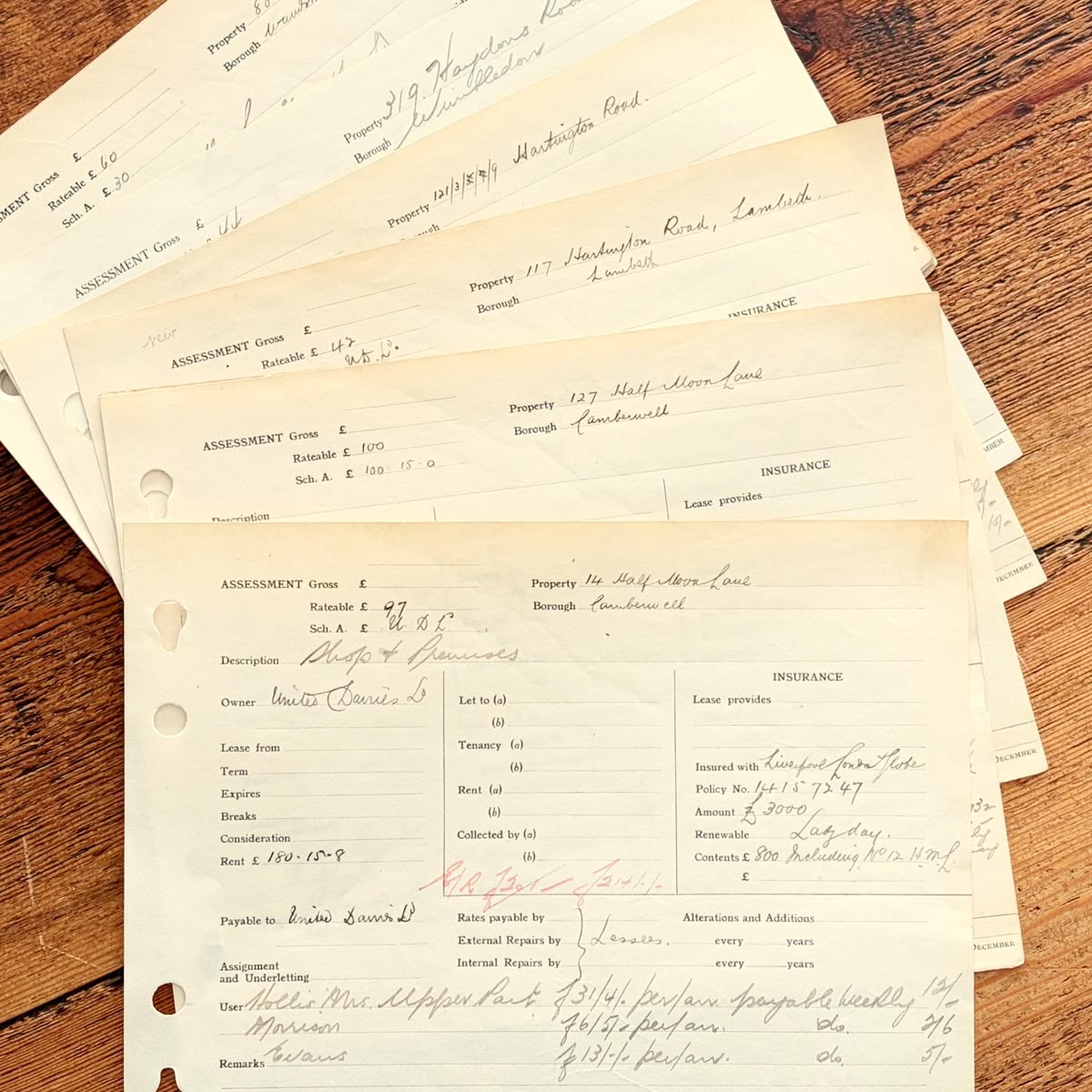
Ledgers and Lists
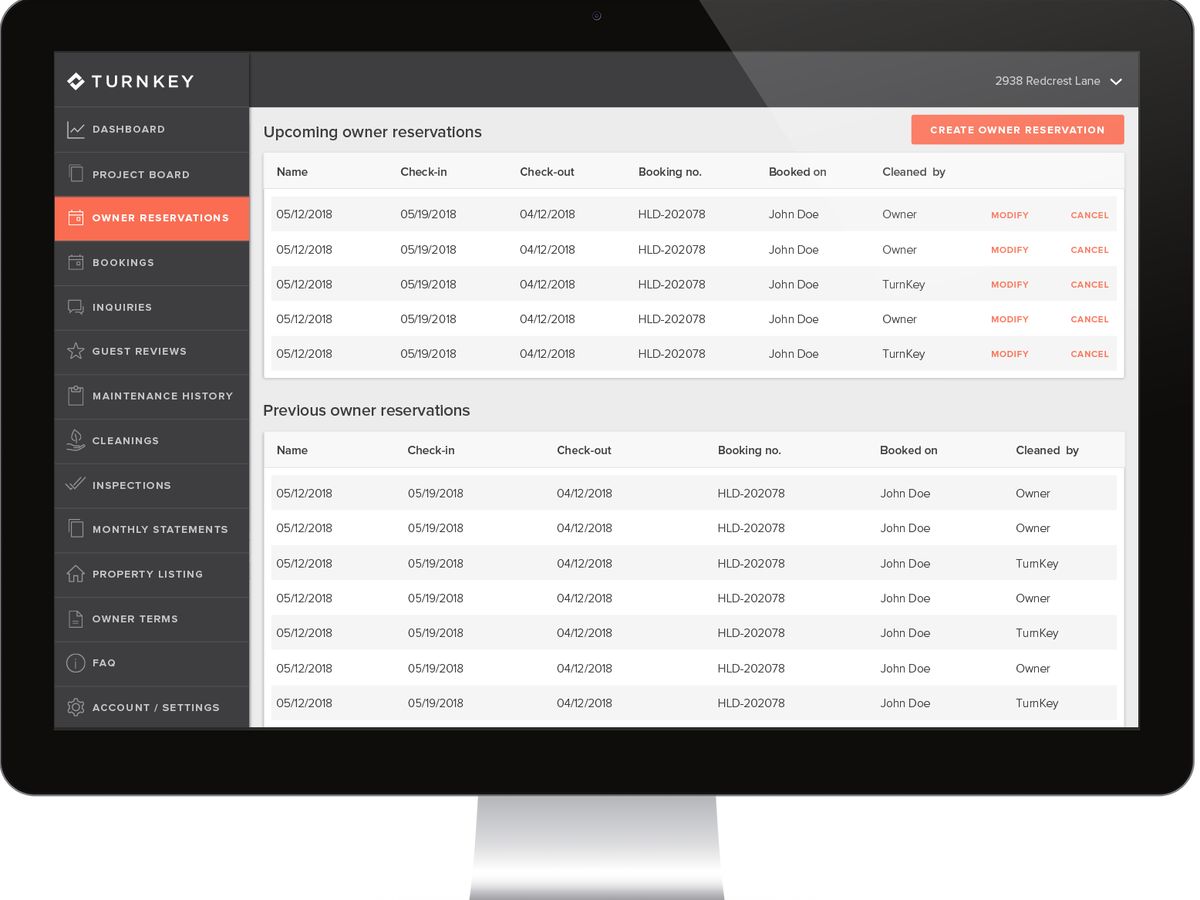
Recover dates, descriptions, quantities, and amounts from account books, registers, and item lists.
Shared Document Files
Work with JPG files received through email or messaging when the sender cannot provide the original spreadsheet.
Choose by source
A Better Fit for Every Kind of Image
Switch to the general workflow for mixed files, or use PNG when the table is a crisp digital screenshot.


Blog
From the Blog
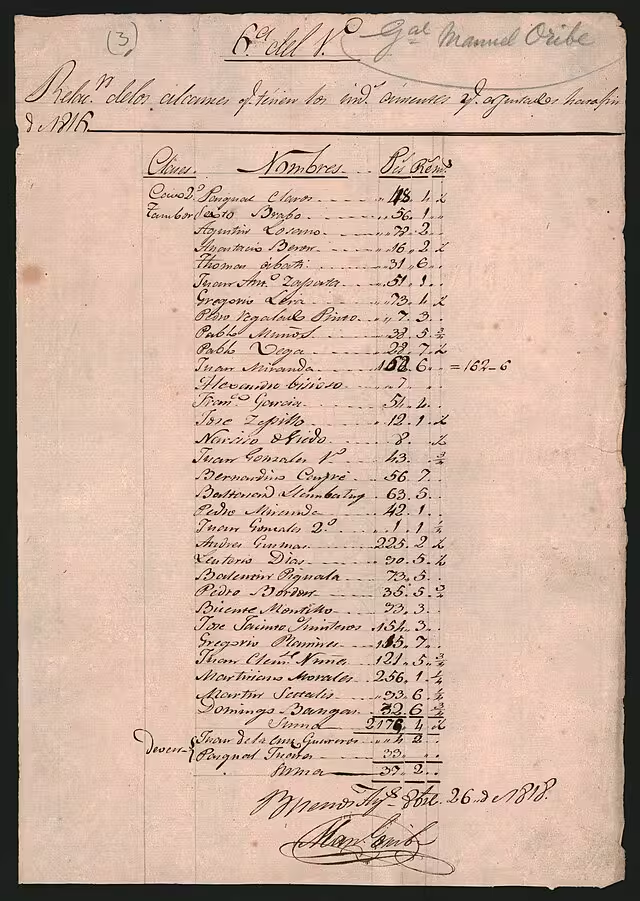
How to Convert Handwritten Tables to Excel
Learn how to convert handwritten tables, notes, forms, and records into editable Excel or CSV spreadsheets with AI table extraction.
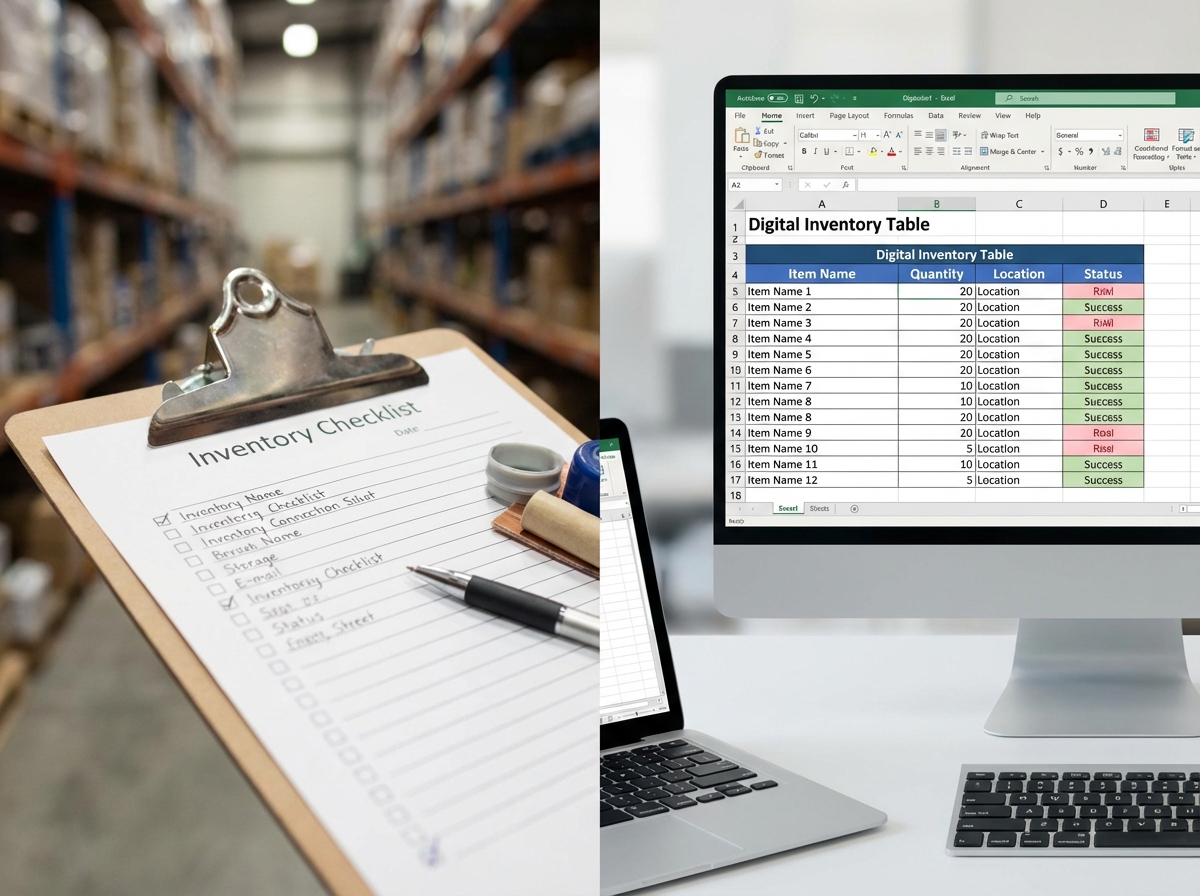
How to Digitize Handwritten Inventory Sheets
Learn how to digitize handwritten inventory sheets, stock counts, item lists, and warehouse notes into editable Excel or CSV spreadsheets.

How to Extract Handwritten Text from an Image
Upload a photo or scan and extract handwritten text in seconds. Step-by-step guide plus tips to improve OCR accuracy for messy notes and cursive.
Frequently asked questions
No. They are two file extensions for the same image format, and both work in a JPG to Excel workflow.
Place it flat, hold the camera parallel to the surface, fill the frame without cutting off the edges, and avoid casting a shadow across the table.
Often, yes. Heavy compression is most troublesome around small digits and faint lines, so use the original photo rather than a repeatedly forwarded copy whenever possible.
Review decimal points, dates, handwritten characters, and values near folds, glare, or shadows. These are the places where the photo itself leaves the most room for doubt.
PNG usually keeps fine text and grid lines sharper. If you can choose the scan format, PNG is a good option; if the document already exists as JPG, there is no need to convert it first.
From paper to progress
Convert One JPG to Excel and Save Hours
Upload your JPG file, review the uncertain details, and export to a spreadsheet instead of retyping.