
Transcribe Vital Records with AI
Upload birth records, marriage certificates, death registrations, or civil registry pages and turn handwritten names, dates, places, and family details into editable text.
Why these records are difficult
Key Family Details Tucked in Messy Fields
Vital records mix printed with scribbled names margin names and faded signatures easy to miss critical clues
Cramped Pre-Printed Boxes
Handwritten details squeezed into tiny spaces easy to misread
Mixed Scripts Corrections
Cross-outs different clerk hands and varied cursive muddle entries
Faded Stained Paper
Aging certificates bleed and hide notes under discloration
What You Can Unlock
Vital Record Details to Build Your Family Tree
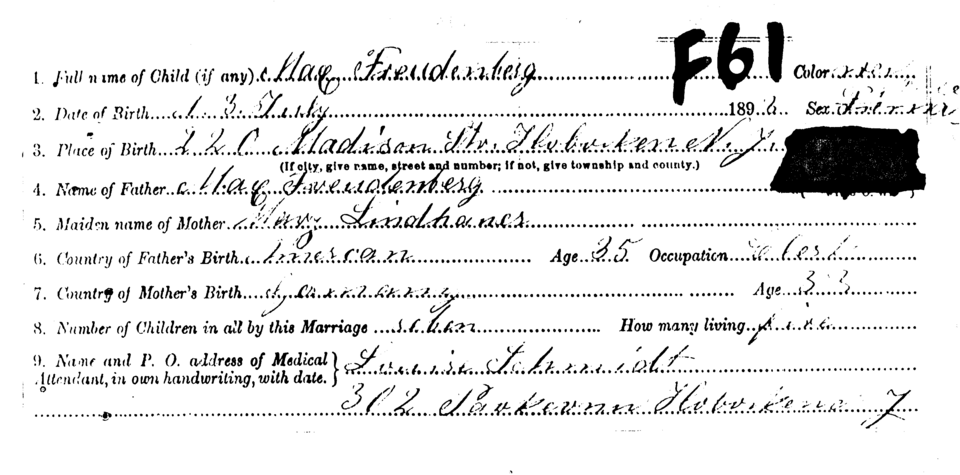
Birth Certificates
Convert handwritten birth entries into editable text so child names, parent names, registration dates, witnesses, and locations are easier to review.
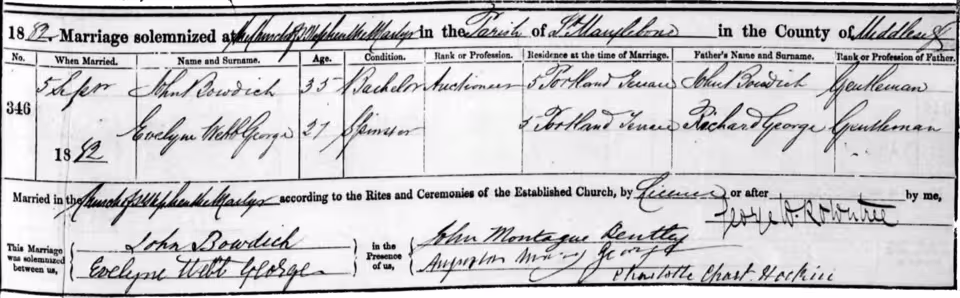
Review spouses and witnesses
Work with marriage certificates and registry pages so names, residences, occupations, witnesses, and handwritten notes can be saved with your source citations.
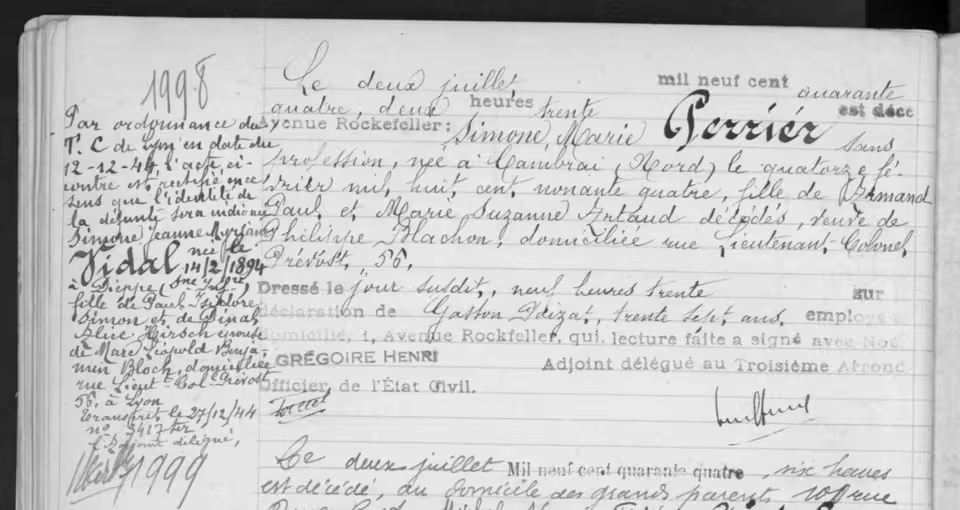
Read death registrations and notes
Extract names, dates, ages, places, informants, causes of death, and handwritten remarks from death certificates or registry pages.
How it works
Transcribe Vital Records in 3 Simple Steps
Upload your certificate photo or PDF and let AI decode the script then grab the text for your research
Try it now01
Upload Your Record
Add a birth marriage or death certificate as a photo scan or PDF
02
Let AI Decipher the Script
Our AI untangles messy cursive corrections and faded ink
03
Review, copy, and save
Cross-check details against the original then copy or download
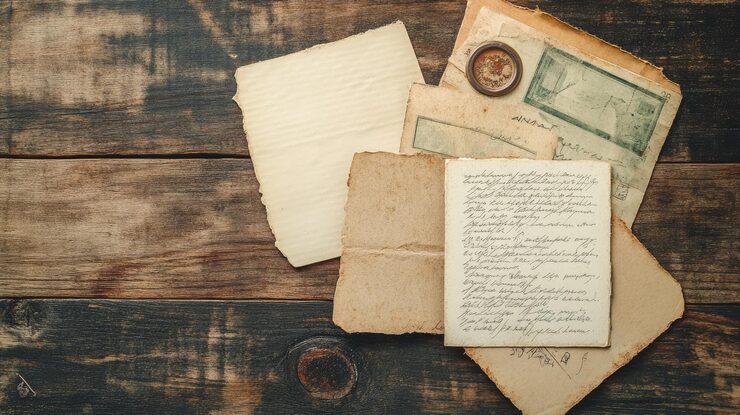
Follow family clues into other records
Birth, marriage, and death records often point to parents, spouses, witnesses, residences, churches, military service, probate files, and census entries. Those clues can lead to the next source in your family history research.
See all genealogy record typesBlog
From the Blog
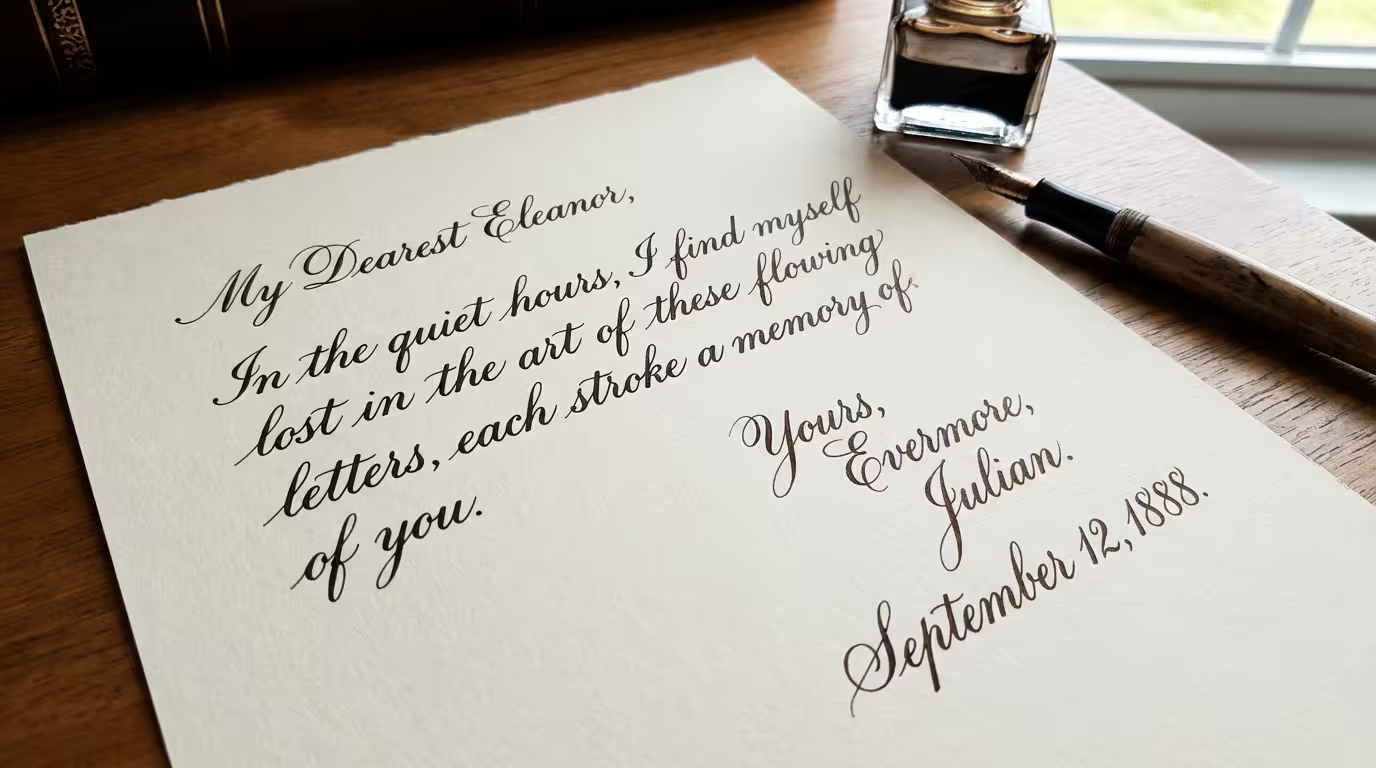
Translate Cursive to Print
Can't read cursive handwriting? Convert cursive letters, old documents, and connected handwriting into clean, readable typed text in seconds.
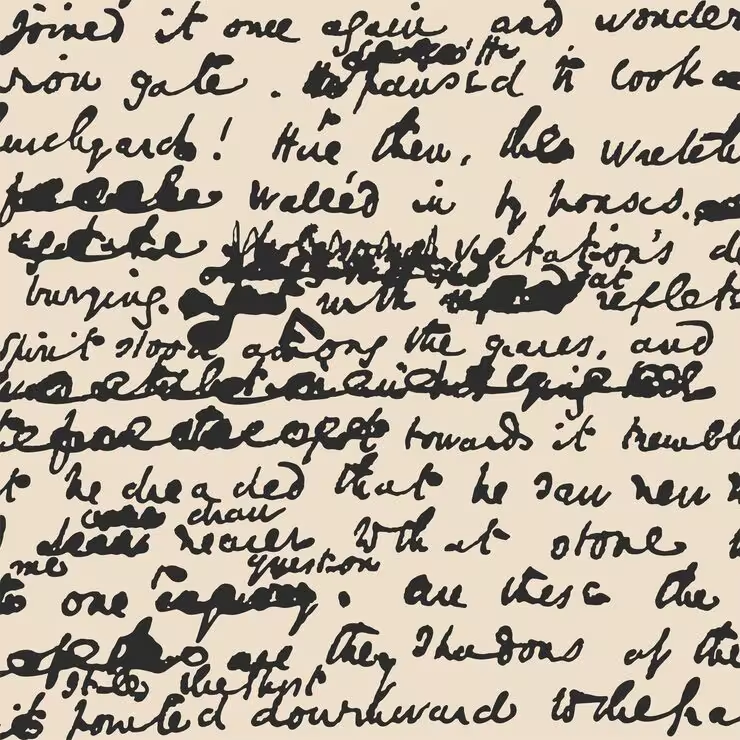
How to Read Bad Handwriting
Bad handwriting can be a frustrating barrier to information. Learn how to convert bad handwriting to editable text with AI.
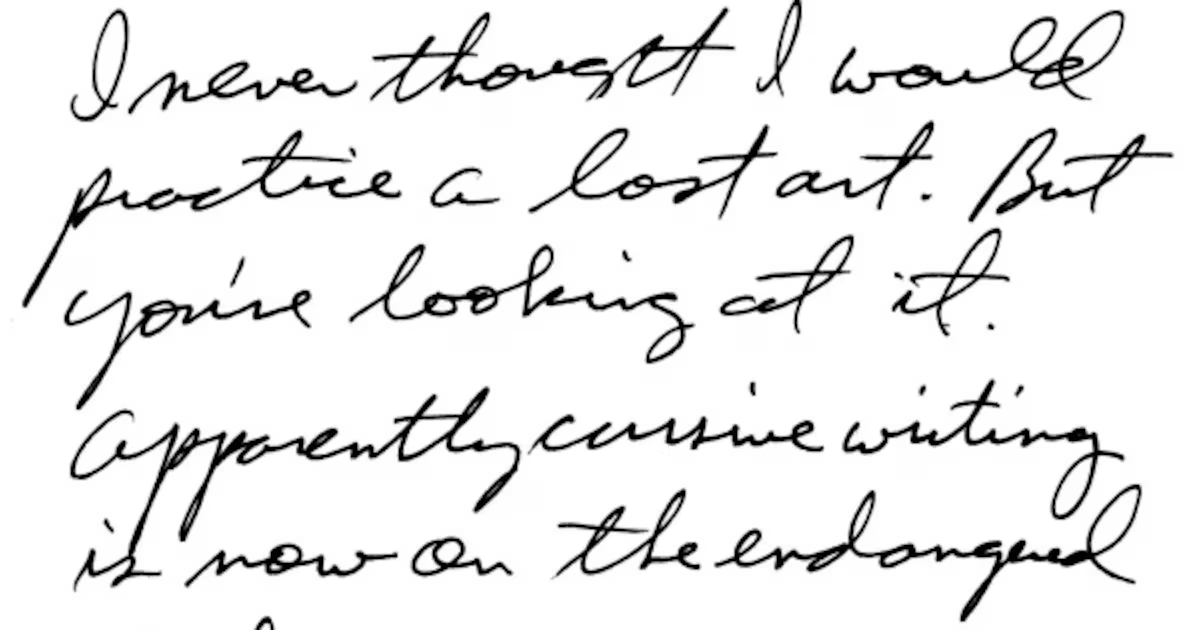
How to Extract Handwritten Text from an Image
Upload a photo or scan and extract handwritten text in seconds. Step-by-step guide plus tips to improve OCR accuracy for messy notes and cursive.
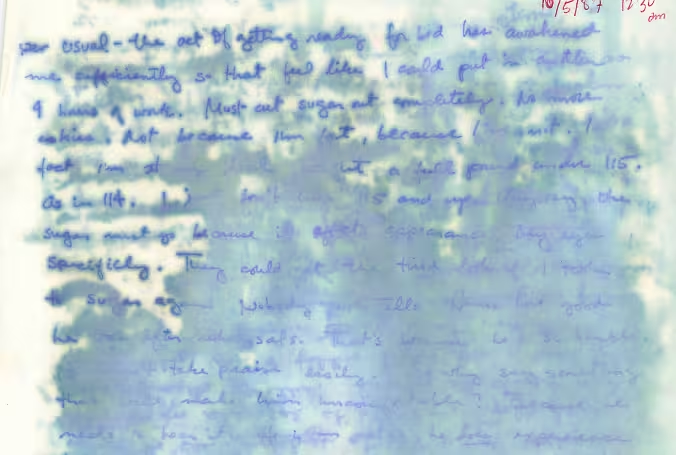
Handwriting OCR on Water-Damaged Documents: A Comparative Study
We compare handwriting OCR results on a real water-damaged handwritten journal excerpt to show how different systems handle faint, blurred, or partially missing text.
Frequently asked questions
Absolutely—snap a photo or upload existing scans or PDFs. No special equipment needed.
Yes, it's built for exactly these core vital record types and civil registry pages.
Our AI is trained to handle cross-outs, varied cursive, and faded ink common in vintage records.
You can batch process certificates to save hours of manual work.
You can copy the text directly or download it as TXT, CSV, or Excel for your family tree.
It can transcribe Latin script common in historic records, though it doesn't provide translation.
Our transcription accuracy reaches 98% for clear, legible records, so you can trust the details.
Vital Records
Convert Vital Records into Editable Text
Upload a certificate scan or photo and decode messy handwriting to build out your family story